
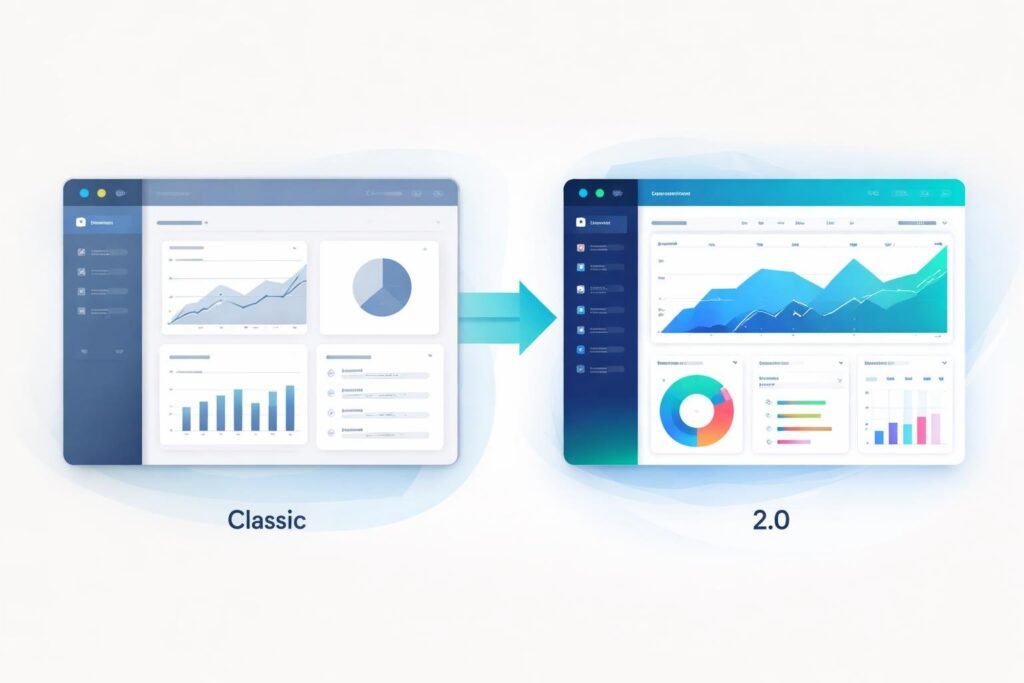
ClickFunnels has two versions available right now, and picking between them can feel confusing. Classic is the original platform that many businesses still use, while 2.0 is the newer version with updated features and tools.
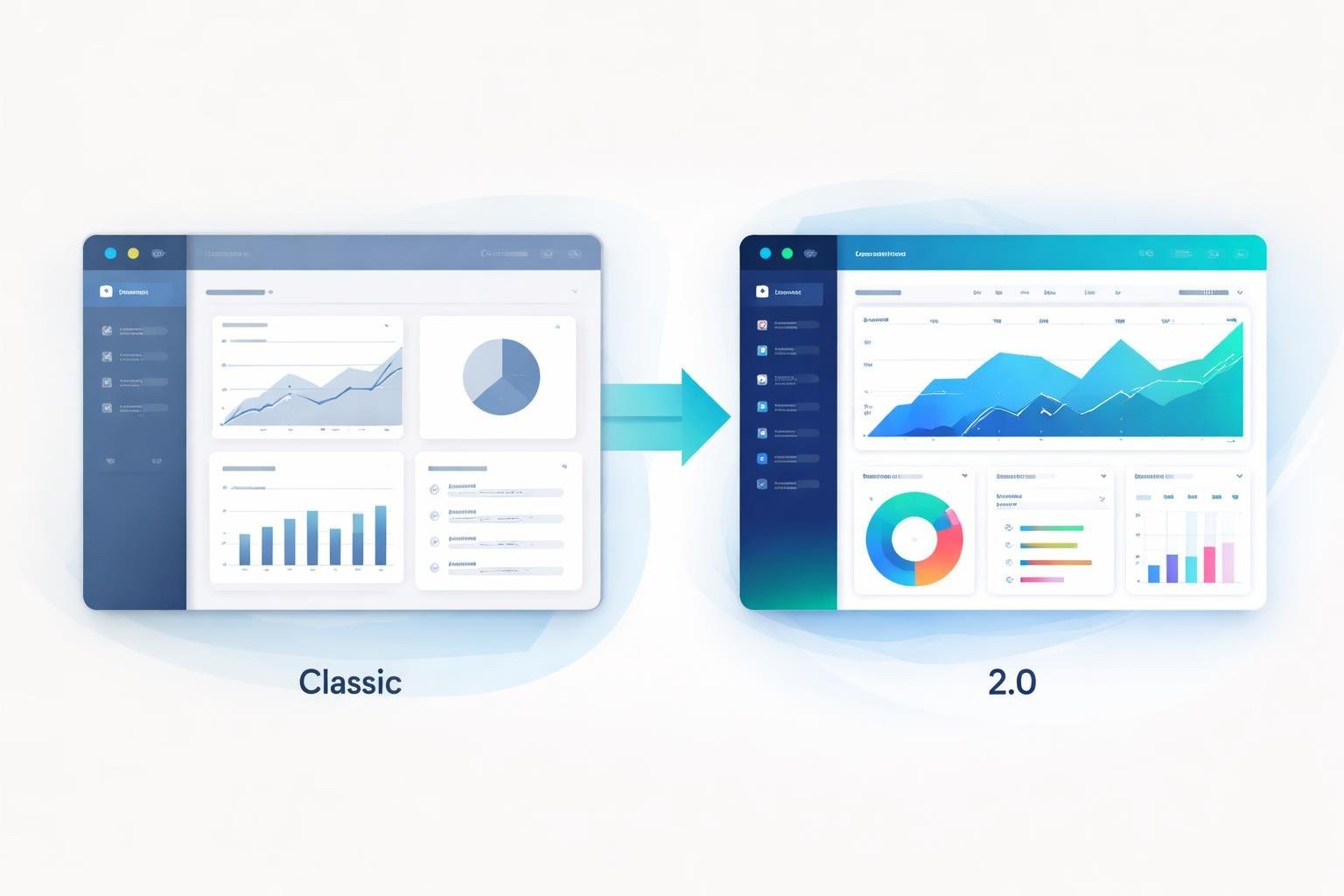
The main difference between ClickFunnels Classic and 2.0 is that Classic offers a simpler, more basic funnel builder while 2.0 provides a modern drag-and-drop editor, better design options, and more built-in tools for running your entire business. But that doesn’t mean 2.0 is automatically the right choice for everyone.
We’re going to walk you through everything you need to know about both versions. You’ll learn about how they compare in terms of ease of use, funnel building, pricing, membership features, and more. By the end, you’ll have a clear picture of which platform makes the most sense for your business needs.
Quick Comparison: ClickFunnels Classic vs 2.0
ClickFunnels Classic was the original sales funnel builder that many businesses relied on for years, while ClickFunnels 2.0 represents a complete rebuild with modern features and improved performance. The two platforms share the same core goal of helping you build sales funnels, but they differ significantly in their interface, capabilities, and who they work best for.
At a Glance: Key Differences
The biggest change we noticed is the interface. ClickFunnels 2.0 uses a drag-and-drop editor that feels more modern and easier to use than Classic’s older design tools.
Classic runs on older technology and can feel slower when you’re building pages. ClickFunnels 2.0 was built from scratch with faster loading times and better performance.
The new version includes built-in email marketing, websites, and courses all in one platform. Classic kept things simpler with just the core funnel builder and required third-party tools for many features.
ClickFunnels 2.0 also handles unlimited funnels, pages, and domains on all plans. Classic had strict limits based on which pricing tier you chose.
Summary Table of Features
| Feature | ClickFunnels Classic | ClickFunnels 2.0 |
|---|---|---|
| Editor | Basic drag-and-drop | Modern, faster editor |
| Funnels & Pages | Limited by plan | Unlimited on all plans |
| Email Marketing | Third-party only | Built-in |
| Membership Sites | Basic setup | Advanced course features |
| Website Builder | Limited | Full website capability |
| Speed | Slower loading | Faster performance |
| Domains | Limited by plan | Unlimited |
| Learning Curve | Moderate | Easier for beginners |
Who Each Version Is Best For
ClickFunnels Classic works well if you already have a simple sales funnel system and don’t want to change. It’s also good for people who use other email marketing tools they like and just need the basic funnel builder.
ClickFunnels 2.0 fits businesses that want everything in one place. If you’re building membership sites, courses, or need email marketing built in, the new platform saves you from juggling multiple tools.
We recommend 2.0 for new users starting fresh. The modern interface and unlimited features make it easier to grow without hitting limits. Classic makes more sense only if you have existing funnels you don’t want to rebuild or if you prefer keeping your current workflow.
User Interface and Experience
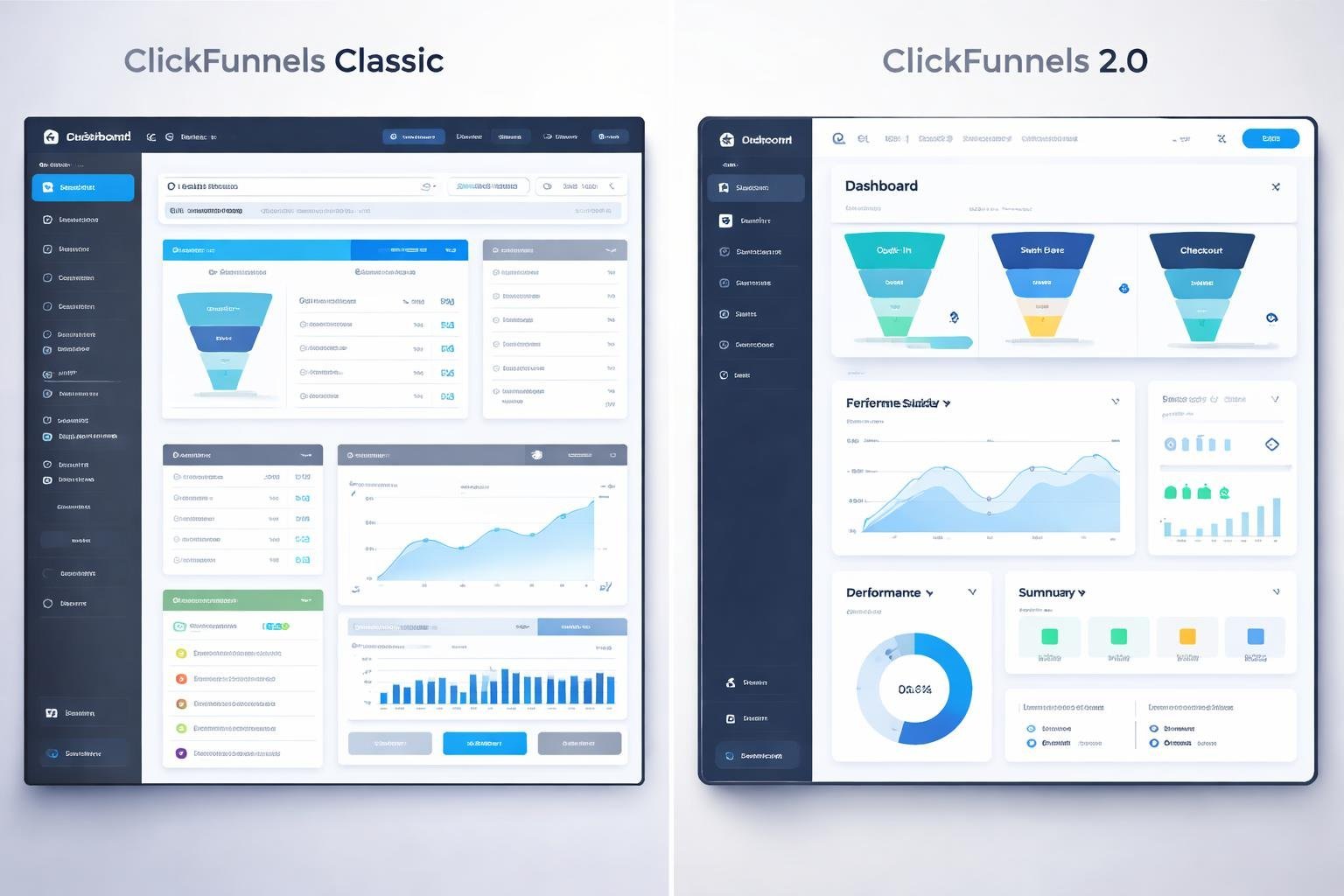
ClickFunnels 2.0 brings a more modern and polished interface compared to Classic, with smoother navigation and better visual design. The page builder tools have been updated with improved drag-and-drop functionality, though this comes with a steeper learning curve for those used to the simpler Classic version.
Page Editor and Builder Tools
ClickFunnels Classic uses a straightforward drag-and-drop editor that gets the job done without much fuss. We can add elements, move them around, and customize basic settings through a simple interface. The page builder focuses on essential functions, making it easy to create pages quickly.
ClickFunnels 2.0 offers a completely rebuilt editor with more advanced customization options. The drag-and-drop functionality feels smoother and more responsive. We get more control over spacing, alignment, and design elements. Both versions let us customize colors, fonts, images, and layouts to match our brand. However, the 2.0 editor provides more precise control over these elements, which means more options to work with but also more buttons and menus to learn.
The Classic dashboard keeps things simple with a basic layout. We can access our funnels, pages, and settings without much hunting around. Everything sits in clear categories that make sense right away.
ClickFunnels 2.0 features a redesigned dashboard with a more modern look. The navigation is smoother, and the visual design looks more polished. We get access to more tools and features from the main dashboard. While this looks better, it also means more items to sort through when we’re looking for specific functions.
Learning Curve Differences
ClickFunnels Classic works well for beginners who want to build their first funnel without complications. The simpler interface means less time spent figuring out where things are. We can start with funnel templates and get a basic funnel running quickly.
ClickFunnels 2.0 requires more time to learn because of its added features and complexity. New users might feel overwhelmed by all the options available. The platform offers more power and flexibility, but this comes at the cost of a longer learning period. Users with limited experience will need to invest more time understanding how everything works before they can use the platform effectively.
Funnel Building Capabilities
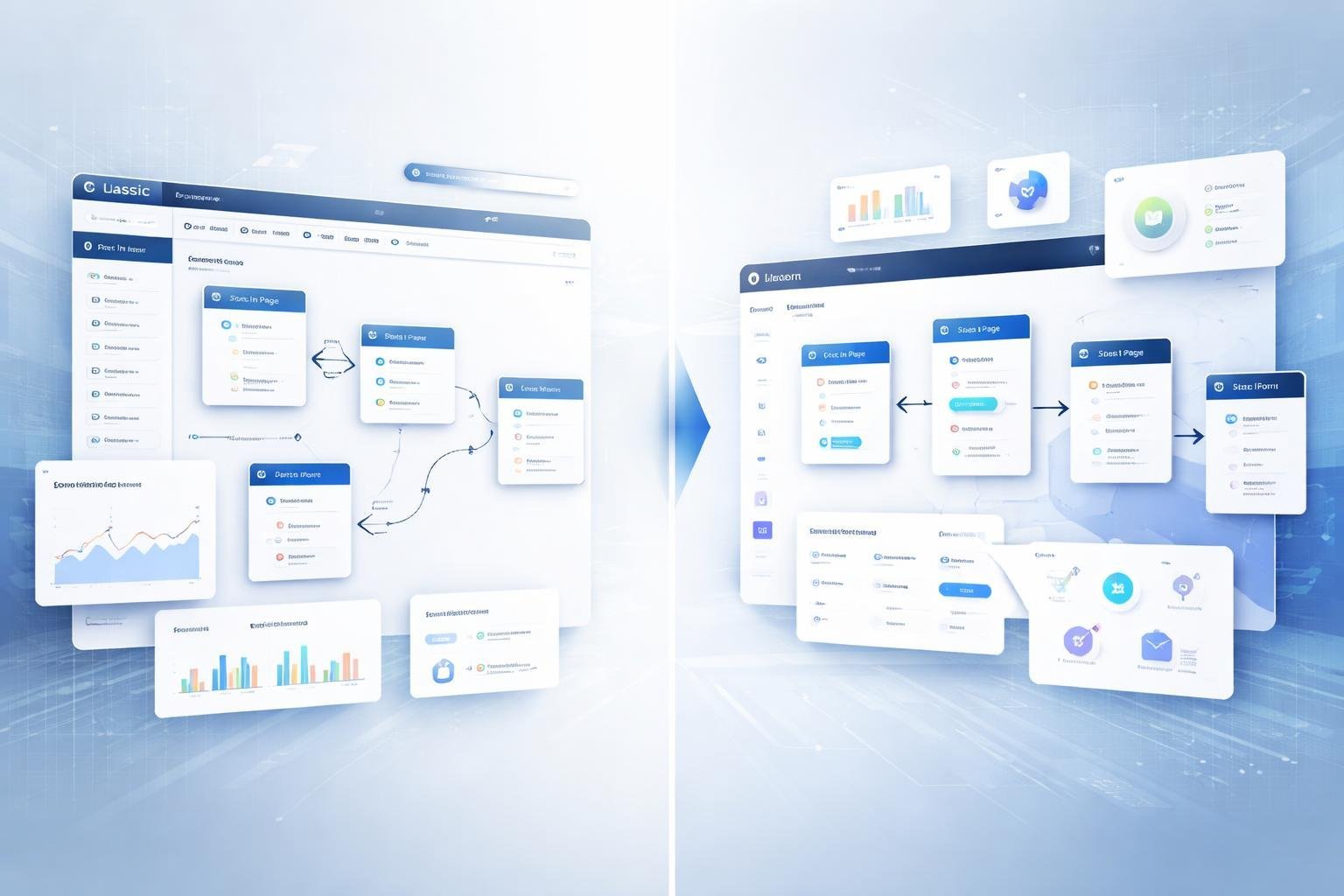
Both versions offer funnel building tools, but ClickFunnels 2.0 brings major updates to the design process and template system that make creating sales funnels easier than before.
Funnel Types and Design Options
ClickFunnels Classic gives us access to basic funnel types like sales funnels, webinar funnels, and lead generation funnels. The funnel builder works but feels outdated compared to newer tools. We get standard options for building landing pages and checkout sequences.
ClickFunnels 2.0 expanded the funnel types we can create. The visual funnel builder shows our entire funnel flow on one screen. We can drag and drop pages to rearrange our funnel steps without confusion.
The new version includes a better page editor that makes designing landing pages simpler. We can see our changes in real time as we build. This helps us create funnels that look more modern and improve conversion rates.
Customization Options and Flexibility
Classic offers basic customization through its editor. We can change colors, fonts, and layouts, but the options feel limited. The drag-and-drop feature exists but doesn’t work as smoothly as we’d like.
ClickFunnels 2.0 gives us more control over every element on our pages. The new funnel design system lets us adjust spacing, padding, and positioning with precision. We can create custom sections and save them for reuse across different funnels.
The updated builder supports advanced customization without needing code. We can build unique landing pages that match our brand exactly. This flexibility helps us test different designs to find what works best for our conversion rates.
Templates Offered in Each Version
Both platforms include pre-made templates for different funnel types. Classic templates look dated and remind many users of older websites from the early 2000s. We get functional options but not many modern designs.
ClickFunnels 2.0 provides updated templates that look current and professional. The template library includes designs for various industries and funnel purposes. We can pick a template and customize it to fit our needs quickly.
The new templates work better on mobile devices right out of the box. This matters because many visitors view our landing pages on phones. We spend less time adjusting templates and more time on other parts of our business.
Membership and Course Features
ClickFunnels Classic and 2.0 handle membership sites and online courses differently, with 2.0 bringing major upgrades to how we build and manage these features.
Membership Area Functionality
ClickFunnels Classic uses a single-page design for its membership area. All course content sits on one long page that members scroll through. This approach works fine for simple membership sites but can feel limiting as our content library grows.
ClickFunnels 2.0 takes a different path with individual pages for each piece of content. We can organize courses into modules and lessons that members access separately. The new system includes better navigation and a cleaner layout that makes finding content easier.
The 2.0 version also adds more control over content protection and drip scheduling. We can set up subscriptions that release lessons over time or lock content based on membership level. Classic has basic drip features, but 2.0 gives us more options to customize the member experience.
Online Course Delivery
Both versions let us deliver online courses to students, but 2.0 includes a dedicated course builder. This tool makes creating structured courses simpler without needing workarounds. We can upload videos, PDFs, and other materials directly into organized modules.
Classic requires more manual setup for course delivery. We build everything through the standard funnel editor, which works but takes more time. The viewing experience for students is also less polished compared to what 2.0 offers.
With 2.0, we get better analytics on course progress. We can see which lessons students complete and where they drop off. This data helps us improve our courses and support our members better.
Customer Center in 2.0
ClickFunnels 2.0 introduces a Customer Center that Classic doesn’t have. This is a dashboard where our members manage their account, view purchases, and access their courses and membership content in one place.
The Customer Center gives members a professional hub for everything they bought from us. They can update payment methods, cancel subscriptions, and track their progress without contacting support. This feature alone improves the member experience and reduces our admin work.
Marketing, Automation, and Analytics
ClickFunnels 2.0 brings major improvements to email marketing, CRM features, and analytics tools compared to Classic. The newer version includes advanced automation options and better reporting that gives us clearer insights into our funnel performance.
Email Marketing and Automation Tools
ClickFunnels Classic relied on Actionetics for email marketing and automated sequences. This built-in tool let us send emails and create basic automated workflows. However, Actionetics had some limitations when it came to advanced automation features.
ClickFunnels 2.0 improved the email marketing system significantly. We can now build more complex automated sequences that respond to customer actions in real-time. The platform supports advanced automation workflows that trigger based on specific behaviors, purchases, or engagement levels.
The new version makes it easier to set up drip campaigns and nurture sequences. We can create personalized email paths that adapt based on how our leads interact with our content. This helps us send the right message at the right time without manual work.
CRM and Lead Generation Features
Classic had basic CRM capabilities through Actionetics. We could track leads and segment our audience, but the tools were fairly simple. Lead scoring wasn’t as robust as what many businesses needed.
ClickFunnels 2.0 upgraded the CRM system with better lead management tools. We can now track customer interactions across multiple touchpoints in our funnels. The lead scoring system helps us identify which prospects are most likely to buy based on their behavior and engagement.
Lead generation features also got stronger in the new version. We have more options for capturing and organizing contact information. The CRM integrates better with our funnels to automatically update lead status as people move through our sales process.
Analytics and Reporting Capabilities
ClickFunnels Classic provided basic analytics showing conversion rates and page views. We could see how our funnels performed, but the data was limited. A/B testing was available but the reporting wasn’t very detailed.
The analytics and reporting in ClickFunnels 2.0 are much more advanced. We get access to real-time analytics that show exactly what’s happening in our funnels as it happens. The dashboard displays conversion rates, sales numbers, and customer counts in one easy-to-read view.
Advanced analytics features help us understand our marketing strategies better. We can track multiple metrics at once and create custom reports. The A/B testing tools now provide clearer data so we can make smarter decisions about which funnel versions work best.
E-Commerce and Payment Integrations
Both platforms handle online selling differently, with ClickFunnels 2.0 offering more modern store features and ClickFunnels Classic providing a simpler approach to product sales and payment processing.
Product Sales and Shopping Cart
ClickFunnels Classic lets us sell products through individual funnel pages. We add products to each funnel step and connect them to a basic shopping cart. The system works fine for simple offers, but we’re limited in how we organize multiple products.
ClickFunnels 2.0 introduced global products. This means we create a product once and use it across any funnel or page. The shopping cart is more advanced too. We can let customers browse multiple items, adjust quantities, and see their cart before checkout.
The 2.0 version gives us better control over product variations like sizes and colors. We can also manage inventory tracking directly in the platform. Classic requires more manual work or third-party tools for these features.
Checkout Experience and Order Bump
The checkout page in Classic is straightforward but limited. We customize fields and add an order bump to increase sales. An order bump is a small offer customers can add with one click during checkout.
ClickFunnels 2.0 improved the checkout experience significantly. We get more control over the layout and design. The order bump feature works the same way but looks cleaner and integrates better with the overall page design.
Both versions let us create one-click upsells after the initial purchase. The main difference is that 2.0 gives us more flexibility in how we present these offers to customers.
Payment Gateways and Third-Party Integrations
ClickFunnels Classic supports major payment processors like Stripe, PayPal, and Authorize.net. We connect these through the settings area. The platform handles basic payment processing without issues.
ClickFunnels 2.0 works with the same payment gateways but offers better API connections. This means fewer technical problems and faster payment processing. We can also set up more complex payment rules and subscriptions.
Third-party integrations expanded in 2.0. We connect to more tools without needing extra plugins. The API access is cleaner, making it easier for developers to build custom integrations. Classic still works but has fewer native integrations available.
Affiliate Management and Community
ClickFunnels 2.0 brings major upgrades to how we manage affiliate programs and access support resources. The platform now includes built-in tools that weren’t available in Classic.
Backpack and Affiliate Program Tools
ClickFunnels 2.0 includes Backpack, a complete affiliate management system built right into the platform. We can create and manage entire affiliate programs without needing third-party software. The system lets us set commission rates, track affiliate performance, and manage payouts all in one place.
Classic doesn’t have this feature at all. If we want to run an affiliate program with Classic, we need to use external tools and integrate them ourselves. This means extra costs and more technical setup work.
With Backpack in 2.0, we can customize commission structures for different products or affiliate tiers. We can also give our affiliates their own dashboard where they track their clicks, conversions, and earnings in real time.
Community Resources and Support
Both versions offer customer support, but they work differently. Classic has an established knowledge base with years of documentation and community-created content. We can find answers to most common questions through their help center.
ClickFunnels 2.0 provides support through the same channels but with updated resources for the new platform. Since the two platforms run as separate accounts, we need to make sure we’re looking at the right help documentation for our version.
The 2.0 platform is newer, which means the community resources are still growing. However, ClickFunnels maintains active support teams for both versions to help us troubleshoot issues and learn the platform features.
Technical Features, Security, and Hosting
The technical foundation of ClickFunnels Classic and 2.0 differs in significant ways that affect how your funnels perform and stay protected. We’ll break down the hosting infrastructure, security improvements, and SEO tools available in each version.
Hosting Capabilities
ClickFunnels Classic runs on established hosting infrastructure that handles most small to medium-sized businesses without issues. The platform manages all hosting for you, so you don’t need to worry about servers or uptime.
ClickFunnels 2.0 brings faster load times and improved hosting performance. The new version uses updated technology that makes pages load quicker, which helps keep visitors on your site. We’ve seen pages in 2.0 load noticeably faster than their Classic counterparts.
Both versions include unlimited hosting for your funnels and pages. You can create as many funnels as your plan allows without paying extra for hosting space. The hosting is cloud-based, which means your funnels stay online even during traffic spikes.
Key hosting differences:
- Classic uses older server technology
- 2.0 offers faster page load speeds
- Both include automatic backups
- Neither requires technical setup
Security Enhancements
ClickFunnels Classic provides basic SSL certificates for all your pages. This means your funnels have the padlock icon in the browser, which tells visitors their data is encrypted. The platform also includes standard security measures to protect against common threats.
ClickFunnels 2.0 adds stronger security features throughout the platform. The new version includes better protection for customer data and improved payment processing security. We appreciate that 2.0 has more frequent security updates compared to Classic.
Both versions are PCI compliant for handling payments. Your customer payment information stays protected when they buy through your funnels. ClickFunnels manages the security patches and updates automatically, so you don’t need technical knowledge to keep things secure.
The main security upgrade in 2.0 is the enhanced data protection for membership areas and course content. If you’re selling courses or running a membership site, 2.0 provides better content protection against unauthorized access.
SEO Considerations
ClickFunnels Classic has basic SEO tools built in. You can edit meta titles, descriptions, and add alt text to images. The platform lets you customize URLs, but it has limitations with site structure and indexing.
ClickFunnels 2.0 includes a built-in blog feature that Classic doesn’t have. This makes it much easier to create SEO-friendly content and improve your search rankings. The blog tool works like standard blogging platforms, with proper heading structures and category organization.
SEO features comparison:
| Feature | Classic | 2.0 |
|---|---|---|
| Meta tags | Yes | Yes |
| Custom URLs | Yes | Yes |
| Blog functionality | No | Yes |
| Schema markup | Limited | Improved |
| Mobile optimization | Basic | Advanced |
We find that 2.0 gives you more control over technical SEO elements. The platform generates cleaner code, which search engines can read more easily. Page speed improvements in 2.0 also help with SEO since Google considers load time as a ranking factor.
Both versions let you connect custom domains and add tracking codes. You can install Google Analytics, Facebook Pixel, and other tracking tools without problems.
Pricing and Trial Options
Both versions of ClickFunnels offer different pricing structures and trial periods. We’ll break down the costs for each platform and help you understand what you’re getting for your money.
Pricing Plans Comparison
ClickFunnels Classic has two main pricing plans. The Startup plan works well for beginners who are just getting started. The Etison Suite plan costs more but gives you unlimited funnels and advanced features.
ClickFunnels 2.0 changed things up with four different pricing tiers. The plans are called Launch, Scale, Optimize, and Dominate. Prices start at $97 per month for the basic plan. The highest tier costs $5,997 per year.
Key differences in pricing:
- Classic focuses on two simple options
- 2.0 offers more choices to match different business sizes
- Both versions let you pay monthly or yearly
- Yearly payments usually come with a discount
Free Trial Details
Both platforms offer a 14-day free trial. You don’t need to pay anything upfront to test the software. The trial gives you full access to all features in the plan you choose.
During the trial period, we can explore templates, test integrations, and build actual funnels. This helps us figure out if the platform fits our needs before spending money. The trial includes all the tools available in your selected pricing tier.
Cost vs. Value Analysis
ClickFunnels Classic pricing stays more straightforward with fewer choices to consider. If we want basic funnel building without extra complexity, Classic might save us money.
ClickFunnels 2.0 costs start similar to Classic but offer more room to grow. The multiple pricing tiers mean we can start small and upgrade as our business expands. We get unlimited pages and domains across all plans.
The higher price of 2.0 brings newer features and better tools. For businesses that need advanced options, the extra cost makes sense. Smaller businesses might find Classic pricing more budget-friendly for basic needs.
Pros and Cons of Each Version
Both versions bring different strengths to the table, and each comes with its own set of trade-offs. Let’s break down what works well and what might hold you back with each platform.
Advantages of ClickFunnels Classic
ClickFunnels Classic has a proven track record with over 100,000 users who’ve built successful funnels. The platform is stable and reliable since it’s been around for years.
We find that Classic is easier to learn for beginners. The interface is straightforward, and there’s tons of training material available since so many people have used it. If you get stuck, you can find answers quickly in forums and YouTube videos.
Key benefits include:
- Lower learning curve for new users
- Extensive community support and tutorials
- Proven templates that convert
- Stable platform with few bugs
The pricing structure is simpler to understand. You know exactly what you’re getting without complex feature tiers. Classic focuses on one thing and does it well: building sales funnels that turn visitors into customers.
Strengths of ClickFunnels 2.0
ClickFunnels 2.0 was built from scratch as an automation tool, not just a funnel builder. This means we get way more features in one platform.
The new version combines multiple tools into one system. You can manage email marketing, build websites, create courses, and handle customer relationships without paying for separate software. This saves money in the long run.
Major improvements include:
- All-in-one business management system
- Better automation capabilities
- More modern interface design
- Faster page loading speeds
- Enhanced customization options
We can build entire business systems instead of just individual funnels. The automation features let us set up complex workflows that run on their own. For growing businesses, this extra power makes a real difference.
Limitations to Consider
Classic has some clear drawbacks. It lacks modern automation tools and doesn’t integrate everything under one roof. We need to connect other services for email, courses, and memberships.
The older technology means slower page speeds. Classic also can’t handle advanced workflows or complex business operations. It’s limited to basic funnel building.
ClickFunnels 2.0 has a steeper learning curve. New users often feel overwhelmed by all the features. The interface takes time to master since everything works differently than Classic.
Common challenges with 2.0:
- More expensive pricing tiers
- Longer setup time
- Fewer third-party tutorials available
- Some features still being developed
Neither version is perfect for everyone. Classic works better for simple needs, while 2.0 suits businesses wanting comprehensive automation. We need to match our choice to our actual business requirements and technical comfort level.