

ClickFunnels 2.0 is a platform that helps you build sales funnels, run email campaigns, sell courses, and manage your online business all in one place. It’s gone through a major update from the original ClickFunnels, and people want to know if it’s worth the money in 2026. We tested the platform ourselves to give you a clear picture of what it can do.
ClickFunnels 2.0 starts at $97 per month and includes funnel building, email marketing, course hosting, and a built-in CRM, making it useful for anyone selling products or services online. The platform works best for entrepreneurs who want to run their entire business from one tool instead of paying for multiple services. But it does take time to learn, and the price might be high if you’re just starting out.
We’ll walk you through everything the platform offers, from creating landing pages to setting up automated emails. You’ll learn about the real costs, what features you actually get, and whether ClickFunnels 2.0 makes sense for your business goals.
What Is ClickFunnels 2.0?
ClickFunnels 2.0 is an all-in-one platform that helps us build sales funnels, create websites, and run our online business from one place. It’s the upgraded version of the original ClickFunnels, with more tools and features to help us sell products and grow our customer base.
Core Purpose and Audience
ClickFunnels 2.0 is designed for entrepreneurs and businesses who want to turn website visitors into paying customers. The platform focuses on building sales funnels that guide people through a buying journey, from first click to final purchase.
The funnel builder works for coaches, course creators, e-commerce stores, and service providers. We don’t need coding skills or technical knowledge to use it. Russell Brunson created this platform to make online marketing simpler for everyone.
The tool handles several key tasks for our online business. We can build landing pages, set up payment systems, send emails, host courses, and manage memberships. This means we don’t have to juggle multiple software tools or subscriptions.
ClickFunnels 2.0 vs. ClickFunnels 1.0
ClickFunnels 2.0 launched in 2022 as a complete rebuild of the original platform. The old version, now called ClickFunnels Classic, still exists but uses outdated templates and older technology.
The new version added website building tools that weren’t in ClickFunnels 1.0. We can now build full websites, not just funnels. The interface got a major upgrade with a cleaner design and easier navigation.
ClickFunnels 2.0 includes better analytics and reporting features. We get real-time data about our funnel performance and customer behavior. The automation tools are more advanced, letting us create complex workflows for email sequences and customer journeys.
How the Platform Works
The platform operates through a drag-and-drop editor that lets us build pages without code. We pick a template, customize it with our content and branding, then publish it live.
We start by choosing what type of funnel we need. Common options include sales funnels, webinar funnels, lead generation funnels, and membership sites. Each funnel type comes with pre-built templates designed for that specific goal.
The system connects all the pieces of our sales process. When someone enters their email, it saves to our contact list. When they buy something, it processes the payment and delivers the product automatically. We can set up email sequences that send based on customer actions, creating a hands-off sales system.
Key Features of ClickFunnels 2.0
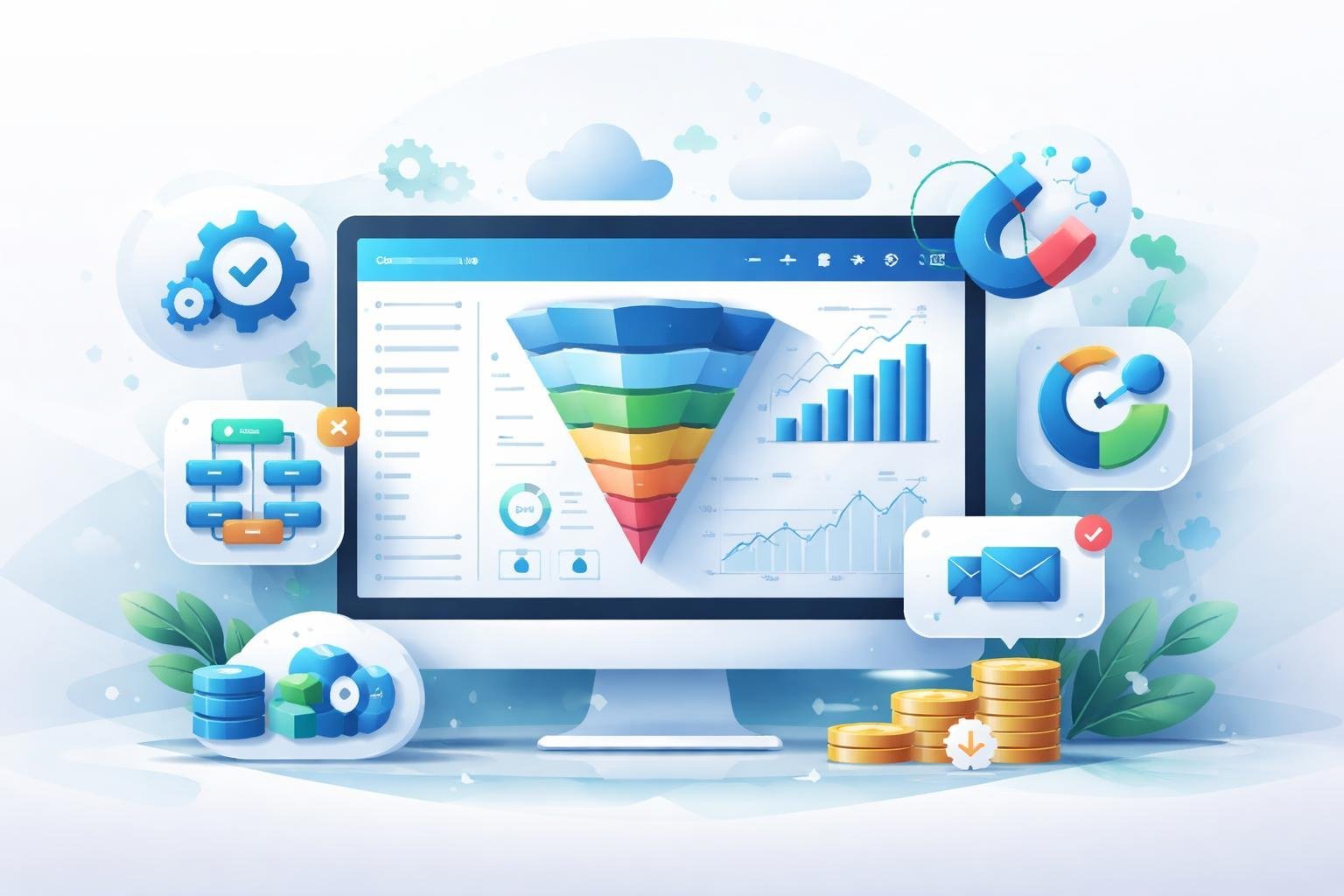
ClickFunnels 2.0 includes tools for building sales funnels, creating membership sites and online courses, managing customer relationships, and running affiliate programs. The platform combines these features into one system so you don’t need multiple software subscriptions.
Sales Funnel Builder Overview
The sales funnel builder lets us create complete marketing funnels without coding knowledge. We can design landing pages, sales pages, order forms, and thank you pages all in one place.
The platform includes a visual drag-and-drop editor. We simply pick elements like text boxes, images, buttons, and videos, then place them where we want on the page.
ClickFunnels 2.0 provides pre-built funnel templates for common business needs. These include lead generation funnels, webinar funnels, product launch funnels, and application funnels. We can use these templates as-is or customize them to match our brand.
The funnel hub organizes all our funnels in one dashboard. We can track performance metrics like visitor counts, conversion rates, and sales numbers for each funnel. The automation builder connects to our funnels so we can trigger emails and actions based on customer behavior.
Membership Sites and Online Course Creation
ClickFunnels 2.0 works as both a membership site platform and course builder. We can host digital products, training programs, and subscription content directly inside the system.
The course builder lets us upload videos, PDFs, and other learning materials. We organize content into modules and lessons. Students access their courses through a clean member dashboard.
We control access levels for different membership tiers. Some members might see basic content while premium members get everything. The platform handles the login system and password protection automatically.
The community app adds a social element to our courses and memberships. Members can post questions, share wins, and connect with each other. This keeps students engaged and reduces refund requests.
CRM and Contact Management
The built-in CRM tracks every person who interacts with our funnels. We see their contact information, purchase history, and which pages they’ve visited.
Contact records update automatically when people fill out forms or buy products. We can add tags and custom fields to organize our contacts into specific groups. This makes it easy to segment our audience for targeted marketing.
The CRM integrates with the email system. We can send broadcasts to our entire list or specific segments. We also set up automated email sequences that send based on tags and actions.
We create custom pipelines to track leads through our sales process. A pipeline might have stages like “new lead,” “contacted,” “proposal sent,” and “closed.” We move contacts between stages as we work with them.
Affiliate Program Management
ClickFunnels 2.0 includes complete affiliate management tools. We can recruit affiliates to promote our products and pay them commissions automatically.
We set commission rates as percentages or fixed amounts. The system tracks which sales came from which affiliates using unique referral links. Affiliates log into their own dashboard to see their stats and earnings.
The platform handles commission calculations and can integrate with payment processors to pay affiliates. We choose payment schedules like weekly, monthly, or when affiliates reach a minimum threshold.
We provide affiliates with promotional materials like email swipes, banners, and social media posts. The affiliate area is customizable so we can add training videos and resources to help our partners succeed.
Sales Funnels and Landing Pages
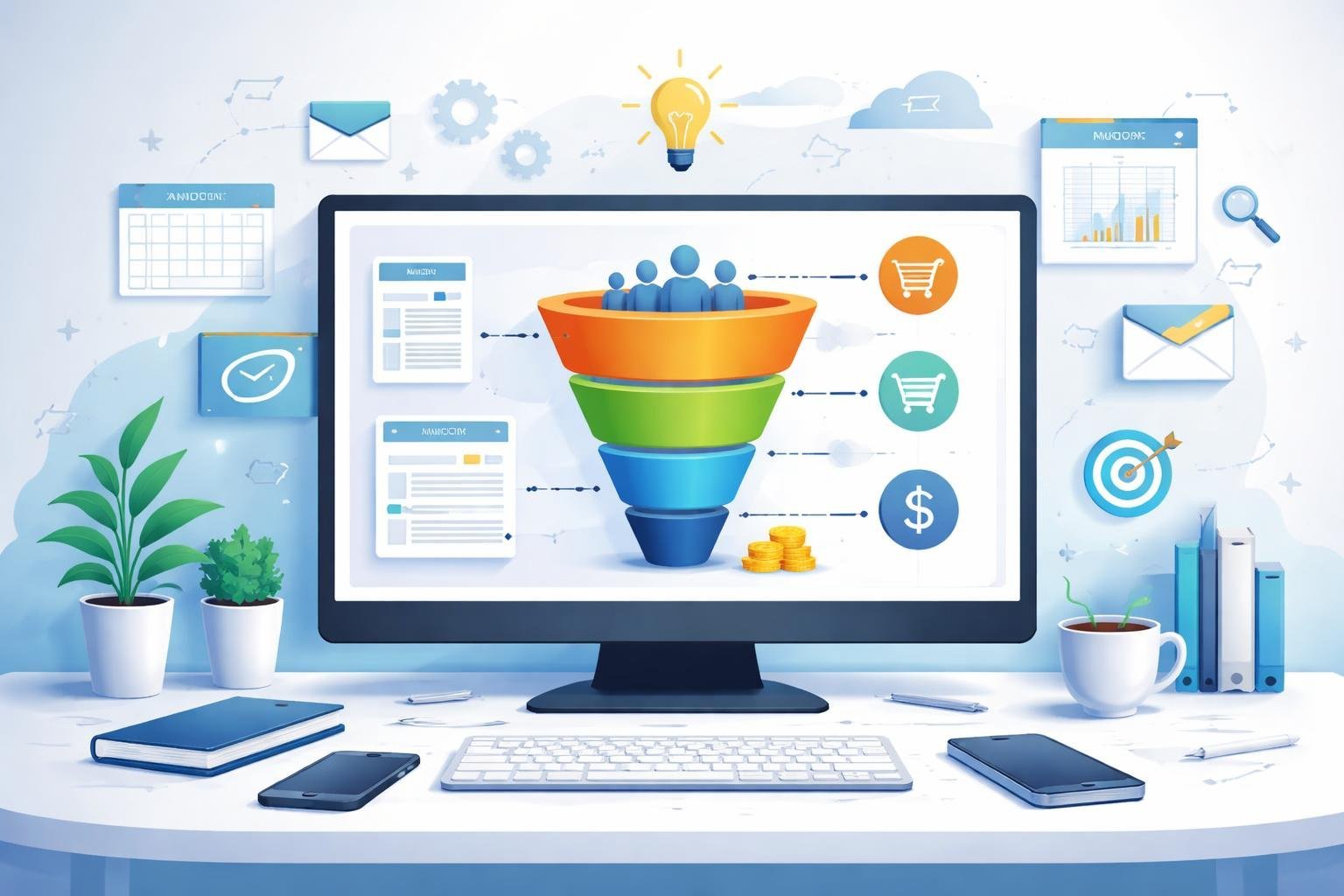
ClickFunnels 2.0 provides 14 different funnel templates designed for various business goals, from simple lead capture to complex sales sequences. The page editor uses a drag-and-drop system that makes building landing pages straightforward, even without technical skills.
Funnel Templates and Customization
We found that ClickFunnels 2.0 offers high-converting templates for different business types and objectives. The funnel templates cover lead generation, product launches, webinar registration, membership sign-ups, and cart funnels. Each template comes pre-built with multiple pages that work together as a complete sales funnel.
The customization options let us change colors, fonts, images, and layouts to match our brand. We can modify existing templates or start from scratch if we prefer. The platform saves our custom designs as reusable templates for future projects.
The funnel types include basic opt-in funnels, product launch funnels, and shopping cart funnels. We can choose templates based on our specific needs rather than forcing our business into a generic structure.
Page Editor and Universal Elements
The page editor in ClickFunnels 2.0 uses drag-and-drop functionality that makes creating landing pages simple. We can add sections, rows, and elements by clicking and placing them where we want them on the page. The interface shows changes in real-time as we build.
Universal elements are components we can create once and use across multiple pages. When we update a universal element, it changes everywhere we’ve used it. This feature saves time when we need to update things like headers, footers, or special offers across our entire funnel.
The editor includes built-in elements like:
- Headlines and text blocks
- Images and videos
- Buttons and forms
- Countdown timers
- Testimonials
- Payment forms
Upsells, Order Bumps, and Checkout Pages
Order bumps appear on checkout pages as small add-on offers that customers can accept with one click. We can add these to increase our average order value without creating extra pages. The order bump sits directly on the payment page, making it easy for customers to add items to their purchase.
Upsells appear after someone completes their initial purchase. ClickFunnels 2.0 lets us create one-click upsells that don’t require customers to re-enter payment information. We can also add downsells if someone declines the first upsell offer.
The checkout pages integrate with payment processors and handle the entire transaction process. We can customize these pages to match our brand while keeping the secure payment functionality. The system supports multiple payment options and can handle subscriptions, payment plans, and one-time purchases.
Email Marketing and Automation
ClickFunnels 2.0 now includes robust email marketing capabilities that let us manage campaigns without needing third-party tools. The platform offers visual automation builders, advanced segmentation, and email sequences that work directly with our funnels.
Built-In Email Marketing Tools
ClickFunnels 2.0 gives us a complete email marketing tool built right into the platform. We can send broadcast emails to our entire list or specific segments whenever we need to make an announcement or share updates.
The email editor is straightforward to use. We can create emails from scratch or customize templates to match our brand. The system supports basic formatting, images, buttons, and links without requiring any coding knowledge.
What makes this particularly useful is that we don’t need to connect or pay for separate email services like Mailchimp or ConvertKit. Our email list lives in the same place as our funnels, which keeps everything organized in one dashboard.
Behavior & Visual Automation
The visual automation builder lets us create email workflows based on how people interact with our funnels. We can see our entire automation mapped out on a canvas, making it easy to understand what happens at each step.
We can trigger emails based on specific actions like page visits, product purchases, or link clicks. The drag-and-drop interface means we can add delays, conditions, and multiple paths without technical skills.
These automation workflows handle tasks like welcome sequences, abandoned cart reminders, and post-purchase follow-ups. We set them up once and they run automatically in the background.
Segmentation and Email Sequences
ClickFunnels 2.0 includes tagging and segmentation features that help us organize our contacts. We can group people based on what they bought, which pages they visited, or custom criteria we set up.
Email sequences let us send drip content over time to nurture leads or onboard new customers. We control the timing between emails and can set up different sequences for different audience segments.
The segmentation works hand-in-hand with our automation. We can send targeted messages to specific groups instead of blasting everyone on our list with the same content.
Ecommerce and Online Store Capabilities
ClickFunnels 2.0 now includes full ecommerce functionality, letting you build complete online stores alongside your sales funnels. You can sell physical products, digital goods, and subscriptions all from one platform with built-in shopping cart features and payment processing.
Ecommerce Site Builder and Storefront
The ecommerce site builder in ClickFunnels 2.0 lets us create a complete e-commerce store without needing separate tools. We can design custom storefronts using the drag-and-drop editor, which makes it simple to build product pages that match our brand.
The platform includes shopping cart funnels that go beyond basic checkout pages. These let us add upsells, downsells, and order bumps right in the buying process. We can also create global products that work across multiple funnels and pages, which saves time when managing inventory.
The store builder works for both physical and digital products. We can set up product variants like different sizes or colors, making it useful for clothing stores or any business with multiple product options.
Payment Gateways and Integrations
ClickFunnels 2.0 connects directly with Stripe and PayPal for payment processing. These integrations let us accept credit cards, debit cards, and PayPal payments without leaving the platform.
Setting up payments is straightforward. We connect our Stripe or PayPal account once, and it works across all our funnels and stores. The system handles subscriptions and one-time payments automatically.
We can accept payments in multiple currencies, which helps when selling to international customers. The checkout process is secure and mobile-friendly, which matters since many shoppers buy from their phones.
Product Management and Analytics
The product management system lets us track inventory, set pricing, and manage variants from one dashboard. We can organize products into categories and control which ones appear in different funnels.
ClickFunnels 2.0 includes real-time analytics and funnel analytics that show us exactly how our ecommerce store performs. We see conversion rates, revenue, and customer behavior as it happens. The analytics track which products sell best and where customers drop off in the buying process.
This data helps us make better decisions about pricing and marketing. We can test different product arrangements and checkout flows to improve sales.
Pricing, Plans, and Free Trial
ClickFunnels 2.0 pricing starts at $97 per month for the basic tier, with higher plans offering more features and capacity. All plans include a 14-day free trial so you can test the platform before committing.
ClickFunnels 2.0 Pricing Tiers
ClickFunnels 2.0 offers three main pricing tiers to fit different business needs. The Startup Plan costs $97 per month and works well for people just getting started with sales funnels. The Pro Plan runs $297 per month and includes more advanced tools for growing businesses.
For annual billing, ClickFunnels pricing drops by about 27%. This means you’ll pay roughly $81 per month on the Startup Plan and $217 per month on the Pro Plan when you pay for the full year upfront.
The platform removed the old Funnel Hacker Plan name from ClickFunnels 2.0. Now you’ll choose between Startup and Pro based on your needs.
Features by Plan: Basic, Pro, and Funnel Hacker
The Startup Plan gives you access to core funnel building tools, email marketing, and the ability to host courses. You can create sales funnels, landing pages, and manage basic automation. This plan has limits on contacts and funnels but covers essential features for small businesses.
The Pro Plan removes most restrictions and adds powerful features. You get unlimited funnels, more contacts, priority support, and advanced automation. The Pro Plan also includes API access and tools for running affiliate programs.
Both plans let you build complete websites, not just funnels. You can create membership sites, send email campaigns, and track your sales data in one place.
14-Day Free Trial and Refund Policy
ClickFunnels 2.0 offers a 14-day free trial on both the Startup and Pro plans. We get full access to core features during this trial period. You can build funnels, test email marketing, and explore course hosting without paying anything.
The trial doesn’t require a credit card upfront on some promotional offers. During these 14 days, you can see if ClickFunnels fits your business before spending money on a subscription.
User Experience and Learning Curve
ClickFunnels 2.0 comes with a modern interface that takes some time to master, but the platform offers robust training resources and collaboration tools to help users get up to speed. The system now includes dedicated workspaces for team management and a strong community for ongoing support.
Interface and Ease of Use
The ClickFunnels 2.0 interface is clean and visually appealing compared to the original version. We found the dashboard organizes tools logically, with drag-and-drop editors that make building pages feel intuitive once you understand the basics.
However, there’s a learning curve involved. New users need to invest time learning where everything is located and how the different features connect. The platform packs in many capabilities, which means more menus and options to navigate.
The live view feature lets us see changes in real-time as we build funnels. This speeds up the design process since we don’t need to constantly preview and go back to edit. The page editor responds quickly, though complex funnels with multiple steps require patience to set up correctly.
Team Collaboration and Workspaces
ClickFunnels 2.0 introduces workspaces that separate different business projects or client accounts. We can create multiple workspaces under one account, keeping funnels, contacts, and products organized by brand or campaign.
Team members can be added with specific permission levels. This lets us control who can edit funnels, access customer data, or manage billing. The team collaboration features work well for agencies or businesses with multiple people working on funnel projects.
Each workspace operates independently with its own funnels and settings. Switching between workspaces is straightforward from the main dashboard.
Support, Community, and Training
ClickFunnels offers extensive training through challenges and community resources. The Your First Funnel Challenge walks brand-new users through building their first funnel step-by-step. For more in-depth training, the One Funnel Away Challenge provides 30 days of coaching on funnel strategy and implementation.
The community app connects us with other ClickFunnels users. We can ask questions, share funnel templates, and learn from people at different skill levels. This peer support helps solve problems faster than waiting for official support tickets.
Official support includes live chat, email tickets, and a knowledge base. Response times vary based on your pricing plan, with higher tiers getting priority support.
Pros and Cons of ClickFunnels 2.0
ClickFunnels 2.0 brings major improvements to funnel building and online business management. The platform excels in certain areas while facing challenges in others that affect different types of users.
Standout Benefits
The all-in-one approach is what sets ClickFunnels 2.0 apart from other tools. We get funnel building, email marketing, website hosting, and course creation in one platform instead of juggling multiple subscriptions.
The drag-and-drop editor makes building pages simple for beginners. We don’t need coding skills to create professional-looking sales funnels or landing pages. The template library gives us proven funnel designs that we can customize quickly.
Lead generation tools work really well. We can create opt-in pages, surveys, and forms that capture contact information automatically. The platform connects this data directly to email sequences without extra setup.
For those selling online courses or memberships, ClickFunnels 2.0 includes a full course platform. We can host videos, create lesson modules, and manage student access all from one dashboard. The checkout process integrates smoothly with the course delivery system.
The analytics show us exactly where visitors drop off in our funnels. This data helps us fix problem areas and improve conversion rates over time.
Potential Limitations
The price point stands out as the biggest concern. Monthly costs start higher than many competing platforms, which can strain budgets for new businesses or solo entrepreneurs just starting out.
The learning curve is steeper than expected despite the beginner-friendly claims. We need time to understand how funnels work, explore all the features, and figure out the best strategies for our specific business.
Page load speeds sometimes lag compared to simpler website builders. This can hurt conversions since visitors leave slow-loading pages quickly.
The customization options have limits when we want unique designs outside the templates. Advanced users might feel restricted when trying to create highly specific layouts or features. Email deliverability rates vary, and some users report better results with dedicated email service providers.
ClickFunnels 2.0 Integrations and Expandability
ClickFunnels 2.0 supports over 70 native integrations and provides tools to connect with external platforms through API access. The platform includes built-in affiliate management features and works with popular marketing tools to expand what you can do with your funnels.
Third-Party Integrations
ClickFunnels 2.0 connects with major email marketing platforms, CRM systems, and ecommerce tools. We can link our funnels to services like Mailchimp, ActiveCampaign, and ConvertKit for email automation. The platform also integrates with Stripe and PayPal for payment processing.
For CRM needs, ClickFunnels works with Salesforce, HubSpot, and other customer management systems. These connections let us sync leads automatically and manage follow-ups without manual data entry. The platform also supports Zapier, which opens up thousands of additional integration options.
Appointments can be managed through integrations with calendar tools like Calendly. We can embed booking forms directly into our funnels. However, some users have noted that certain integrations work better than others, and testing is needed to ensure smooth data flow.
API Access and Automation
ClickFunnels 2.0 provides API access for custom integrations and automation workflows. This lets developers build custom connections between ClickFunnels and other software tools. We can use the API to pull data, create new contacts, or trigger specific actions based on customer behavior.
The API documentation helps technical teams set up advanced automation sequences. This is useful for businesses that need custom solutions beyond the standard integrations. While not as robust as platforms like GoHighLevel, the API covers most common use cases for funnel automation.
Affiliate and Marketing Tools
ClickFunnels 2.0 includes a built-in affiliate program management system. We can create our own affiliate program, track referrals, and manage commissions without third-party software. The platform handles affiliate links, tracking cookies, and payout calculations.
The affiliate management dashboard shows us which affiliates are performing well and how much commission we owe. We can set different commission rates for different products or funnels. This built-in feature saves money compared to paying for separate affiliate software.
Marketing tools extend beyond basic funnel building. We get access to email marketing features, analytics tracking, and A/B testing capabilities. These tools work together to help us optimize our funnels and grow our business without switching between multiple platforms.