
Running webinars is a powerful way to connect with your audience and sell products or services. But hosting them live takes time and energy you might not always have. ClickFunnels automated webinars let you pre-record your presentation once and have it run on autopilot, reaching people around the clock without you being there.
We know how valuable your time is. That’s why automated webinars have become such a game-changer for online businesses. Instead of showing up live every time, you can set up a complete webinar funnel that handles registrations, sends reminders, plays your presentation, and moves people toward a purchase.
In this guide, we’ll walk you through everything you need to know about using ClickFunnels for automated webinars. You’ll learn what they are, how they work, and how to set one up that actually converts viewers into customers.
What Is a ClickFunnels Automated Webinar?
A ClickFunnels automated webinar is a pre-recorded presentation that plays automatically for viewers at scheduled times, creating the experience of a live event without requiring you to be present. This setup allows you to reach audiences around the clock while maintaining consistent messaging and delivery.
Defining Automated and Evergreen Webinars
An automated webinar, also called an auto webinar or evergreen webinar, is a pre-recorded presentation that runs on autopilot. We set it up once and it plays for viewers based on their schedule or fixed times throughout the week.
ClickFunnels creates the complete framework for us automatically. This includes registration pages where people sign up, confirmation pages that provide joining details, and broadcast rooms where the webinar plays.
The platform handles all the technical details behind the scenes. It manages registrations, sends reminder emails, and tracks attendance without any manual work from us.
Evergreen webinars stay relevant over time because they focus on topics that don’t change much. We can run the same webinar for months or even years if the content remains valuable to our audience.
How Automated Webinars Differ From Live Webinars
Live webinars require us to present in real-time to our audience. We need to be online at specific times, handle technical issues on the spot, and respond to questions as they come in.
Automated webinars eliminate this requirement completely. The presentation runs whether we’re sleeping, working on other projects, or taking time off. We record once and the system delivers that same presentation repeatedly.
Key differences include:
- Time commitment: Live webinars need our active participation; automated ones don’t
- Consistency: Automated webinars deliver the same polished performance every time
- Scalability: We can run multiple automated sessions simultaneously in different time zones
- Flexibility: Viewers can often choose from several viewing times that fit their schedule
The trade-off is that automated webinars typically can’t offer real-time interaction or answer specific questions during the presentation.
How ClickFunnels Automated Webinar Funnels Work
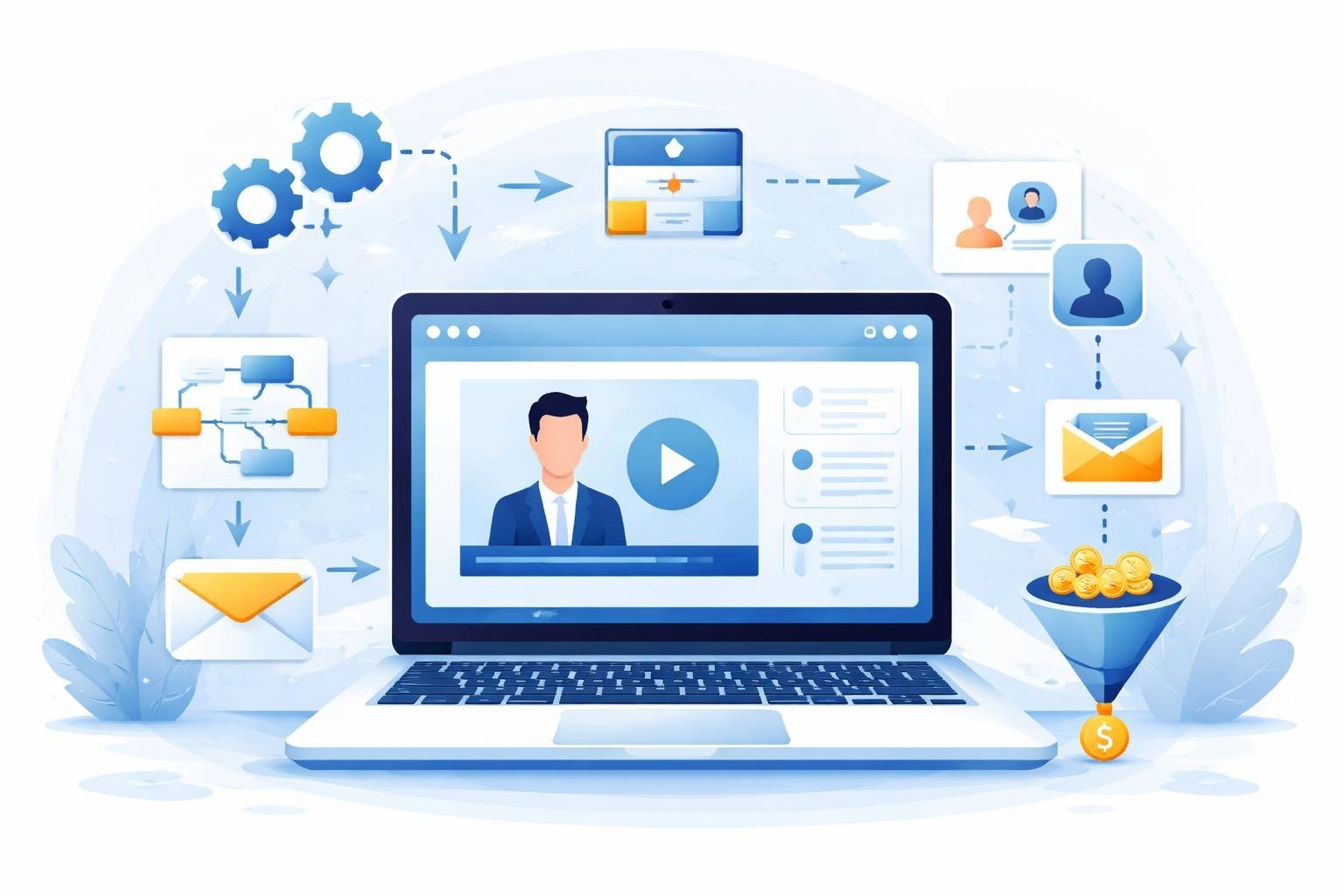
An automated webinar funnel guides people through a series of connected pages that work together to turn visitors into leads and customers. The system runs without live presentations, using pre-recorded content that plays automatically while tracking viewer actions and sending follow-up messages.
Structure of a Webinar Funnel
A webinar funnel follows a linear path that starts with attracting visitors and ends with making a sale. We build this sales funnel with multiple pages that connect in sequence.
The funnel begins when someone first sees our offer. They click on an ad or link that takes them to the registration page. After signing up, they move to a thank you page that confirms their spot.
Next comes the webinar broadcast room where the actual presentation plays. This is where we deliver value and present our product or service. After the webinar ends, viewers see offer pages where they can buy.
The classic funnel builder in ClickFunnels lets us set up all these pages in order. Each page has a specific job to move people closer to becoming customers.
Key Pages in the Funnel
The webinar registration page is where we collect contact information from interested viewers. This landing page needs a clear headline, benefits of attending, and a simple form asking for name and email.
The thank you page appears right after someone registers. We use this page to confirm their registration and give them the webinar date and time. It can also build excitement about what they’ll learn.
The webinar broadcast room is where the pre-recorded presentation plays. This page includes the video player, a chat section, and often a buy button. We make it look like a live event even though it’s automated.
Additional landing pages in the funnel might include replay pages, order forms, and upsell pages. Each page moves people through the buying process step by step.
Role of Automation in Webinars
Automation handles all the tasks we would normally do manually during a live webinar. The system sends confirmation emails after registration without any input from us.
Reminder emails go out automatically before the webinar starts. These messages reduce no-shows and get people to actually attend. The automated webinar funnel sends these at the right times based on the schedule we set.
During the webinar, automation tracks who watches, how long they stay, and which buttons they click. This data helps us understand viewer behavior and improve our results.
Follow-up sequences run automatically after the webinar ends. We can send different emails based on whether someone bought, watched the whole thing, or left early. The system handles all these actions 24/7 without us being present.
Setting Up Your Automated Webinar in ClickFunnels
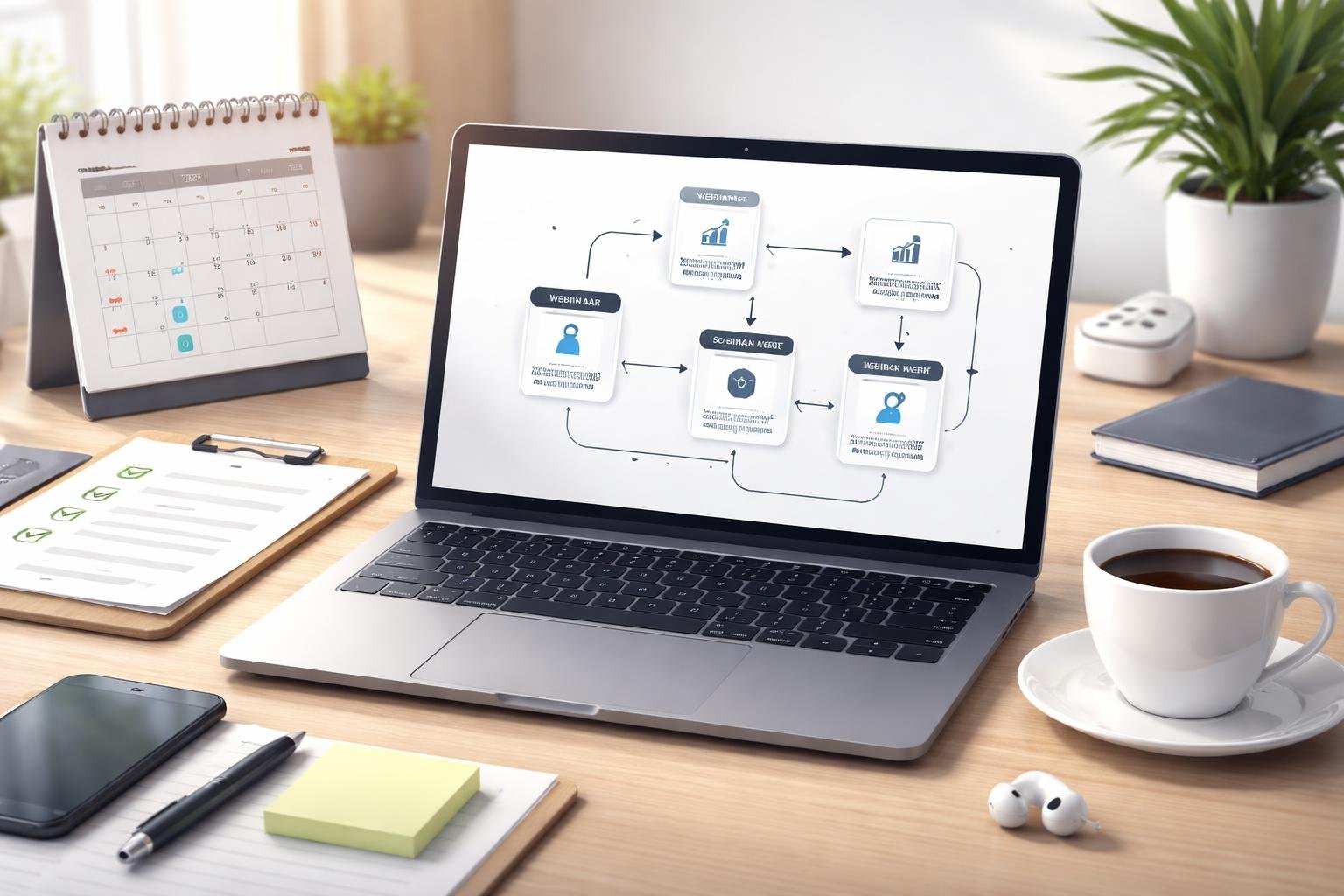
We’ll walk through the technical setup process, from selecting the right template to uploading your recorded presentation. The drag-and-drop editor makes customization simple, even if you’ve never built a funnel before.
Choosing Funnel Templates
ClickFunnels offers pre-built funnel templates specifically designed for automated webinars. When we log into our account, we can browse through the template library and filter for webinar funnels.
These templates come with all the essential pages already connected. We get a registration page, a webinar room, and a replay page in one package. The templates are tested designs that other users have found successful.
We can preview each template before selecting it. Look for layouts that match your brand style and presentation format. Some templates work better for longer presentations while others suit quick product demos.
Once we select a template, ClickFunnels automatically creates the entire funnel structure. We can modify any part of it later using the built-in editor.
Customizing Landing and Registration Pages
The drag-and-drop editor lets us customize every element on our pages without coding. We can click on any text, image, or button to change it.
Start by updating the headline to match our webinar topic. We should clearly state what attendees will learn and why they should register. Add our logo and brand colors to make the pages feel cohesive with our other marketing materials.
The registration form is already included in the template. We can add or remove fields based on what information we need. Most automated webinars work best with just name and email address to reduce friction.
We can also add countdown timers, testimonials, or speaker photos to increase conversions. Each element can be moved around by dragging it to a new position on the page.
Integrating Hosted Webinar Video
We need to upload our pre-recorded presentation to host the automated webinar. ClickFunnels allows us to embed videos directly or connect to external hosting platforms like Vimeo or YouTube.
For the webinar event page, we paste our video URL into the video element. The platform automatically formats it to play within the funnel. We can set the video to start at specific times to simulate a live experience.
The webinar replay feature lets attendees watch the presentation again after it ends. We create a separate replay page or use the same webinar room with the video available on demand. This gives people who missed the live time another chance to watch and purchase.
Optimizing for High Conversions and Engagement
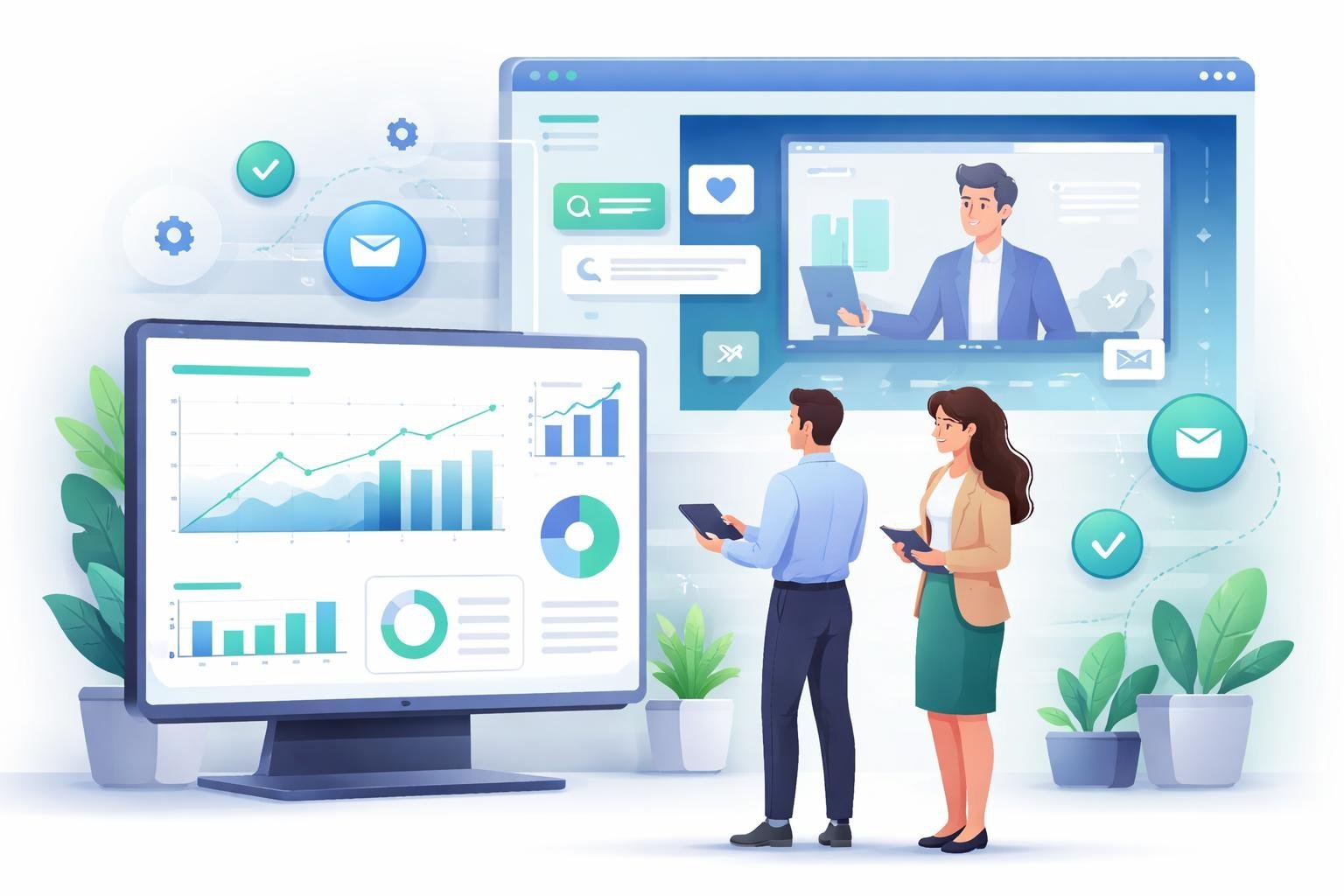
Getting people to register is just the first step. We need to focus on getting them to actually show up, stay engaged, and take action on our offers.
Boosting Registration and Attendance Rates
We can improve our registration numbers by adding social proof to our landing pages. This means showing how many people have already signed up or displaying testimonials from past attendees. A simple counter that shows “347 people registered” helps build trust and urgency.
The timing of our webinar matters too. Research shows that scheduling webinars during high-engagement months like January can boost attendance rates. We should also promote heavily in the final week before the event goes live.
Key tactics to improve attendance rates:
- Send an email notification immediately after someone registers
- Create a dedicated thank-you page with the webinar details
- Add the event to attendees’ calendars automatically
- Use countdown timers on registration pages to create urgency
Live webinars typically get better attendance rates than automated ones. But we can still optimize automated webinars by making them feel live and time-sensitive.
Using Email Sequences and Reminders
Our email sequence should start the moment someone registers. The first email confirms their spot and builds excitement about what they’ll learn. We need to send follow-up emails at specific intervals to keep the webinar top of mind.
Recommended reminder schedule:
| Timing | Email Type | Purpose |
|---|---|---|
| Immediately | Confirmation | Provide access details |
| 24 hours before | Reminder | Build anticipation |
| 1 hour before | Final reminder | Maximize show-up rate |
| 15 minutes before | Last chance | Catch late joiners |
Each reminder should include the access link and a brief teaser of what attendees will discover. We can also send follow-up emails after the webinar to people who didn’t attend, offering them a replay or another chance to join.
Increasing Sales With Upsells and Offers
The offer we make during the webinar directly impacts our conversion rate. We should present our main product or service about two-thirds through the presentation, after we’ve delivered solid value and built trust.
Adding upsells can boost our revenue per attendee. This might include a premium version of our product, one-on-one coaching, or done-for-you services. We present these options on the order form or immediately after the initial purchase.
Elements of high-converting webinar offers:
- Time-limited bonuses that expire within 24-48 hours
- Special pricing only available to webinar attendees
- Clear comparison of what’s included at each price point
- Money-back guarantees to reduce risk
We can track conversion rates for each element of our funnel to see what works best. ClickFunnels’ analytics show us exactly where people drop off, so we know what to improve. Testing different offers, price points, and bonus structures helps us find what resonates most with our audience.
Leveraging Automation and Analytics
Automated webinars work best when we set up smart automation rules and track what happens during each presentation. We can use data to understand our audience better and send them content that matches their interests.
Setting Up Automated Actions and Email Notifications
We need to create automated actions that trigger at specific times during our webinar funnel. ClickFunnels lets us set up registration confirmations, reminder emails before the webinar starts, and follow-up messages after it ends.
We can schedule reminder emails at 24 hours, 1 hour, and 15 minutes before the webinar begins. This keeps attendance rates high because people often forget about events they registered for days earlier.
During the webinar, we can trigger automated actions based on viewer behavior. For example, we might send a special offer email to people who watch at least 75% of the presentation. We can also set up different follow-up sequences for attendees versus no-shows.
Tracking Performance With Analytics
We should monitor key metrics like registration rates, attendance rates, and conversion rates. These numbers tell us what’s working and what needs fixing in our funnel.
The most important metrics to watch are:
- Registration conversion rate: How many visitors sign up
- Show-up rate: The percentage of registrants who actually attend
- Engagement rate: How long people stay and watch
- Sales conversion rate: How many viewers buy our offer
We can also track where people drop off during the webinar. If lots of viewers leave at the same point, we know that section needs work. We should check these numbers weekly and test changes to improve them over time.
Audience Segmentation and Personalization
We can divide our audience into segments based on their actions and responses. People who watch the entire webinar are more interested than those who leave early, so we should treat them differently.
Polls and surveys help us gather information about viewer interests and pain points. We can add polls at specific times during the automated webinar to collect this data. The answers let us create audience segments for targeted follow-up.
We might create segments like hot leads (watched 80%+ and clicked the offer), warm leads (watched 50-79%), and cold leads (watched less than 50%). Each segment gets different email sequences. Hot leads might receive immediate sales calls while cold leads get more educational content first.
Integrations, Tools, and Support for ClickFunnels Automated Webinars
ClickFunnels works with many third-party platforms to run automated webinars smoothly. We can add interactive features to keep viewers engaged. The support team helps when we run into problems.
Connecting With Third-Party Webinar Platforms
ClickFunnels connects with popular webinar platforms to expand our options. We can integrate with WebinarJam for live presentations that convert into automated replays. EverWebinar works well for fully automated webinars that run on a set schedule.
GoToWebinar integration gives us access to professional webinar tools through ClickFunnels funnels. This connection lets us register attendees through our sales pages and move them directly into webinar sessions. The integration handles the technical work automatically.
We can also use tools like EasyWebinar through connections. Most integrations work through direct native connections or automation platforms like Zapier. These connections sync our leads and trigger follow-up emails based on webinar attendance.
The platform supports over 70 native integrations total. Each one helps us connect different parts of our marketing system together.
Q&A, Polls, and Interactivity Tools
Interactive features keep our automated webinars feeling live and engaging. We can add polls during key moments to get viewer feedback and boost participation. These polls help us understand what our audience cares about most.
Q&A sections work in automated webinars through pre-recorded responses to common questions. We can also set up chat features that look active during replay sessions. Some third-party tools add simulated live features that make recordings feel fresh.
Buttons and call-to-action elements appear at specific times during our webinars. We control when offers show up based on where viewers are in the presentation. This timing matters for conversions.
Getting Help From the Support Team
We can reach the support team when we need help setting up integrations or fixing technical issues. They assist with connecting webinar platforms and troubleshooting automation problems. Support helps us understand which tools work best for our specific needs.
The team provides guidance on setting up automated webinar funnels from start to finish. We can get help with registration pages, thank you pages, and replay sequences. They also explain how to use analytics to track webinar performance.
Documentation and tutorials cover common setup questions. When we face unique challenges, direct support contact helps us find solutions quickly.