

Selling an ebook online isn’t just about having great content. You need a system that guides readers from discovery to purchase and keeps them engaged along the way. A ClickFunnels ebook funnel is a complete sales system that captures leads, presents your ebook, and automatically delivers it to customers while maximizing your revenue through strategic upsells and email follow-ups.
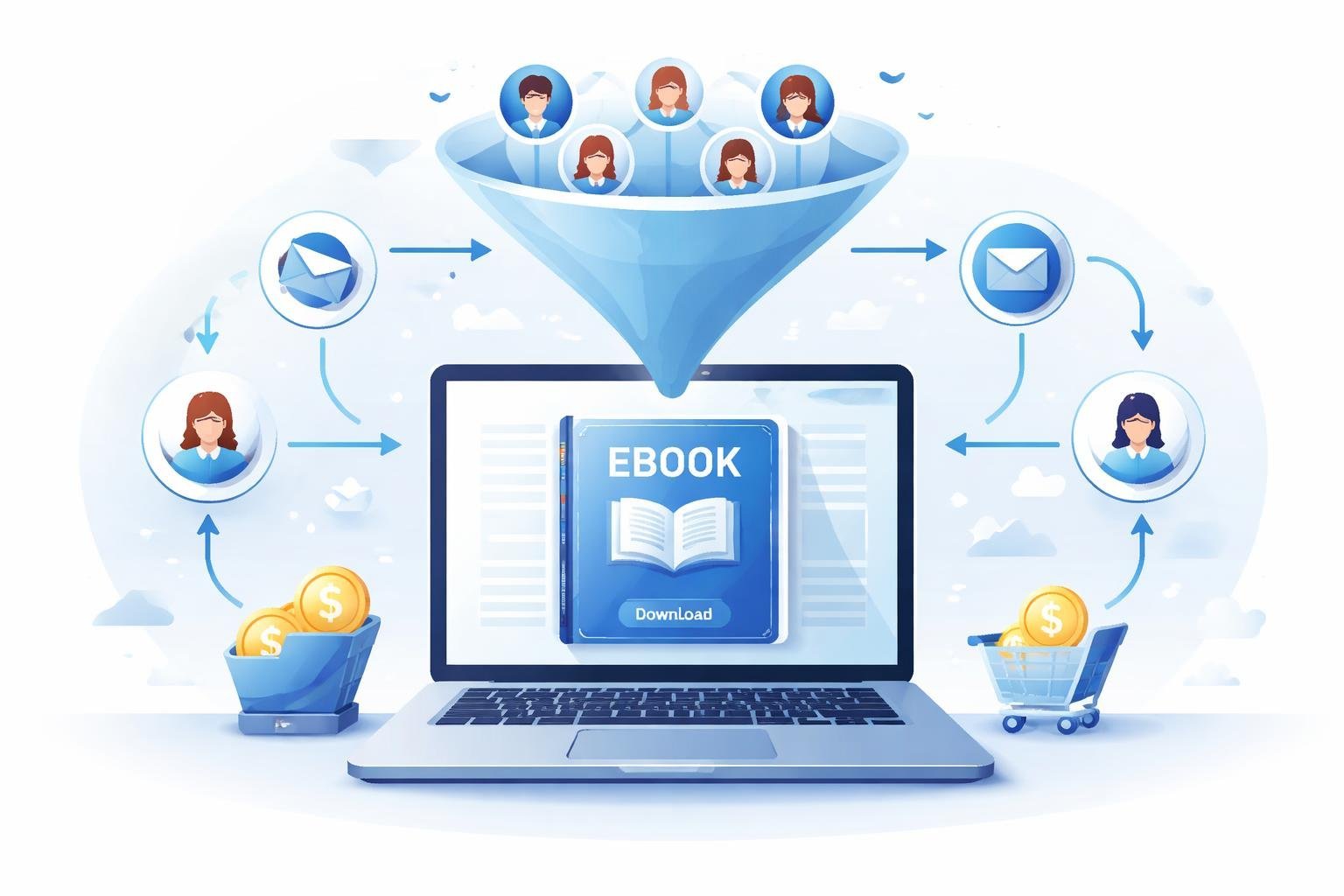
We’ve seen countless authors and creators struggle with piecing together different tools to sell their digital books. ClickFunnels simplifies this process by putting everything in one place. You get landing pages, payment processing, email automation, and delivery systems all working together.
In this guide, we’ll walk you through exactly how to build an ebook funnel that converts visitors into buyers. You’ll learn the core structure that makes these funnels work, how to design pages that actually sell, and the automated systems that do the heavy lifting for you. Whether you’re launching your first ebook or looking to improve your current sales process, this approach can help you reach more readers and grow your income.
What Is a ClickFunnels Ebook Funnel?

A ClickFunnels ebook funnel is a sales funnel built specifically to sell or distribute ebooks to readers. It guides potential customers through a series of pages designed to turn visitors into buyers or subscribers.
Purpose and Benefits of Ebook Funnels
We use ebook funnels to create a smooth path for readers from initial interest to final purchase. The main goal is to move people through planned steps that build trust and show value.
An ebook funnel helps us sell digital books more effectively than a simple sales page. We can present our offer in stages, which lets us explain benefits and handle objections naturally. The funnel also allows us to add upsells and related offers after someone shows interest.
Key benefits include:
- Higher conversion rates through targeted messaging
- Ability to segment audiences based on their actions
- Automated delivery of digital products
- Data collection for future marketing
- Opportunities to increase customer value with additional offers
ClickFunnels makes building these funnels easier because we don’t need coding skills. We can use pre-built templates and customize them for our specific ebook.
Comparison: Lead Magnet vs. Paid Ebook Funnels
We need to understand that ebook funnels work differently depending on whether we’re giving away free content or selling a paid product.
Lead magnet ebook funnels offer a free ebook in exchange for contact information, usually an email address. We use these to build our email list and start relationships with potential customers. The funnel typically has just one or two pages – an opt-in page and a thank you page with the download.
Paid ebook funnels are designed to generate revenue directly. These funnels include a sales page, checkout page, and often upsell pages. We highlight the value and transformation our ebook provides to justify the purchase price.
The main difference is intent. Lead magnets focus on list building while paid funnels prioritize immediate sales. Both types can include follow-up sequences, but paid funnels often have more complex structures.
Essential Elements of an Ebook Funnel
Every effective ebook funnel needs certain components to work properly. We start with a landing page that captures attention and explains what the ebook offers.
Core elements we include:
- Compelling headline that speaks to reader pain points or desires
- Clear description of what the ebook contains and delivers
- Social proof like testimonials or download numbers
- Strong call-to-action buttons that stand out
- Simple form for collecting information or processing payment
After the main offer page, we add a thank you or confirmation page. This is where we deliver the ebook or confirm the purchase. We can also use this page to present related offers or encourage social sharing.
ClickFunnels lets us track how visitors move through each element. We can see where people drop off and make improvements based on real data.
Core Structure of a Book Funnel
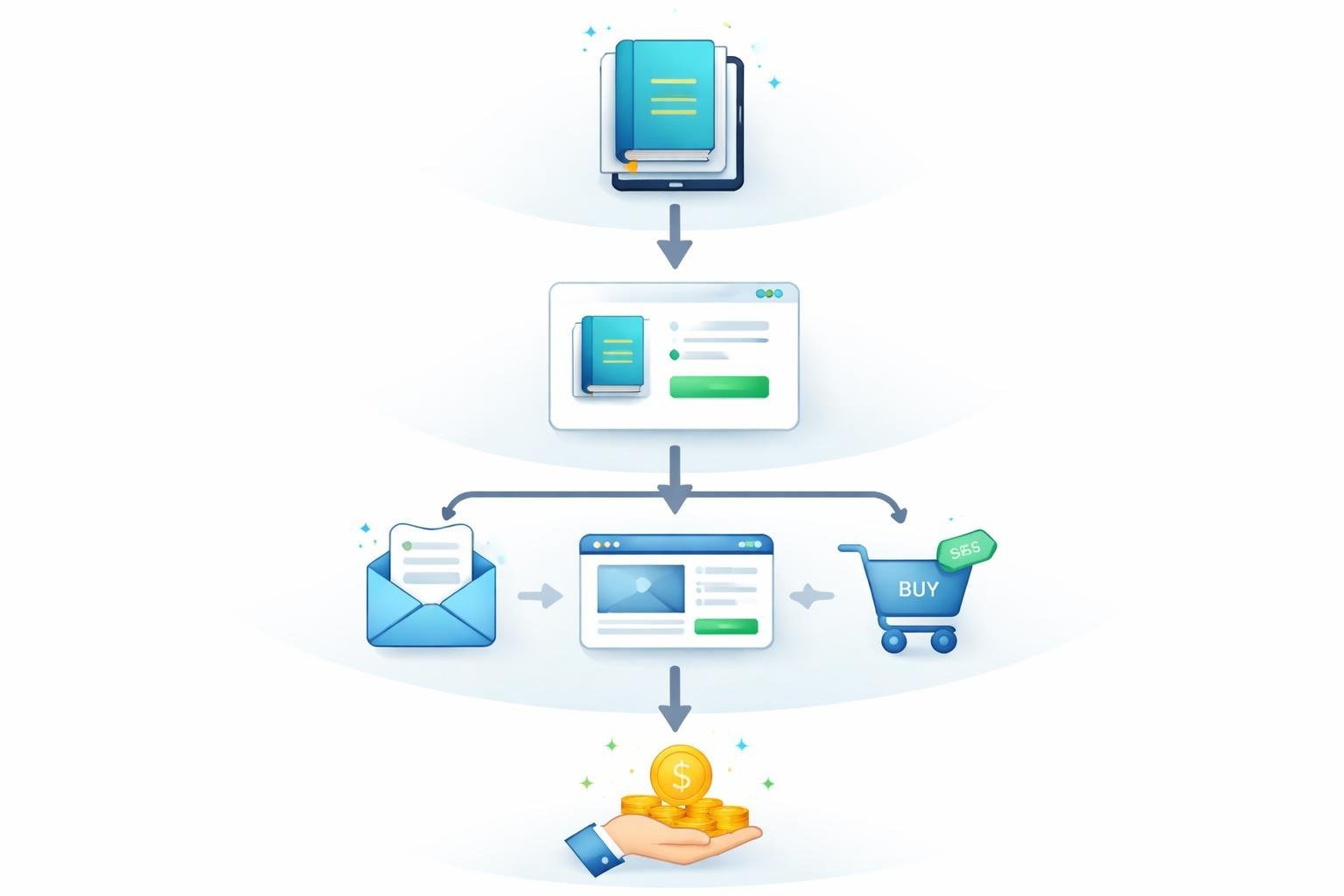
A book funnel guides readers through a clear path from initial interest to purchase and beyond. Each step builds on the last to maximize both customer satisfaction and revenue.
Order Form and Checkout Process
The order form is where readers commit to buying your ebook. We need to keep this page simple and focused on one goal: completing the purchase. The form should ask for basic information like name, email, and payment details without overwhelming visitors.
Your ebook landing page should highlight the main benefits of your book. Use bullet points to show what readers will learn. Include a clear headline and a compelling image of your book cover.
The checkout process must be fast and easy. Remove any distractions that might stop someone from buying. We recommend using trust badges and security symbols to make people feel safe entering their payment information.
Order Confirmation and Thank You Page
The order confirmation page tells customers their purchase was successful. This page should include clear instructions on how to access and download the ebook. We also provide an order number and receipt for their records.
This is more than just a confirmation. It’s our chance to thank readers and set expectations for what happens next. We can tell them when to expect the ebook in their email and what to do if they have problems.
Many people don’t realize this page can also introduce the next step in our funnel. We keep it simple but can mention other ways we can help them beyond this single ebook.
Upsells, Order Bumps, and Post-Purchase Offers
An order bump appears right on the checkout page before purchase. It’s a small add-on product that complements the main ebook. Think of it as an impulse buy at the grocery store checkout line.
Common order bump examples:
- Workbook or checklist
- Audio version of the ebook
- Bonus chapter or template pack
Upsells happen after someone buys but before the order confirmation page. We present one relevant offer that builds on what they just purchased. This could be a more advanced ebook, a course, or coaching services.
Post-purchase offers come through email after the initial sale. We space these out over days or weeks to avoid overwhelming new customers.
Designing High-Converting Ebook Landing Pages
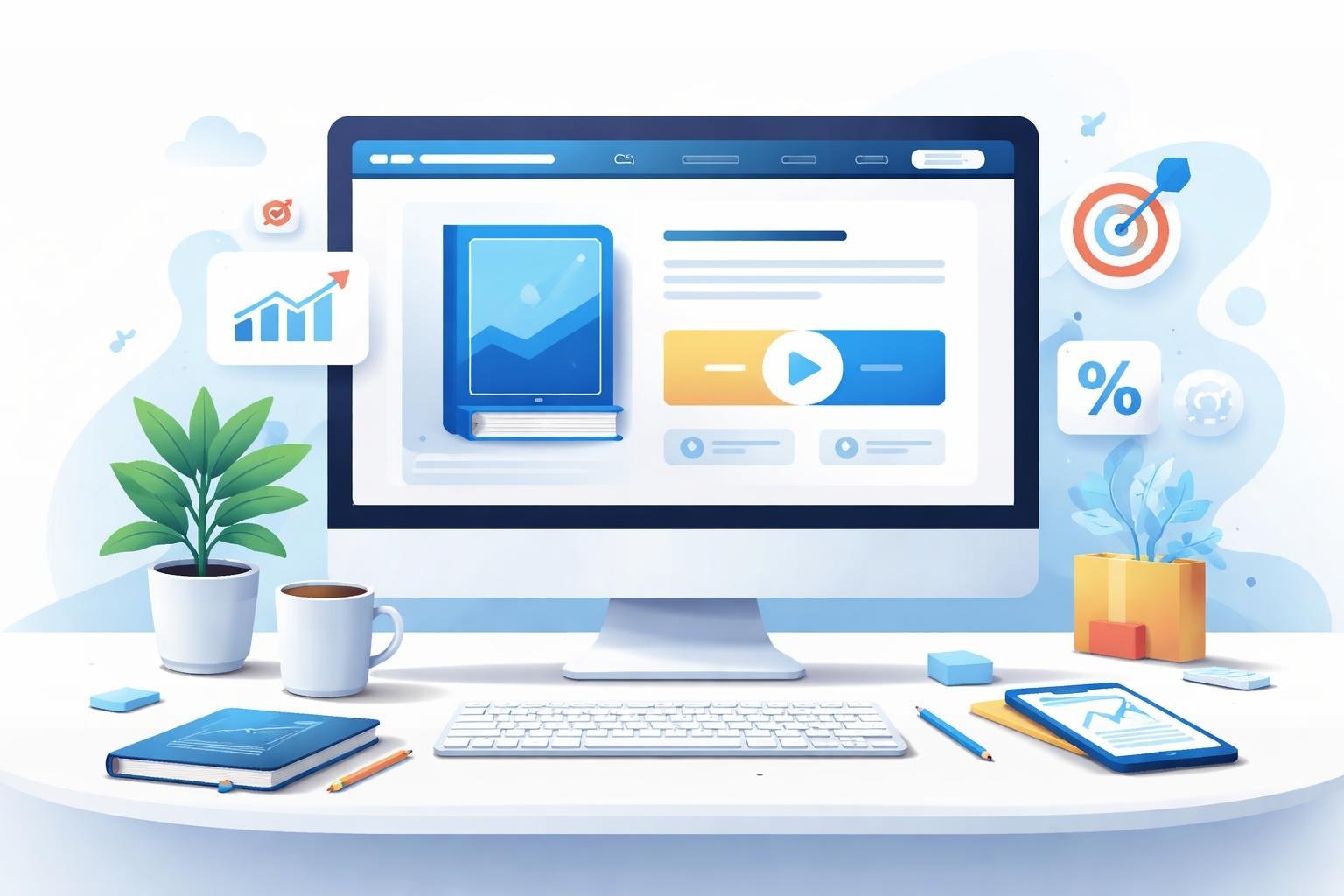
An effective ebook landing page combines clear messaging with strategic design elements that guide visitors toward a single action. We need to focus on three core areas: crafting offers that make downloads irresistible, implementing essential page features, and using proven templates that streamline the sales process.
Irresistible Offers and Calls-to-Action
The call-to-action on our ebook landing page needs to tell visitors exactly what to do next. We should use direct language like “Download Your Free Ebook” or “Get Instant Access” instead of vague phrases.
Our offer needs to clearly state what readers will gain from the ebook. We can list specific benefits in bullet points, such as solving a particular problem or teaching a valuable skill. The stronger the perceived value, the more likely visitors will exchange their email address for the download.
We should place our primary call-to-action button above the fold so visitors see it immediately. The button color needs to stand out from the rest of the page design. We can also repeat the call-to-action at the bottom of longer landing pages to capture readers who scroll through all the content first.
Key Features of Effective Ebook Landing Pages
Every high-performing ebook landing page shares certain essential elements. Here’s what we need to include:
- Clear headline that states the main benefit
- Eye-catching ebook cover image that looks professional
- Short description of what’s inside the ebook
- Simple form that asks only for necessary information
- Trust signals like testimonials or download numbers
We should remove navigation menus and external links from our ebook landing pages. This keeps visitors focused on one decision: downloading the ebook. The page design should guide eyes naturally from the headline to the form.
Our form fields should be minimal. Asking only for name and email increases conversion rates compared to longer forms. We can gather additional information later in our funnel.
Funnel Templates for Ebook Sales
A book funnel template gives us a ready-made structure for our entire ebook campaign. Most funnel templates include a landing page, thank you page, and email follow-up sequence already connected.
We can customize these templates with our own branding, images, and copy. This saves hours compared to building pages from scratch. The template handles technical aspects like form integration and page tracking automatically.
A good funnel template for ebook sales includes an upsell page option. After someone downloads our free ebook, we can offer a related paid product. This turns our lead magnet into a revenue generator while the visitor is still engaged.
Step-by-Step Guide to Building Your Ebook Funnel With ClickFunnels
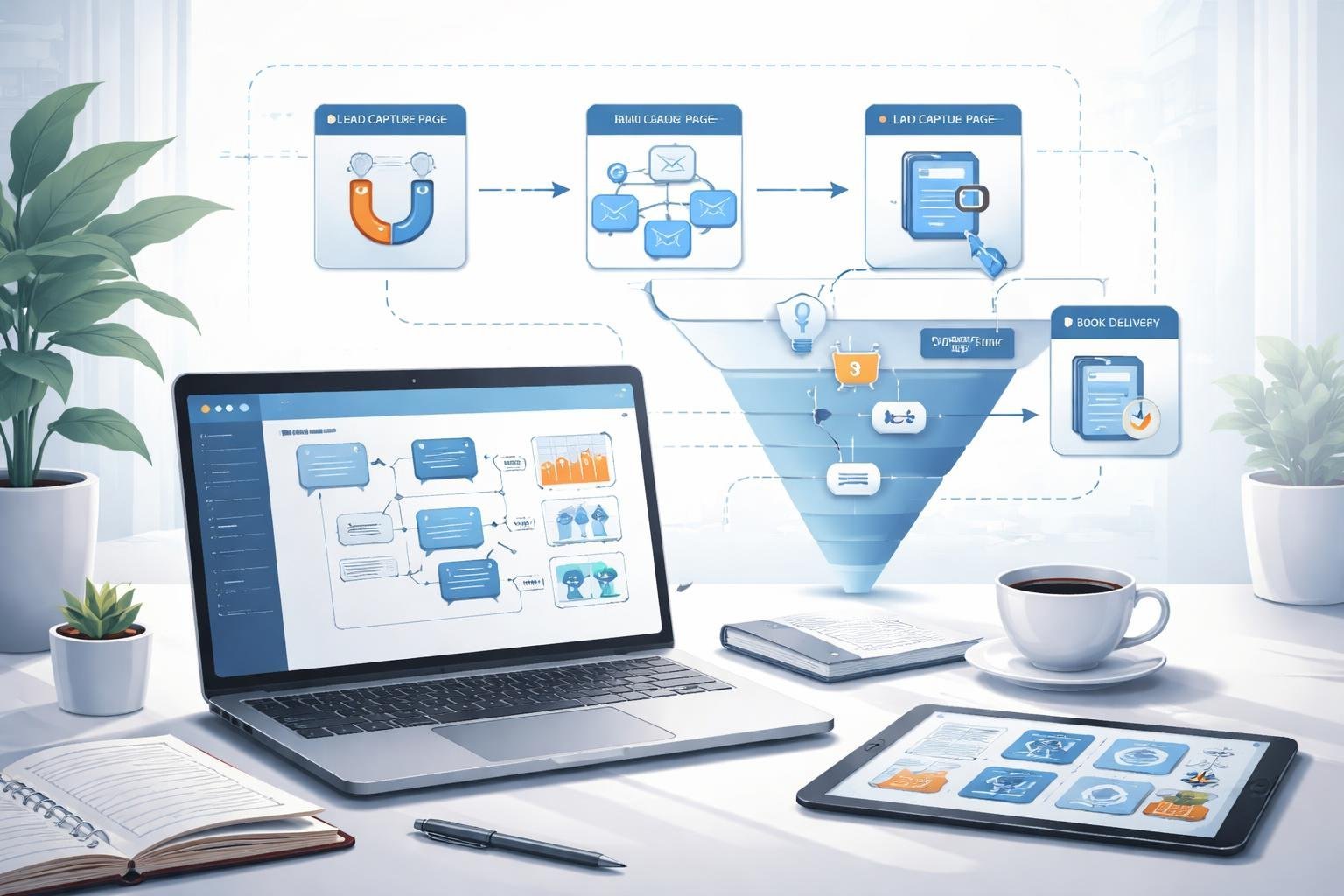
Building an ebook funnel in ClickFunnels involves choosing the right template, uploading your digital files, and setting up payment processing. We’ll walk through each step so you can get your funnel running quickly.
Selecting and Customizing Funnel Templates
We start by logging into ClickFunnels and clicking on “Create New Funnel.” From there, we select the book funnel template that fits our needs. ClickFunnels offers several pre-built options designed specifically for selling ebooks.
Once we choose a template, we customize it to match our brand. We can change colors, fonts, and images by clicking on any element. The drag-and-drop editor makes this easy, even if we don’t have technical skills.
We should focus on the main elements of our funnel. This includes the landing page where people first see our ebook offer and the order form where they enter payment details. We also customize the thank you page where customers receive their download link.
The template comes with placeholder text that we need to replace with our own copy. We write clear headlines that explain what our ebook offers and why people should buy it.
Connecting Digital Assets and Uploading Ebooks
After customizing our template, we need to upload our ebook file. We go to the thank you page in our funnel and add a download button or link. ClickFunnels lets us upload PDF files directly to their servers.
We click on the button element and select “Add Action.” Then we choose “Go to URL” and upload our ebook file. ClickFunnels generates a secure download link automatically.
We can also connect other digital assets like bonus materials or worksheets. These extra files make our offer more valuable. We upload them the same way and add multiple download buttons on the thank you page.
Adding Products and Payment Gateways
We need to connect a payment processor before we can accept orders. ClickFunnels works with Stripe, PayPal, and other payment gateways. We go to settings and add our payment account details.
Next, we create a product in ClickFunnels. We click on “Products” and enter our ebook’s price and name. We can also add different pricing options like a basic version and a premium bundle.
On our order form page, we add the product we just created. We click on the order form element and select which product to sell. We can customize the form fields to collect customer information like name and email address.
We test the entire funnel by making a small test purchase. This helps us catch any problems before real customers use it.
Automated Email Sequences for Ebook Funnels
When we set up an ebook funnel, automated emails handle delivery and nurture our relationship with new subscribers. These emails work around the clock to guide readers from downloading our lead magnet to becoming engaged customers.
Delivering Digital Products via Automated Emails
The first automated email in our sequence delivers the ebook immediately after someone opts in. This email needs to include a direct download link or button that gives instant access to the digital product. We should also attach the ebook file directly to the email as a backup option.
Our delivery email sets the tone for future communication. We can include a brief welcome message that thanks the subscriber and explains what to expect next. It helps to add our contact information or social media links so readers can connect with us easily.
We should tag subscribers in our email system when they download the ebook. This lets us track who received the lead magnet and helps us send targeted follow-up messages based on their interests.
Designing Email Follow-Up Sequences
After the delivery email, we need 3-5 follow-up emails spaced over several days or weeks. The email follow-up sequence should provide extra value related to the ebook topic rather than jumping straight into sales pitches.
Here’s a simple sequence structure:
- Email 1: Deliver the ebook (sent immediately)
- Email 2: Share a helpful tip or bonus content (sent 2 days later)
- Email 3: Tell a customer success story (sent 4 days later)
- Email 4: Introduce a related paid product or service (sent 7 days later)
- Email 5: Offer a special discount or incentive (sent 10 days later)
Each email should have one clear purpose and a single call-to-action. We keep subject lines short and curiosity-driven to improve open rates.
Maximizing Engagement With Ongoing Communication
Beyond the initial email follow-up sequence, we maintain engagement through regular emails. These ongoing messages can include new content, product updates, or helpful resources that keep us top of mind.
We segment our email list based on subscriber behavior. People who clicked certain links get different content than those who haven’t engaged yet. This personalization makes our emails more relevant and useful.
Testing different send times, subject lines, and email content helps us understand what resonates with our audience. We track metrics like open rates, click rates, and conversion rates to improve our automated emails over time. Small changes can lead to big improvements in how well our ebook funnel performs.
Advanced Strategies and ClickFunnels Features
ClickFunnels offers powerful tools beyond basic funnel building that can transform how we sell ebooks. The platform’s premium features, community resources, and specialized funnel types give us more ways to connect with readers and boost sales.
Using ClickFunnels Platinum and the Marketplace
ClickFunnels Platinum unlocks advanced features that make our ebook funnels more effective. We get access to unlimited funnels instead of the basic plan’s limited number. This means we can test different approaches for various ebook topics or audiences.
The marketplace is a game-changer for getting started quickly. We can browse proven funnel templates created by experts and customize them for our ebook. Instead of building from scratch, we simply pick a high-converting template and swap in our own content.
Platinum also gives us priority support when we need help. The A/B testing feature lets us compare different versions of our sales pages to see which one sells more ebooks. We can test headlines, images, or pricing to find what works best for our audience.
Leveraging Virtual Hackathon Resources
The virtual hackathon brings together ClickFunnels users who share tips and strategies. We can learn from others who have successfully sold ebooks through their funnels. The virtual hackathon team hosts regular training sessions that show us new techniques.
These events give us real examples of what works in ebook marketing. We can ask questions and get feedback on our funnel ideas. Many participants share their exact funnel setups and conversion rates.
The community aspect helps us stay motivated and learn faster. We connect with other ebook authors facing similar challenges. The virtual hackathon often features case studies of successful ebook funnels we can study and adapt.
Exploring Application and Cart Funnels
Application funnels work great for high-ticket ebook bundles or coaching programs. We ask potential buyers to fill out a form before they can purchase. This filters out people who aren’t serious and helps us focus on qualified leads.
Cart funnels handle the actual purchase process for our ebooks. We can add upsells right after someone buys, like offering an audiobook version or workbook. The cart funnel keeps everything smooth so buyers don’t abandon their purchase.
These specialized funnels give us more control over the buying experience. We can segment customers based on their application answers or purchase history. This lets us send targeted follow-up offers that match what each reader actually wants.