
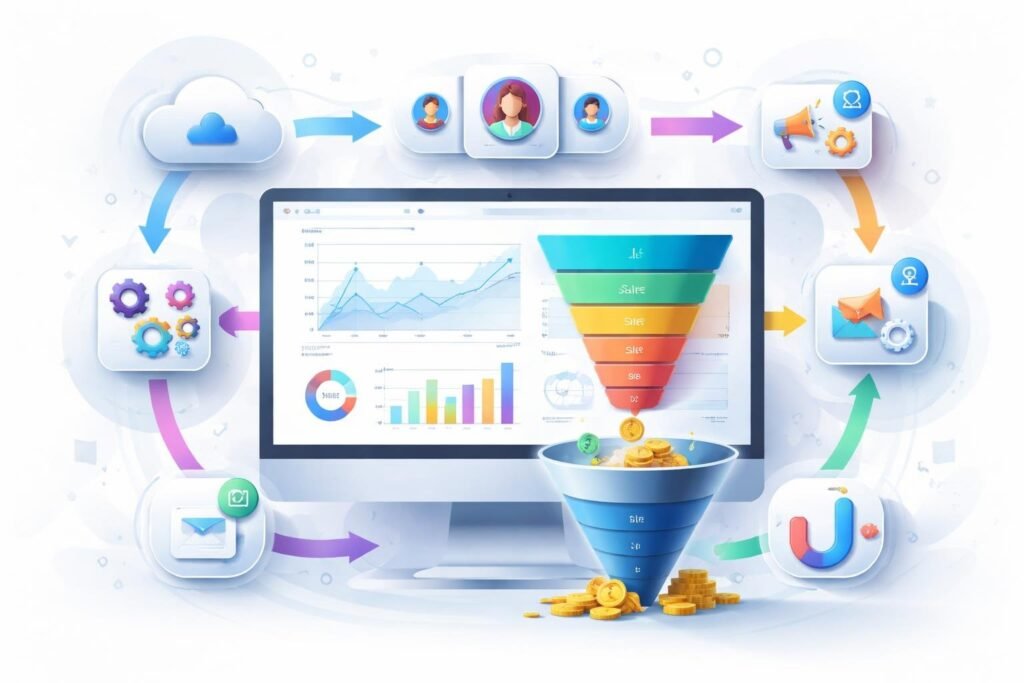
Growing a SaaS business requires more than just great software. You need a way to attract potential customers, get them to try your product, and turn them into paying subscribers. That’s where sales funnels come in, and ClickFunnels has become a popular tool for making this process easier.
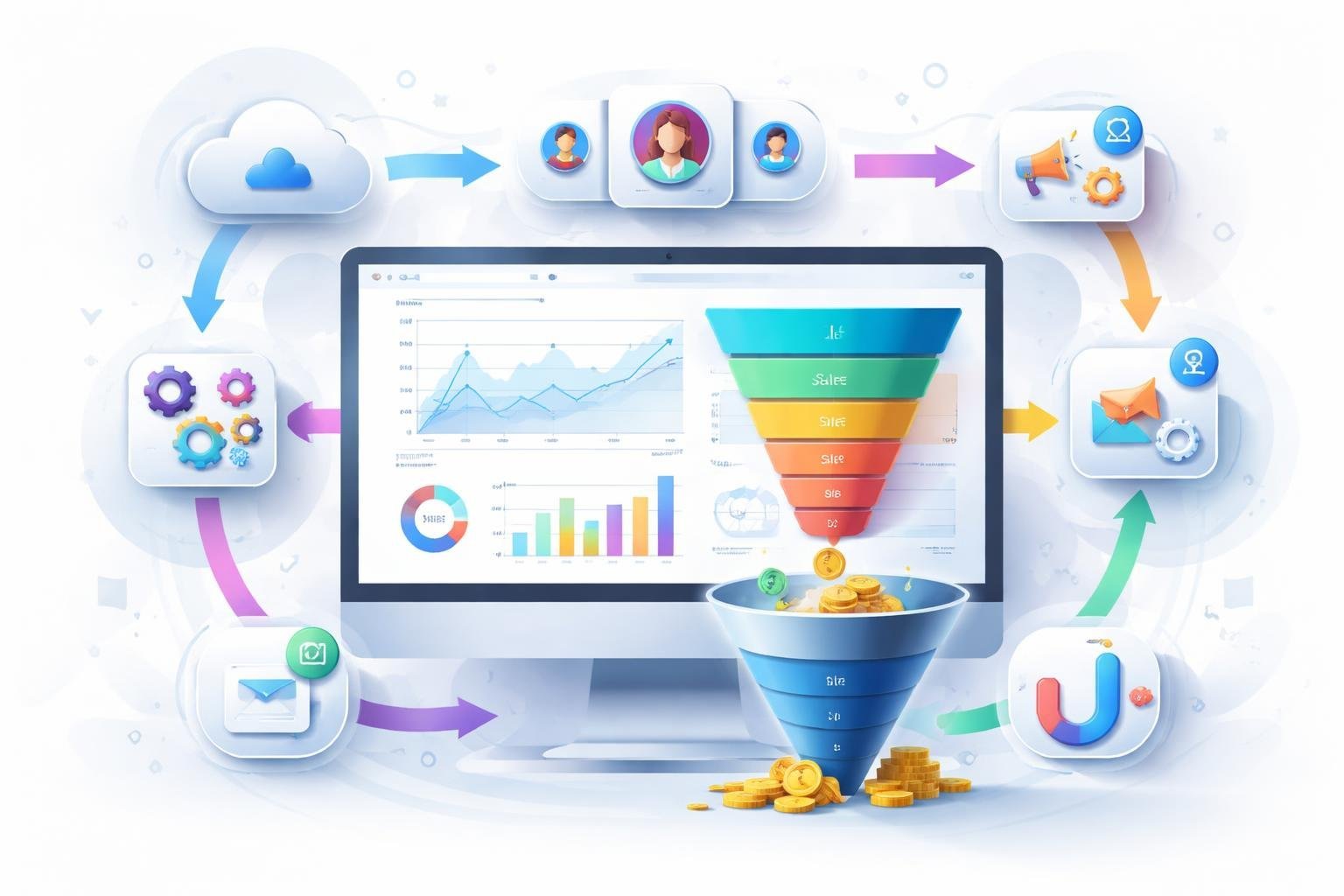
ClickFunnels is a platform that helps SaaS companies build automated sales funnels to capture leads, convert trial users, and grow revenue without needing a developer or complicated setup. The platform combines sales pages, email marketing, payment processing, and analytics into one system. This means you can focus on your product while the funnel works to bring in new customers.
In this guide, we’ll walk you through how ClickFunnels works for SaaS businesses, what features matter most, and whether it’s the right choice for your team. We’ll also cover pricing options, real benefits you can expect, and other tools you might want to consider.
What Is ClickFunnels for SaaS?
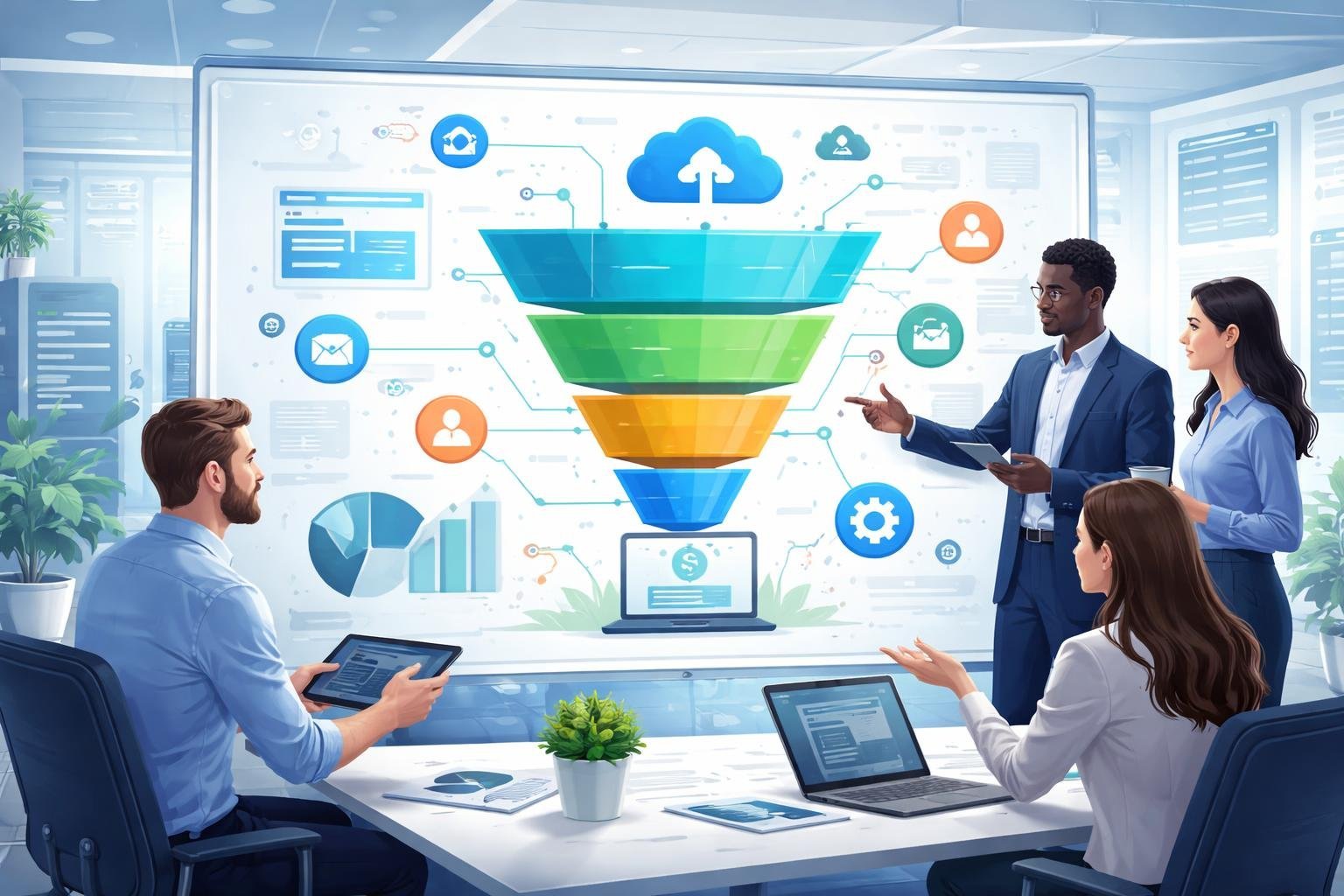
ClickFunnels is a web-based platform that helps SaaS businesses create and manage sales funnels without needing technical skills. The tool combines marketing, sales, and customer engagement features into one system that makes it easier to convert visitors into paying subscribers.
Overview of ClickFunnels for SaaS Businesses
ClickFunnels operates as a Software as a Service platform that gives us tools to build landing pages, sales funnels, and complete websites. For SaaS businesses, this means we can create automated systems that guide potential customers from their first visit to becoming subscribers.
The platform includes templates designed for different goals like free trials, product demos, and paid signups. We can customize these templates to match our brand and pricing model. ClickFunnels also provides analytics tools that show us how visitors move through our funnel and where they drop off.
The system integrates email marketing, payment processing, and customer management in one place. This saves us from connecting multiple tools and paying for separate services.
Key Differences: Sales Funnels vs. ClickFunnels
A sales funnel is the journey potential customers take from awareness to purchase. ClickFunnels is the software tool we use to build and manage those funnels.
Sales funnels can exist with or without ClickFunnels. We could build them using basic websites, email software, and payment systems. ClickFunnels packages all these pieces together with pre-built templates and drag-and-drop editors.
The main advantage is speed and simplicity. Instead of hiring developers or learning to code, we can launch complete funnels in hours instead of weeks.
How ClickFunnels Fits the SaaS Model
SaaS businesses need specific funnel types that differ from physical products. We typically offer free trials, freemium plans, or demo requests instead of one-time purchases.
ClickFunnels supports these subscription-based models through features like trial signup pages, onboarding sequences, and upgrade prompts. We can create separate funnels for different customer segments or pricing tiers.
The platform works well for SaaS because it handles recurring billing and integrates with common SaaS tools. We can build funnels that automatically move users from trial to paid plans or from basic to premium tiers.
Core Features Tailored to SaaS
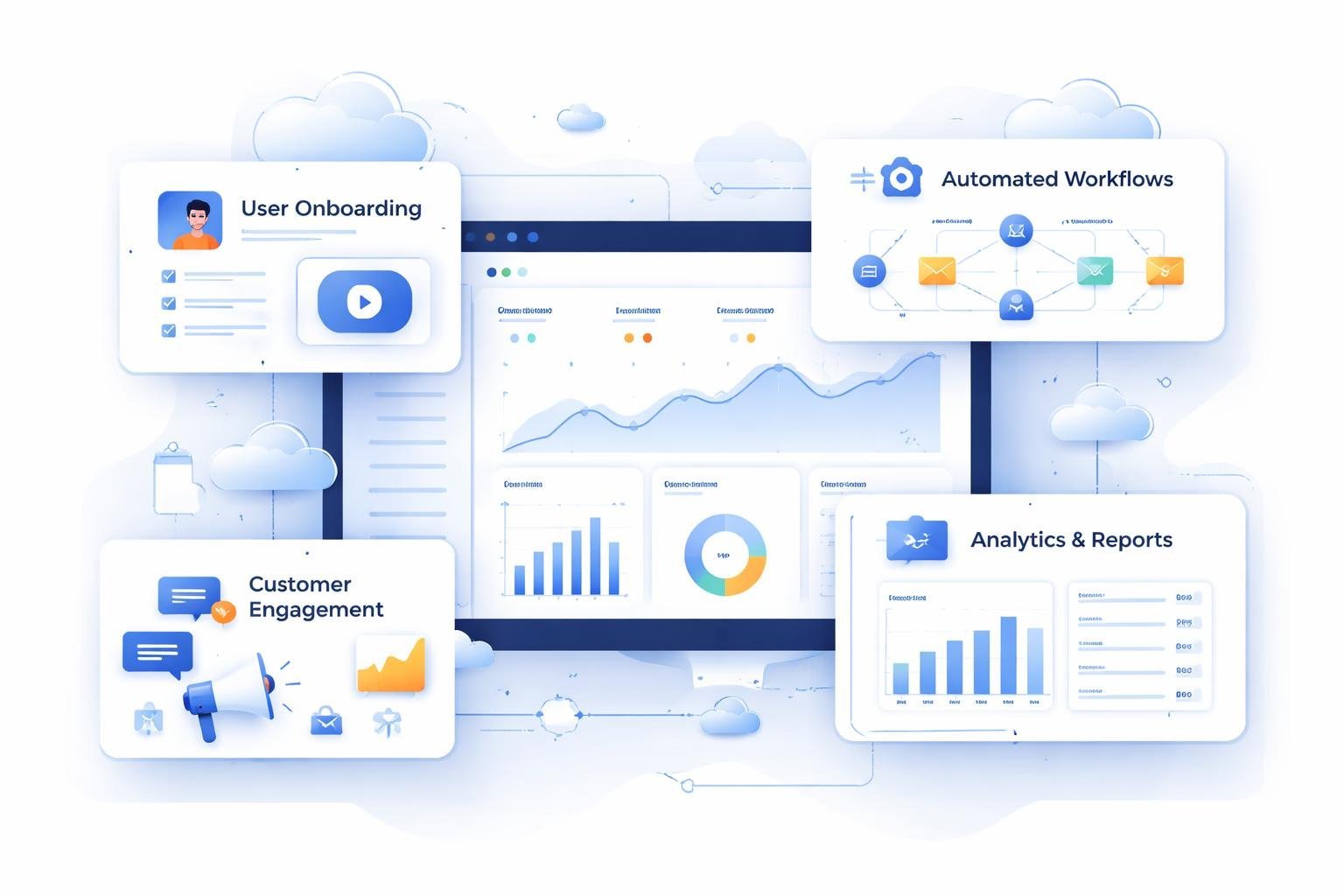
ClickFunnels offers specific tools that help SaaS businesses convert visitors into paying customers. The platform includes a funnel builder with pre-made templates, a simple page editor for creating landing pages, and automation features that handle repetitive tasks.
Sales Funnel Builder and Funnel Templates
The funnel builder lets us create complete sales funnels without coding knowledge. We can map out each step a potential customer takes, from first contact to final purchase. The drag-and-drop builder makes it easy to add pages, emails, and checkout steps in the order we want.
ClickFunnels provides funnel templates designed specifically for SaaS companies. These templates include common paths like free trial signups, demo requests, and product launches. We can pick a template and customize it instead of starting from scratch.
The funnel building process focuses on moving leads through stages. We set up awareness pages, consideration pages, and decision pages all within one funnel. Each template shows us where to place forms, videos, and call-to-action buttons based on what works for other SaaS businesses.
Landing Page and Page Editor Capabilities
The page editor gives us control over how our landing pages look and function. We use the drag-and-drop builder to add elements like headlines, images, forms, and buttons. Each element can be moved around the page until we find what works best.
Landing page creation doesn’t require technical skills. We click on any text to edit it, drag images into place, and adjust colors to match our brand. The editor shows us exactly how the page will look on desktop and mobile devices.
We can create multiple landing pages for different campaigns or audience segments. Each page can have its own design and message while staying connected to the same sales funnel.
Automation and Workflow Management
Automation features handle tasks that would otherwise require manual work. We can set up workflows that send emails, tag contacts, and move people between funnel stages based on their actions. When someone signs up for a trial, the system automatically sends welcome emails and tracks their progress.
The automation tools let us create if-then rules. If a lead clicks a specific link, then they get added to a follow-up sequence. If they don’t open emails for a week, then they receive a different message. These workflows run continuously without our involvement.
We can automate user onboarding, payment reminders, and upgrade offers. The system tracks which automations lead to conversions so we know what’s working.
Lead Generation and Conversion Tools
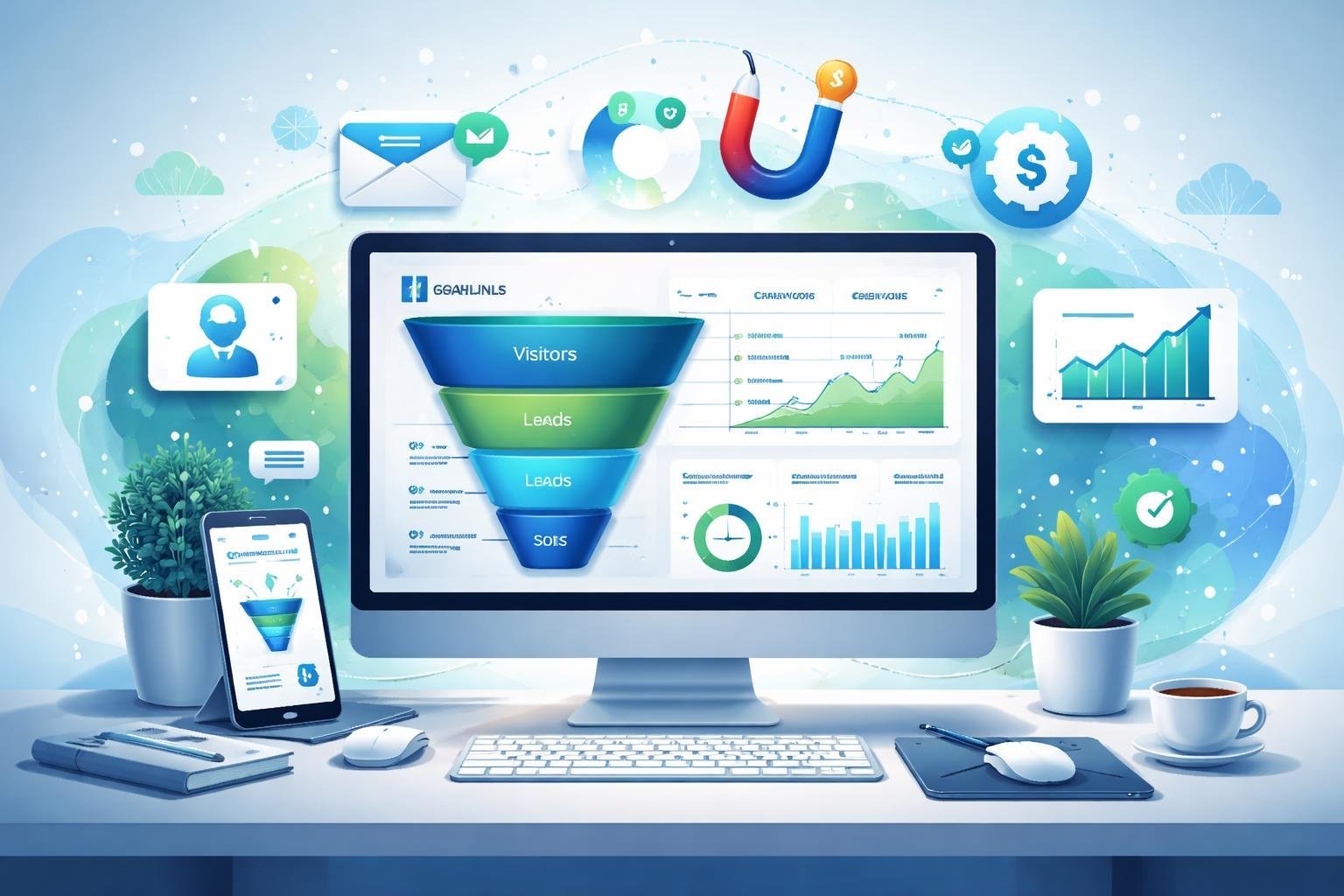
ClickFunnels provides specific tools that help SaaS companies capture leads through opt-in forms and lead magnets, test different approaches to improve conversion rates, and nurture prospects with automated email sequences.
Lead Magnets and Opt-in Forms for SaaS
Lead magnets work as free resources we offer in exchange for contact information. For SaaS products, the most effective lead magnets include free trials, product demos, checklists, templates, or educational guides that solve specific problems our target users face.
ClickFunnels lets us create opt-in forms that capture leads at different stages of the buyer journey. We can customize these forms to ask for basic information like email and name, or add custom fields to qualify leads better. The platform includes pop-up forms, embedded forms, and full landing pages designed specifically for lead generation.
The key is matching our lead magnet to what our potential customers actually need. A project management SaaS might offer a free productivity template, while a marketing SaaS could provide a social media calendar. We should keep opt-in forms simple with just 2-3 fields to reduce friction and increase completion rates.
A/B Testing and Conversion Rate Optimization
A/B testing helps us figure out which funnel elements work best by comparing two versions of the same page or element. ClickFunnels includes built-in split testing tools that let us test headlines, button colors, form lengths, pricing displays, and page layouts.
We can run tests on individual funnel steps to improve our overall conversion rate. The platform tracks metrics like page views, opt-ins, and purchases for each variation. This data shows us exactly which version performs better so we can make informed decisions.
For SaaS funnels, we should test different trial periods, pricing presentations, and benefit statements. Even small improvements in conversion rate can significantly impact our customer acquisition numbers. We need to run tests long enough to gather meaningful data before making changes.
Email Marketing and Sequences
Email sequences automate our follow-up process after someone opts into our funnel. ClickFunnels includes email automation tools that send targeted messages based on user actions and timelines.
We can create welcome sequences for new leads, trial activation emails for sign-ups, and re-engagement campaigns for inactive users. Email marketing campaigns work best when we segment our audience based on behavior, interests, or where they are in the buying process.
The platform lets us set up triggers that send specific emails when users complete certain actions. For example, if someone downloads our lead magnet but doesn’t start a trial, we can automatically send them case studies or testimonials. We should focus on providing value in each email rather than just pushing for a sale.
Using ClickFunnels to Accelerate SaaS Growth
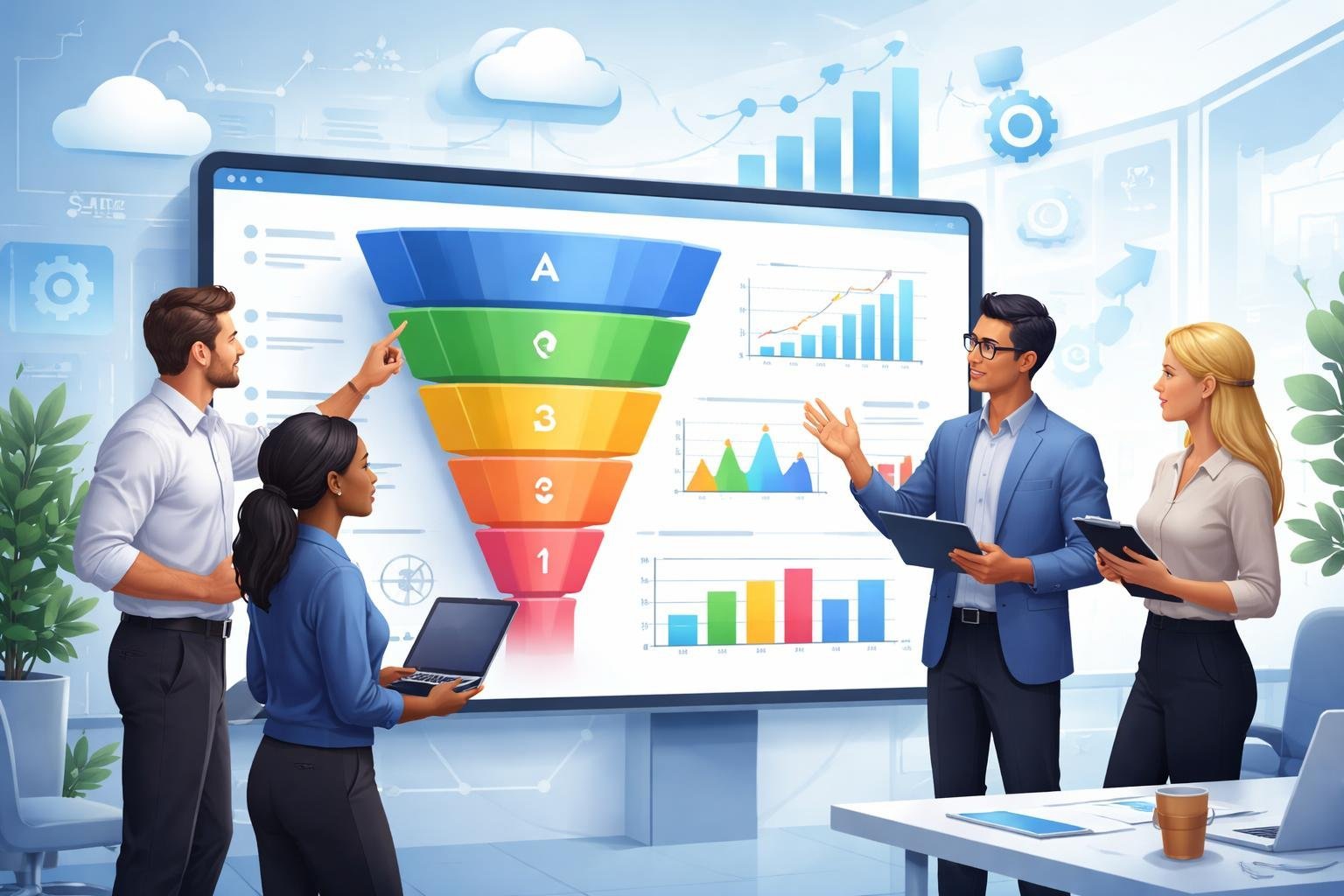
ClickFunnels helps SaaS companies build conversion-focused pathways that turn visitors into paying customers. We can use specialized funnels for onboarding new users, hosting demos, and maximizing customer value through strategic pricing offers.
SaaS Onboarding Funnels: Free Trials and Freemium Offers
We need to make the first interaction with our software as smooth as possible. A 14-day free trial gives potential customers enough time to experience core features without feeling rushed. ClickFunnels lets us build landing pages that clearly explain trial benefits and collect email addresses for follow-up.
Freemium models work differently but serve a similar purpose. We offer basic features forever while reserving premium tools for paid plans. This approach builds trust and lets users grow comfortable with our platform.
The key is reducing friction at signup. We should ask for minimal information upfront and delay payment details until the trial ends. ClickFunnels templates help us create clean signup forms that don’t overwhelm visitors.
Essential elements for trial funnels:
- Clear value proposition on the landing page
- Simple signup form with 3-5 fields maximum
- Automated email sequences during the trial period
- Reminder emails before trial expiration
Webinar and Demo Funnels
Webinar funnels work well for complex SaaS products that need explanation. We can schedule live demonstrations or create automated webinar sequences that run on demand. ClickFunnels offers webinar funnel templates that include registration pages, reminder emails, and replay options.
Product launch funnels build excitement before releasing new features or plans. We guide potential customers through educational content that highlights problems our software solves. The webinar becomes the main event where we demonstrate solutions and present special offers.
Live demos let us answer questions in real time and address specific concerns. We should end each session with a clear call to action, whether that’s starting a free trial or scheduling a one-on-one consultation.
Upsell, Downsell, and Tripwire Funnels
After someone subscribes, we can increase their lifetime value through strategic offers. An upsell presents a higher-tier plan right after checkout, often at a discount available only at that moment. This works because the customer already decided to trust us.
Downsells catch people who decline the upsell. We offer a middle-ground option that adds value without the full cost of the premium tier. This gives us a second chance to increase revenue from the same customer.
Tripwire funnels use low-cost offers to convert hesitant prospects. We might sell a training course or consultation for $27 to get someone into our ecosystem. Once they make a small purchase, they’re more likely to upgrade to our main subscription later.
Funnel sequence example:
- Customer signs up for basic plan at checkout
- Upsell offer: Annual plan at 20% discount
- If declined: Downsell to quarterly plan at 10% discount
- Confirmation page with onboarding resources
Integrations and Customization for SaaS Teams
ClickFunnels connects with essential business tools through native integrations and third-party platforms like Zapier, while offering customization options through custom HTML and webhooks. We can set up workspaces for team members and configure payment gateways to match our specific SaaS needs.
CRM and Analytics Integration
We can connect ClickFunnels to popular CRM platforms to track customer data and manage our sales pipeline. The platform supports native integrations with major CRMs, so we don’t need extra tools for basic connections.
For analytics, we get access to an analytics dashboard that shows funnel performance and conversion rates. We can also use webhooks to send data to our own analytics tools. This lets us combine ClickFunnels data with other metrics we track.
Custom HTML gives us the option to add tracking codes from Google Analytics or other platforms. We just paste the code into our funnel pages. This means we can keep using the analytics tools we already know.
Payments and Checkout Page Options
ClickFunnels works with standard payment gateways like Stripe and PayPal for processing subscriptions and one-time purchases. We can set up multiple payment options on our checkout pages to give customers flexibility.
The checkout pages can be customized to match our brand and pricing model. We can add order bumps, upsells, and different payment plans. For SaaS companies with recurring billing, we can configure subscription frequencies and trial periods.
We also have the option to build custom checkout flows using the page editor. This helps us test different layouts to improve conversion rates.
Team Collaboration and Workspaces
Workspaces in ClickFunnels let us organize projects and manage access for team members. We can create separate workspaces for different products or client projects.
Team members can be assigned specific roles with different permission levels. This keeps our funnels secure while letting the right people make updates. We can add designers, copywriters, and marketers without giving everyone full account access.
The platform also supports collaboration through shared assets and templates. Our team can work on the same funnels and reuse elements across different projects.
ClickFunnels Pricing and Plans for SaaS
ClickFunnels offers four main pricing tiers designed to scale with your business, and all plans include access to funnel building, email marketing, and automation tools that SaaS companies need.
Overview of ClickFunnels SaaS Pricing
ClickFunnels structures its pricing around business growth stages. The four plans are Launch, Scale, Optimize, and Dominate.
Launch Plan starts at the entry level and gives you basic funnel building tools. It includes limited contacts and email sends per month.
Scale Plan offers more contacts and features. This plan works well for growing SaaS businesses that need more email capacity and automation.
Optimize Plan adds advanced features like priority support and higher limits. We see this plan fit mid-sized SaaS companies with established user bases.
Dominate Plan provides unlimited access to most features. It includes the highest contact limits and premium support options.
All plans include core features like funnel templates, payment processing, domain hosting, and AI content tools. The main differences come down to contact limits, email volume, and support level.
Free Trial and Money-Back Guarantee Details
ClickFunnels offers a 14-day free trial on all pricing plans. You can test the platform without entering payment details.
The trial gives you full access to your chosen plan’s features. We recommend using this time to build a test funnel and connect your tools.
ClickFunnels also provides a 30-day money-back guarantee after you start paying. If the platform doesn’t work for your SaaS, you can request a full refund within the first month.
This combination of trial and guarantee gives you 44 days total to evaluate the platform risk-free.
Choosing the Right Plan for Your SaaS
Pick your plan based on your contact list size and monthly email volume. Start with the Launch plan if you’re validating your SaaS idea or have fewer than 1,000 contacts.
Move to the Scale plan when you need more automation features and have 5,000+ contacts. This plan supports growing SaaS businesses that send regular product updates and onboarding sequences.
The Optimize plan makes sense for established SaaS companies with 10,000+ users. You get priority support and higher sending limits for your product emails.
Consider the Dominate plan only if you run multiple SaaS products or need unlimited features. Most single SaaS businesses won’t need this level right away.
We suggest starting small and upgrading as you grow. You can change plans anytime based on your needs.
Benefits and Limitations for SaaS Companies
ClickFunnels offers SaaS companies streamlined marketing tools and simple funnel building, but it comes with trade-offs in customization, SEO capabilities, and cost that need careful consideration.
Marketing Automation and Ease of Use
We find that ClickFunnels makes it easy to build sales funnels without needing technical skills. The drag-and-drop builder lets us create landing pages and email sequences quickly, which saves time compared to coding everything from scratch.
The platform includes built-in marketing automation features like email follow-ups, abandoned cart recovery, and lead scoring. These tools help us nurture leads automatically without switching between different software programs.
However, we noticed some limitations for SaaS companies specifically. ClickFunnels doesn’t offer white-label options, so we can’t rebrand the platform for our own clients. The customization options are also more limited than what we get with custom-coded solutions.
The learning curve exists even though the platform is user-friendly. We need time to understand all the features and how to set up complex automation sequences properly.
Customer Support, Security, and Compliance
ClickFunnels provides customer support through email, chat, and a knowledge base. We can access training materials and community forums to solve common problems.
Security features include SSL certificates for all funnels and basic data protection. The platform handles hosting and uptime, which removes some technical burden from our team.
But we face challenges with compliance requirements that many SaaS companies need. ClickFunnels has limited options for data residency and custom security configurations. If we need specific compliance certifications like SOC 2 or HIPAA, we might find the platform doesn’t meet all our requirements.
SEO and Performance Considerations
ClickFunnels pages load slower than custom-built websites in many cases. This affects our search engine rankings since Google considers page speed as a ranking factor.
The platform gives us basic SEO settings like meta titles and descriptions. But we lack advanced SEO features such as custom schema markup, detailed URL structures, and full control over technical SEO elements.
We’re also limited in how we can optimize for organic search traffic. ClickFunnels works best for paid traffic campaigns where we drive visitors directly to specific funnel pages. Building long-term SEO strategies requires additional tools or websites alongside ClickFunnels.
ClickFunnels Alternatives for SaaS
While ClickFunnels works for SaaS businesses, several alternatives offer features better suited for subscription-based software companies. We’ve found that platforms like GoHighLevel, Simvoly, and ActiveCampaign provide strong options at different price points and feature sets.
Popular Alternatives and Comparisons
GoHighLevel stands out as the best ClickFunnels alternative for agencies and SaaS businesses. Starting at $97/month, it includes a full CRM, email marketing, SMS, calendars, and funnel builders in one platform. The white-label option at $497/month lets agencies rebrand and resell the software to clients.
ActiveCampaign focuses on advanced automation and email marketing. It’s cheaper than ClickFunnels and integrates well with other tools. This makes it good for SaaS companies that already have landing page software but need better email sequences.
Simvoly offers an affordable option with clean templates and basic funnel features. It works well for smaller SaaS companies just starting out.
Shopify isn’t a direct competitor but handles subscription billing better than ClickFunnels. Many SaaS businesses use it alongside funnel builders for payment processing.
How to Choose the Best SaaS Funnel Builder
We recommend looking at three main factors when picking a funnel builder for your SaaS business.
First, check if it handles recurring billing and subscriptions natively. SaaS companies need monthly or annual payment options, trial periods, and upgrade paths. Not all funnel builders support this well.
Second, evaluate the CRM and automation features. Your SaaS needs to track user behavior, send onboarding emails, and manage customer lifecycles. Tools like GoHighLevel include these features built-in, while others require third-party integrations.
Third, consider your budget and team size. Agencies managing multiple clients benefit from white-label platforms. Smaller teams might prefer simpler, cheaper options like Simvoly that still cover the basics.