
Web designers face a common challenge: clients want more than just beautiful websites. They want sites that actually bring in customers and make sales. That’s where ClickFunnels comes in.
ClickFunnels is a drag-and-drop platform that helps web designers build sales funnels and websites without needing to code or hire a technical team. Instead of just creating static pages, we can now design complete customer journeys that guide visitors from their first click all the way to buying. The platform includes templates, email tools, and analytics that make it easier to deliver real results for our clients.
We’ve put together this guide to show how ClickFunnels can transform the way we work as web designers. We’ll cover the key features that matter most, walk through different funnel types for various client needs, and compare it to other options on the market. Whether you’re new to sales funnels or looking to expand your services, this article will help you decide if ClickFunnels fits your web design business.
Why ClickFunnels Is a Game Changer for Web Designers
ClickFunnels changes how we approach web design by focusing on conversions rather than just looks. We can now build complete marketing systems that turn visitors into customers, not just pretty websites that sit there.
The Shift From Traditional Web Design to Funnel Building
Traditional web design focuses on creating attractive pages that showcase information. We build beautiful homepages, about pages, and contact forms. But these sites often fail to guide visitors toward taking action.
Funnel building works differently. A sales funnel leads people through specific steps designed to convert them into customers. Each page has one clear goal, whether that’s collecting an email or making a sale.
This shift means we need to think about user experience in a new way. Instead of designing standalone pages, we create paths that move people from curiosity to purchase. ClickFunnels makes this possible without coding skills.
The platform gives us templates that already follow proven conversion patterns. We don’t have to guess what works or spend hours testing layouts. This saves time and gets better results for our clients.
Benefits of Integrating ClickFunnels Into Your Design Services
Adding ClickFunnels to our services lets us charge more for our work. We’re not just building websites anymore. We’re creating systems that make money for our clients.
Our clients see results faster with a funnel builder approach. They get leads and sales from day one instead of waiting months for SEO to kick in. This makes them happier and more likely to refer us to others.
Key advantages we gain:
- No need to hire developers or learn complex code
- Built-in email marketing and payment processing
- Analytics that show exactly what’s working
- Faster project completion times
We can also offer ongoing services like funnel optimization and A/B testing. This creates recurring revenue instead of one-time project fees.
How ClickFunnels Simplifies Sales Funnel Creation
The drag-and-drop editor lets us build pages in minutes instead of hours. We click, drag, and drop elements exactly where we want them. No CSS or HTML required.
ClickFunnels includes everything we need in one place. We get hosting, email tools, payment processing, and analytics. This means fewer plugins to manage and fewer things that can break.
The platform comes with templates for different business types. Whether our client sells courses, physical products, or services, there’s a starting point. We customize these templates to match their brand and goals.
Testing different versions of pages is simple. We create variations and ClickFunnels tracks which one converts better. This data helps us improve results over time without guessing.
Core Features of ClickFunnels for Web Designers

ClickFunnels gives web designers the tools to build complete sales funnels without writing code. The platform combines visual editing, pre-built templates, and payment processing into one system.
Drag-and-Drop Funnel Builder
The drag-and-drop editor lets us build custom funnels by clicking and moving elements around the page. We don’t need any coding skills to create professional designs. The funnel builder includes pre-made templates that we can customize to match our client’s brand.
We can add text blocks, images, videos, buttons, and forms by dragging them from a sidebar onto the page. Each element can be styled using simple controls for colors, fonts, and spacing. ClickFunnels 2.0 improved the editor with faster loading times and more customization options.
The platform handles the technical setup automatically. We just focus on the design and layout while ClickFunnels manages the hosting and connections between pages.
Conversion-Optimized Landing Pages
ClickFunnels provides landing page templates built specifically to turn visitors into leads and customers. These templates follow proven layouts that guide people toward taking action. We can choose from opt-in pages, sales pages, webinar registration pages, and product launch pages.
Each template includes strategic placement of headlines, benefit lists, and call-to-action buttons. We can split-test different versions of landing pages to see which one performs better. The platform tracks visitor behavior so we can make data-driven decisions about our designs.
The templates are mobile-responsive by default. This means our landing pages look good and work properly on phones, tablets, and computers without extra work from us.
Seamless Payment Gateway Integration
ClickFunnels connects directly to popular payment gateways like Stripe, PayPal, and Square. We can add checkout forms to our sales funnels without setting up separate shopping cart systems. The payment gateway integration handles secure transactions and customer billing automatically.
We can create one-time purchases, subscription plans, and payment plans all within the same funnel. The system processes payments and delivers digital products or grants access to membership areas right away. ClickFunnels also manages order bumps and upsells during the checkout process to increase average order value.
Essential Sales Funnel Types for Web Design Clients
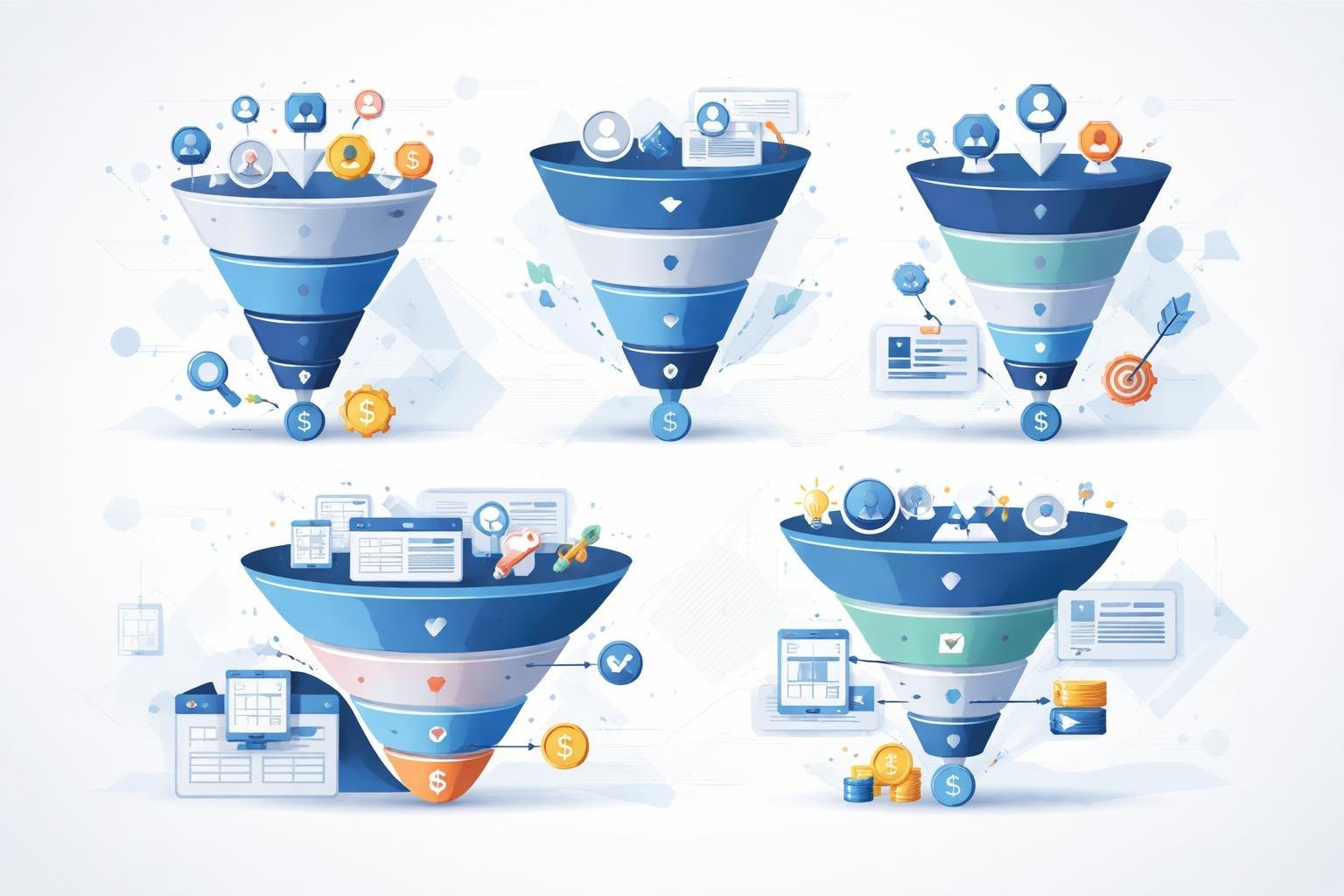
Web design clients need different funnel types depending on their business goals. We’ll explore three core funnel strategies that convert visitors into customers and help your clients grow their businesses.
Lead Generation Funnel Strategies
A lead generation funnel captures contact information from potential customers before asking them to buy anything. We start by offering something valuable like a free guide, template, or consultation in exchange for an email address.
The basic structure includes a landing page with a clear offer and a simple form. We keep the form short, usually asking for just a name and email address. After someone submits their information, they land on a thank you page that delivers the promised resource.
Key elements we include:
- Compelling headline that speaks to the visitor’s pain point
- Brief description of what they’ll receive
- Eye-catching opt-in form
- Trust signals like testimonials or security badges
Lead generation funnels work especially well for service-based businesses where the sale takes time to close. We can also add follow-up email sequences that nurture these leads until they’re ready to purchase.
Product Launch Funnels for New Services
Product launch funnels build excitement before releasing a new service or product. We create anticipation through a series of sales pages and content that gradually reveals information.
The funnel typically starts with a pre-launch page where visitors can sign up for early access. We then send them educational content about the problem the new service solves. This builds desire before we even mention the price.
Launch day involves a dedicated sales page with detailed information about the service. We include benefits, pricing options, testimonials, and a clear call to action. Many launches also use countdown timers to create urgency.
Launch sequence phases:
- Teaser content and email list building
- Educational pre-launch content
- Official launch with sales page
- Follow-up emails to non-buyers
These funnels work great for web design clients introducing premium packages or new specialties.
Webinar Funnels to Demonstrate Expertise
A webinar funnel positions your client as an expert while selling services in a non-pushy way. We start with a registration page that promises valuable training on a specific topic.
The webinar itself follows a proven structure. We spend the first portion teaching useful information that attendees can implement immediately. Then we transition to presenting a service or product that helps them get faster results.
Registration pages need compelling titles that highlight the benefit attendees will receive. We include bullet points showing what they’ll learn and social proof from past webinars.
Webinar funnel components:
- Registration landing page
- Reminder email sequence
- Live or automated webinar presentation
- Replay page for those who missed it
- Follow-up sales emails
Webinar funnels excel at selling higher-priced services because they give prospects time to know, like, and trust the presenter. We can also record the webinar once and use it as an automated funnel that runs on autopilot.
Customizing Funnel Templates and Designs
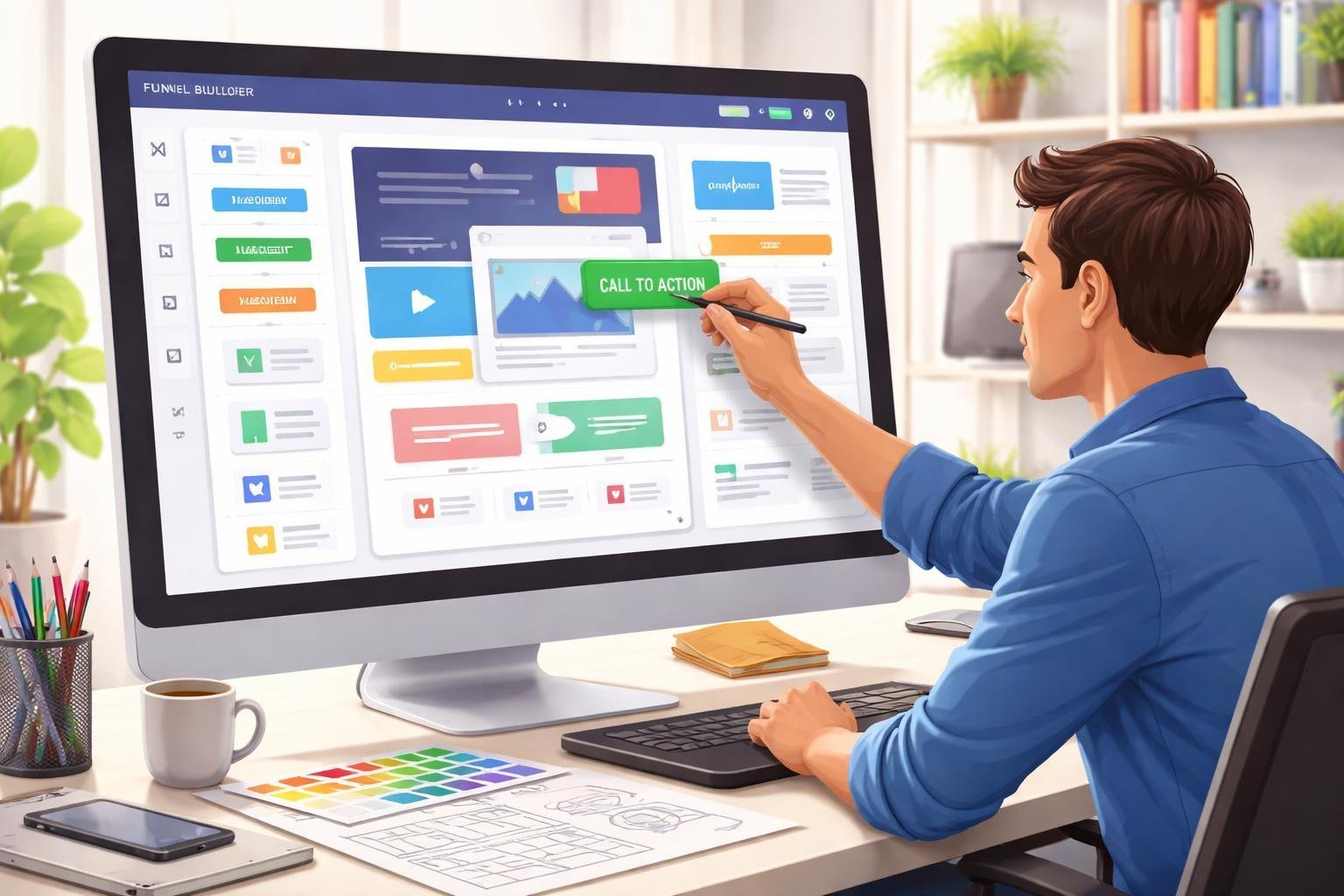
ClickFunnels offers hundreds of pre-built templates that we can customize to match our clients’ brands and boost conversions. We’ll explore how to select the right templates, adapt them for specific branding needs, and optimize squeeze pages for better results.
Utilizing ClickFunnels Templates
ClickFunnels provides a large library of sales funnel templates that are already proven to convert. We can choose from templates designed for different purposes like lead generation, product launches, or webinar registrations.
The drag-and-drop editor makes it simple to work with these funnel templates. We don’t need coding skills to modify layouts, swap images, or change text. Each template comes with multiple pages that work together, including squeeze page funnels, sales pages, and order form pages.
We can preview templates before selecting them to see how they flow. The best approach is to pick a template that closely matches our project goals. This saves time since we’re starting with a structure that already works.
Tailoring Funnel Templates for Client Branding
Once we select a template, we need to customize it to reflect our client’s brand identity. We can change colors, fonts, logos, and images through the visual editor without touching any code.
For more advanced customization, we can add HTML, CSS, and JavaScript directly to the pages. This lets us create unique elements or add specific functionality that our clients need.
Key branding elements to customize:
- Header and footer with client logo
- Brand colors throughout all pages
- Custom fonts that match brand guidelines
- Product images and photos
- Copy and messaging tone
We should keep design changes consistent across all pages in the funnel. ClickFunnels theme system helps maintain this consistency automatically once we set our preferences.
Design Tips for High-Converting Squeeze Pages
A squeeze page is a simple landing page designed to collect email addresses or contact information. We want to keep these pages focused on one clear action.
The headline needs to grab attention immediately. We should state the main benefit in clear terms that speak to what visitors actually want. Below that, we add 2-3 bullet points that explain what they’ll get.
Essential squeeze page elements:
- Strong, benefit-focused headline
- Clear call-to-action button
- Simple form (usually just name and email)
- Trust indicators like testimonials or security badges
- Minimal navigation to reduce distractions
We should use contrasting colors for the opt-in button to make it stand out. The form itself should ask for only the information we truly need. Each additional field reduces conversion rates. Images on squeeze pages work best when they show the lead magnet or create an emotional connection with the audience.
Optimizing Funnels for Maximum Results
Testing different funnel elements and automating follow-up processes helps us turn more visitors into customers. We can also use ClickFunnels to create membership sites that keep clients engaged with our services over time.
A/B Testing and Data-Driven Improvements
A/B testing lets us compare two versions of a funnel element to see which one performs better. We can test headlines, button colors, video sales letter placements, or entire page layouts. The key is to test one element at a time so we know exactly what causes any change in results.
Start with high-impact elements like headlines and calls-to-action. Run each test until we have enough data to make a clear decision, usually after at least 100 conversions per variation. ClickFunnels tracks conversion rates automatically, making it easy to spot the winner.
We should focus our testing on the pages where visitors drop off most. If 50% of people leave on the opt-in page, that’s where our testing will have the biggest impact. Small improvements add up quickly when we optimize the right spots.
Implementing Automated Email Sequences
An email sequence keeps prospects engaged after they enter our funnel. We can set up automated messages that deliver value, answer common questions, and guide people toward a purchase decision. These follow-up funnels work while we sleep.
Our first email should deliver what we promised on the opt-in page. Then we can send educational content, case studies, or testimonials over the next few days. Space emails 1-2 days apart to stay present without overwhelming subscribers.
ClickFunnels connects with email platforms like Mailchimp and ActiveCampaign. We can trigger different sequences based on what actions people take in our funnel. Someone who watches our video sales letter might get different emails than someone who skips it.
Enhancing Membership Sites With ClickFunnels
Membership sites give us recurring revenue and deeper client relationships. We can use ClickFunnels to build members-only areas where clients access tutorials, templates, or ongoing support. This works well for designers offering maintenance packages or educational content.
Set up different membership levels with varying access and pricing. We might offer a basic tier with template downloads and a premium tier with video training and monthly design reviews. ClickFunnels handles the login system and content restrictions automatically.
The membership funnel needs clear value at each level. Show potential members exactly what they’ll get and how it helps their business. We can also add a free trial period to reduce signup friction.
Advanced Tools and Resources for Funnel-Building Success
ClickFunnels offers several premium resources that can help us master funnel building and better serve our web design clients. These tools include a marketplace full of templates, comprehensive training programs, and hands-on challenges that teach proven strategies.
Exploring the ClickFunnels Marketplace
The ClickFunnels Marketplace gives us access to pre-built funnels, templates, and add-ons created by experienced funnel builders. We can browse through different categories to find solutions that match our clients’ specific needs.
The marketplace includes complete funnel templates for different industries and goals. These templates save us time because they’re already designed to convert visitors into customers. We can customize colors, text, and images to match our client’s brand.
We’ll also find useful integrations and third-party tools in the marketplace. Many of these connect ClickFunnels with email services, payment processors, and other marketing tools. This makes it easier to build complete systems for our clients without starting from scratch.
Leveraging Funnel Builder Secrets and Training
Funnel Builder Secrets is a training program created by Russell Brunson that teaches advanced funnel strategies. The program includes video training, templates, and access to a community of other funnel builders.
This training covers funnel hacking, which means studying successful funnels and adapting their strategies for our own projects. We learn how to break down what makes a funnel work and apply those principles to our web design work. The program also includes access to premium features and tools.
The training shows us how to build different types of funnels for various business models. We get real examples and case studies that we can reference when working with clients. This helps us explain funnel concepts more clearly and build better solutions.
Getting Started With the One Funnel Away Challenge
The One Funnel Away Challenge is a 30-day program that guides us through building a complete sales funnel. Each day includes a training video and specific tasks to complete. This hands-on approach helps us learn by doing.
We get daily coaching from Russell Brunson and other ClickFunnels experts during the challenge. The program walks us through planning our funnel, creating pages, writing copy, and driving traffic. This step-by-step format makes complex concepts easier to understand.
The challenge also connects us with other participants who are building funnels at the same time. We can share ideas, get feedback, and learn from each other’s experiences. This makes us better prepared to help our web design clients with their funnel projects.
Comparing ClickFunnels to Alternative Solutions
Several funnel builders compete with ClickFunnels in 2026, each offering different pricing models, design tools, and features for web designers. Understanding when an alternative makes sense depends on your specific client needs and budget constraints.
ClickFunnels vs. Other Funnel Builders
We’ve tested multiple funnel platforms, and each has distinct advantages. Kartra provides an all-in-one marketing suite that includes email automation, membership sites, and video hosting alongside funnel building. This makes it useful when clients need a complete digital products platform.
Systeme.io stands out as a budget-friendly choice. It offers similar funnel capabilities at a lower monthly cost, which helps when working with startups or small businesses.
Leadpages focuses specifically on landing page creation. It delivers a simpler user experience than ClickFunnels, though it lacks some advanced funnel features.
GetResponse combines email marketing with funnel building. We find this works well for clients who prioritize email campaigns over complex sales sequences.
Here’s how they compare on key factors:
| Platform | Monthly Cost | Best For |
|---|---|---|
| ClickFunnels | $147+ | Full-featured funnels |
| Systeme.io | $27+ | Budget projects |
| Leadpages | $37+ | Simple landing pages |
| Kartra | $99+ | All-in-one marketing |
When to Consider a ClickFunnels Alternative
We recommend exploring alternatives when clients face high costs relative to their actual usage. Many businesses don’t need every ClickFunnels feature, especially if they only sell a few digital products or run basic lead generation campaigns.
Design flexibility matters too. Some alternatives offer more template customization or easier integration with existing WordPress sites. This becomes important when matching a client’s brand guidelines.
Consider switching if your client needs stronger email marketing tools built in. Platforms like GetResponse provide more robust automation without requiring additional software. We also look at alternatives when clients specifically request lower monthly expenses or when they’re just starting out and need to minimize overhead costs.