
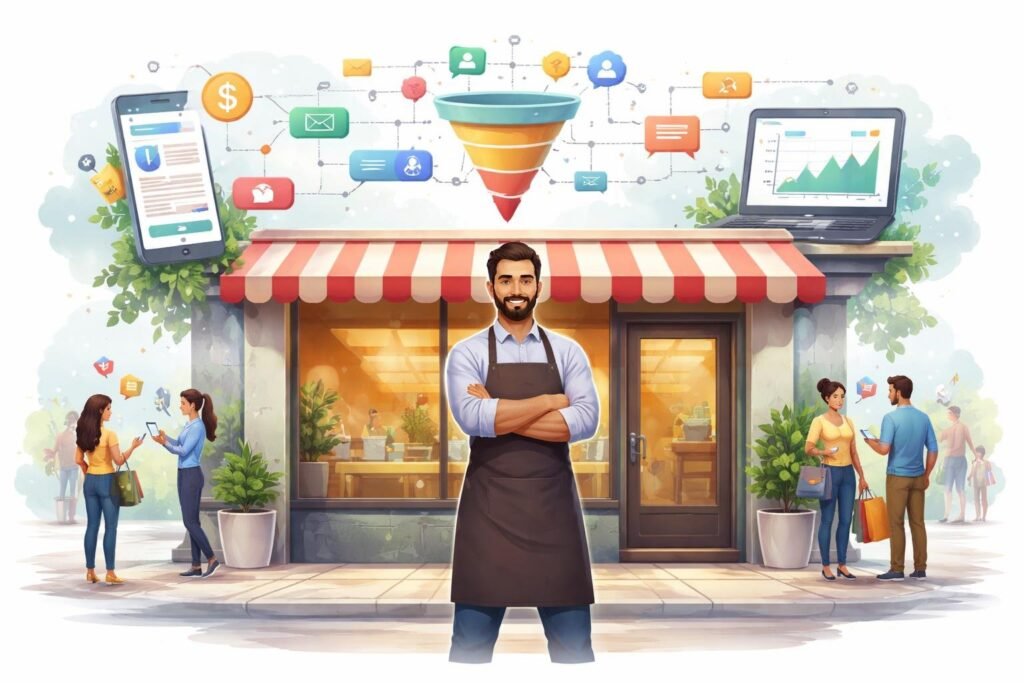
Running a local business means you need customers walking through your door or calling your phone. But getting people to notice your business and take action can be tough. ClickFunnels helps local businesses attract new customers and increase sales by creating simple online marketing funnels that guide people from first learning about your business to becoming paying customers.
We know that many local business owners don’t have time to learn complicated tech tools or hire expensive marketing teams. ClickFunnels gives you ready-to-use templates and easy tools to build landing pages, collect customer information, and automate your sales process. You can set up a funnel in minutes without any coding skills.
In this guide, we’ll show you how to use ClickFunnels to grow your local business. You’ll learn which features matter most, how to set up your first funnel, ways to get more leads, and how to track what’s working. We’ll also cover pricing options and how to get started with a free trial.
Why ClickFunnels for Local Business?
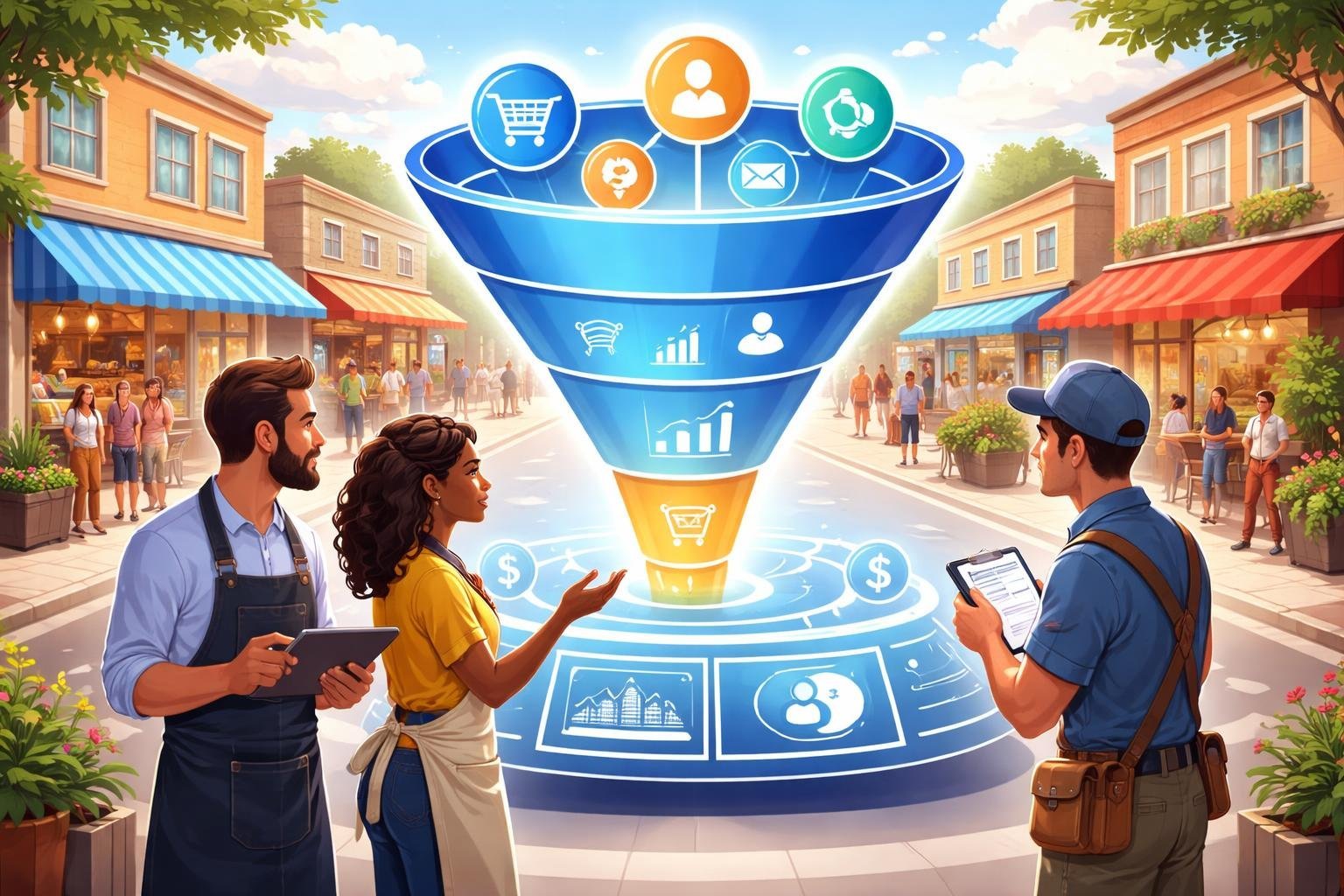
Local businesses face unique marketing challenges that traditional websites often fail to address. ClickFunnels offers a focused approach to guide potential customers through each step of the buying process.
Unique Challenges for Local Businesses
We know that running a local business comes with specific obstacles that larger companies don’t face. Our customers need to find us quickly when they’re searching for services in their area. Traditional websites often confuse visitors with too many options and pages.
Key challenges include:
- Limited marketing budgets compared to national competitors
- Need for immediate lead generation
- Difficulty tracking which marketing efforts actually work
- Competition from larger chains with bigger advertising budgets
A standard website typically acts as a digital brochure. It shows information but doesn’t actively guide visitors toward becoming customers. This approach wastes traffic because potential customers get lost or distracted. They leave without taking action.
ClickFunnels for local businesses solves this problem by creating a clear path. Instead of multiple navigation options, sales funnels focus visitors on one specific action at a time.
Transforming Sales with Funnels
A funnel builder changes how we think about customer engagement. Sales funnels work differently than regular websites because they follow a psychological sequence. Each step moves visitors closer to becoming paying customers.
The process starts with a simple landing page that captures attention. We offer something valuable like a free quote or discount. This gets visitors to share their contact information. Once we have their details, we can follow up through email or phone.
The funnel then presents our services in a specific order. We address common questions and concerns before they become obstacles. This guided approach increases conversion rates because people don’t have to hunt for information.
Basic funnel structure:
- Landing page with clear offer
- Lead capture form
- Thank you page with next steps
- Follow-up email sequence
Case Studies of Local Success
Real businesses have used ClickFunnels to grow their customer base. A pest control company in Australia used the platform to improve their lead generation. They created a focused funnel for their local market of over one million people.
The results showed that sales funnels work better than traditional websites for service businesses. The company tracked exactly how many visitors became leads and how many leads became customers. This data helped them improve their marketing spend.
Another example involves a small business owner named Yanni. He used ClickFunnels templates designed specifically for service businesses. The templates saved him time because he didn’t need to build everything from scratch. He scaled his operations by attracting more qualified leads who were ready to buy.
These success stories share common elements. Both businesses used simple, focused pages instead of complex websites. They collected contact information early in the process. They followed up consistently with potential customers.
Essential ClickFunnels Features for Local Businesses
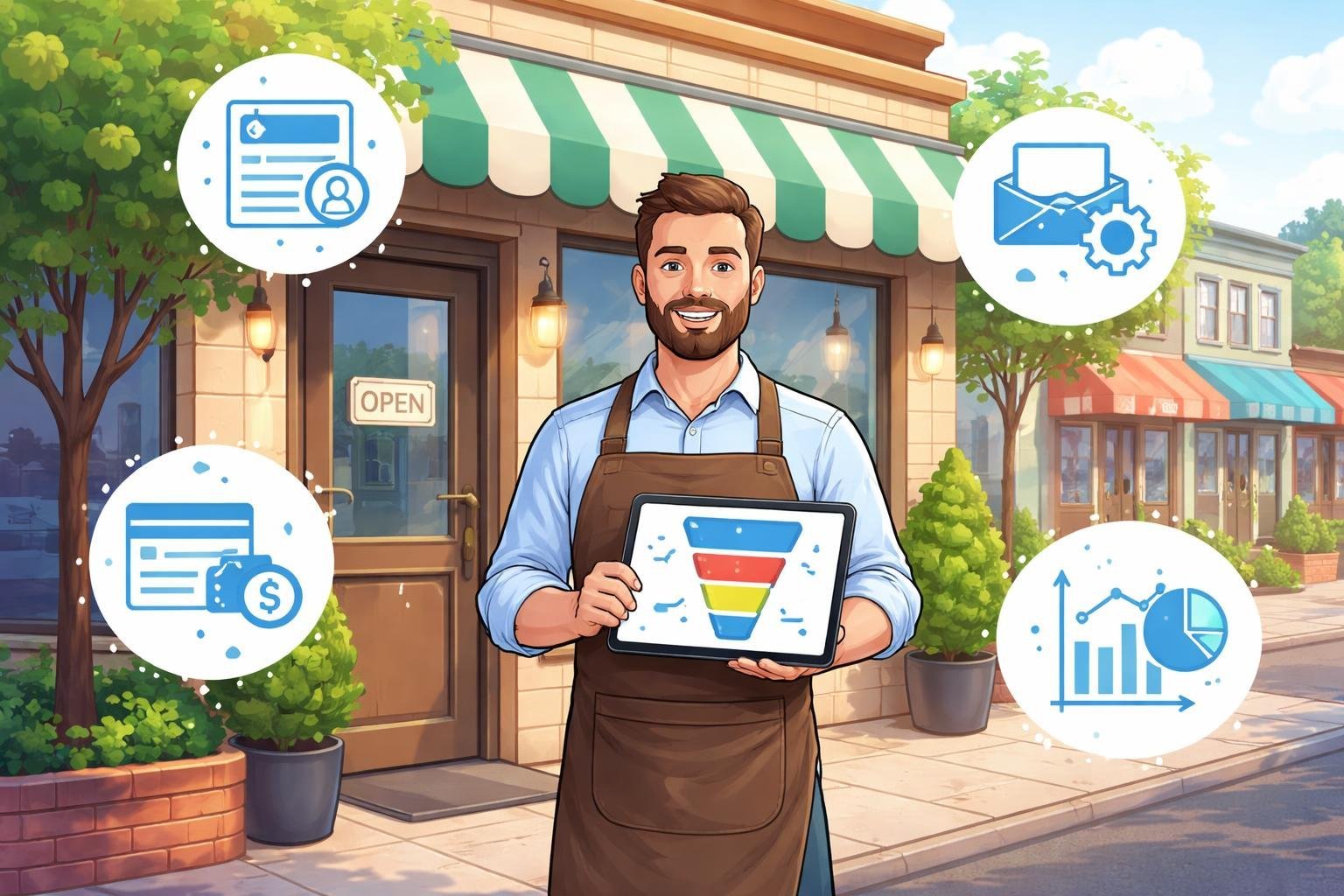
ClickFunnels offers several key tools that help local businesses build effective sales funnels without technical skills. These features include an easy-to-use page editor, ready-made templates, checkout tools that increase sales, and options to create membership areas for customers.
Drag-and-Drop Funnel Building
The ClickFunnels editor uses a simple drag-and-drop system that lets us build pages without coding. We can click on any element and move it around the page until it looks exactly how we want it. This sales funnel builder makes it easy to add text boxes, images, buttons, and forms by dragging them from a sidebar onto our page.
We can customize colors, fonts, and spacing with just a few clicks. The page editor shows us what our funnel will look like as we build it, so there are no surprises when we publish.
For local businesses, this means we can create professional-looking pages in minutes instead of days. We don’t need to hire a web designer or learn complicated software to get started.
Ready-Made Funnel Templates
ClickFunnels provides pre-designed templates for different types of local businesses. These funnel templates are already set up with the pages we need, from landing pages to thank-you pages.
We can choose templates designed for restaurants, gyms, dental offices, real estate agents, and many other local businesses. Each template follows proven layouts that help turn visitors into customers. The templates include placeholder text and images that we simply replace with our own content.
This saves us hours of work because we don’t have to design everything from scratch. We can pick a template that matches our business type, customize it with our branding, and launch our funnel the same day.
Optimized Checkout and Order Bump
The checkout feature in ClickFunnels is designed to make buying easy for our customers. We can create simple one-page checkouts that reduce the steps needed to complete a purchase. This helps reduce cart abandonment and increases sales.
Order bump is a powerful tool that appears on the checkout page. It offers customers a small additional product or service they can add with one click. For example, a local gym could offer a nutrition guide when someone buys a membership.
We can set up multiple payment options, including credit cards and digital wallets. The checkout pages work on phones and computers, which is important since many local customers browse on mobile devices.
Membership Areas and Course Creation
ClickFunnels lets us build a membership site where we can deliver ongoing value to our customers. We can create members-only content, resources, and courses that keep customers engaged with our business.
For local businesses, this feature works well for gyms offering workout programs, consultants providing training materials, or service businesses sharing exclusive tips. We can organize content into modules and lessons that members access after logging in.
The membership area can drip content over time, releasing new lessons on a schedule we set. We can also restrict access to certain content based on membership levels. This gives us a way to build recurring revenue while providing continuous value to our local customers.
Setting Up Your First Local Business Funnel
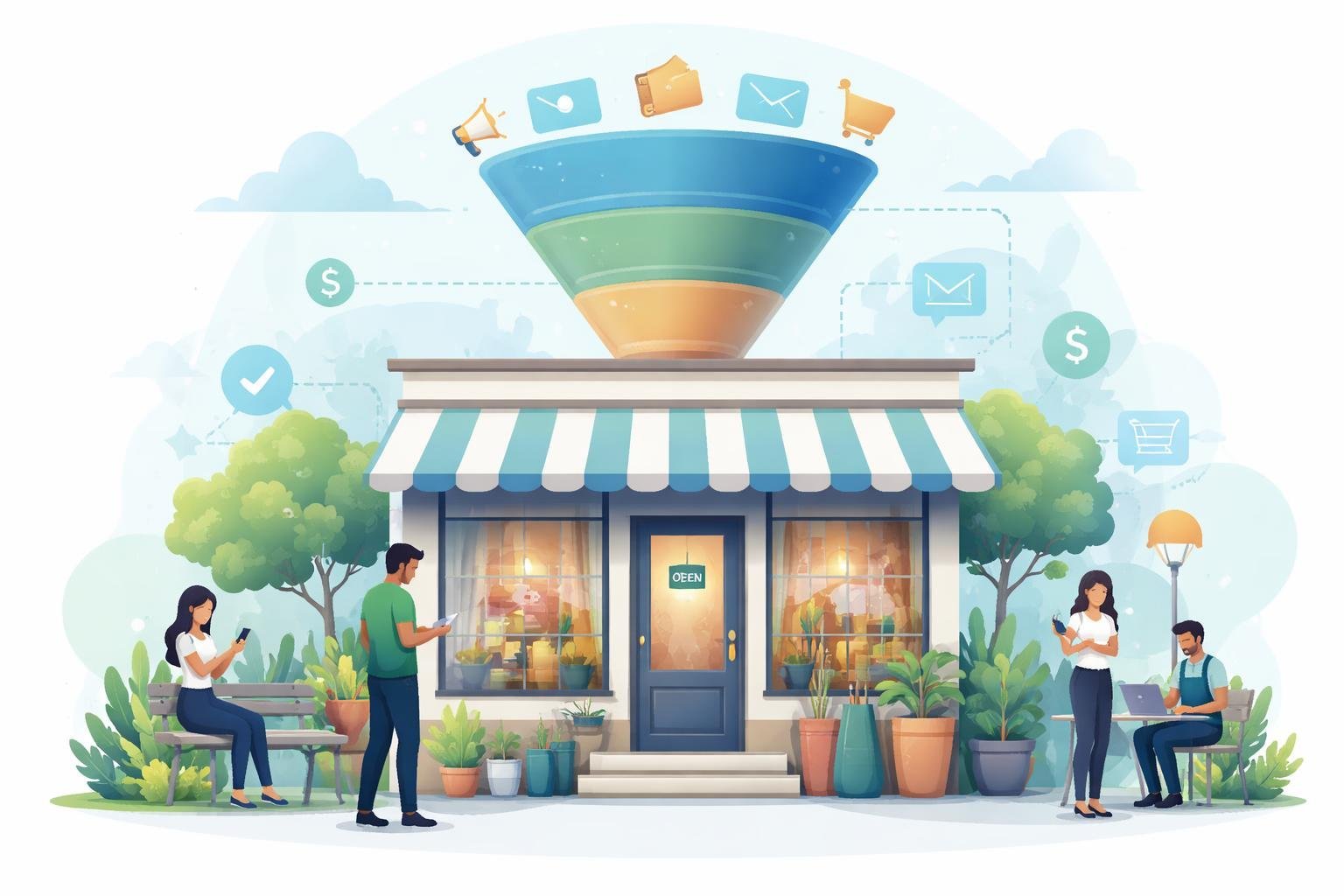
Before we dive into building our funnel, we need to understand our local customers and design pages that speak directly to their needs. The right funnel type and landing page design can make the difference between a visitor who scrolls past and one who becomes a paying customer.
Defining Your Target Audience
We can’t create funnels that convert without knowing exactly who we’re trying to reach. Local businesses have a huge advantage here because we already know our community.
Start by asking basic questions about our ideal customer. What age range do they fall into? What problems are they trying to solve? When do they need our services most?
We should write down specific details. Instead of saying “homeowners,” we might say “homeowners aged 35-55 who need lawn care services in spring and fall.” Instead of “people who eat out,” we could target “busy professionals who order takeout twice a week.”
Local businesses can use customer data we already have. Look at our current customer list and find common patterns. Talk to our best customers and ask what made them choose us over competitors.
Choosing the Right Funnel Type
Different local business goals need different funnel types. A restaurant trying to fill tables needs a different approach than a plumber looking for emergency calls.
Lead generation funnels work best when we need customers to schedule appointments or request quotes. These funnels typically offer something free like a consultation, estimate, or downloadable guide in exchange for contact information.
Sales pages work better for businesses selling products or simple services directly. A local bakery taking custom cake orders or a gym selling memberships can use this type.
We can start with a funnel template to save time. ClickFunnels provides templates designed for local businesses that we can customize with our own branding and information. Pick a template that matches our main goal and adjust it from there.
Creating High-Converting Landing Pages
Our landing page is where visitors decide to take action or leave. We need to make every element count.
The headline should state exactly what we offer and who it’s for. “Same-Day Plumbing Repairs in Downtown Austin” beats “Quality Plumbing Services” every time.
Include clear photos of our actual business, team, or work. Local customers want to see real faces and real results from their community. Add our address and local phone number prominently so people know we’re nearby.
Key elements every local landing page needs:
- A single clear call-to-action button
- Trust signals like reviews or years in business
- Mobile-friendly design since most local searches happen on phones
- Simple forms asking only for essential information
We should test different versions of our landing pages to see what works. Change one element at a time like the button color or headline and track which version gets more leads.
Effective Lead Generation and Nurturing Strategies
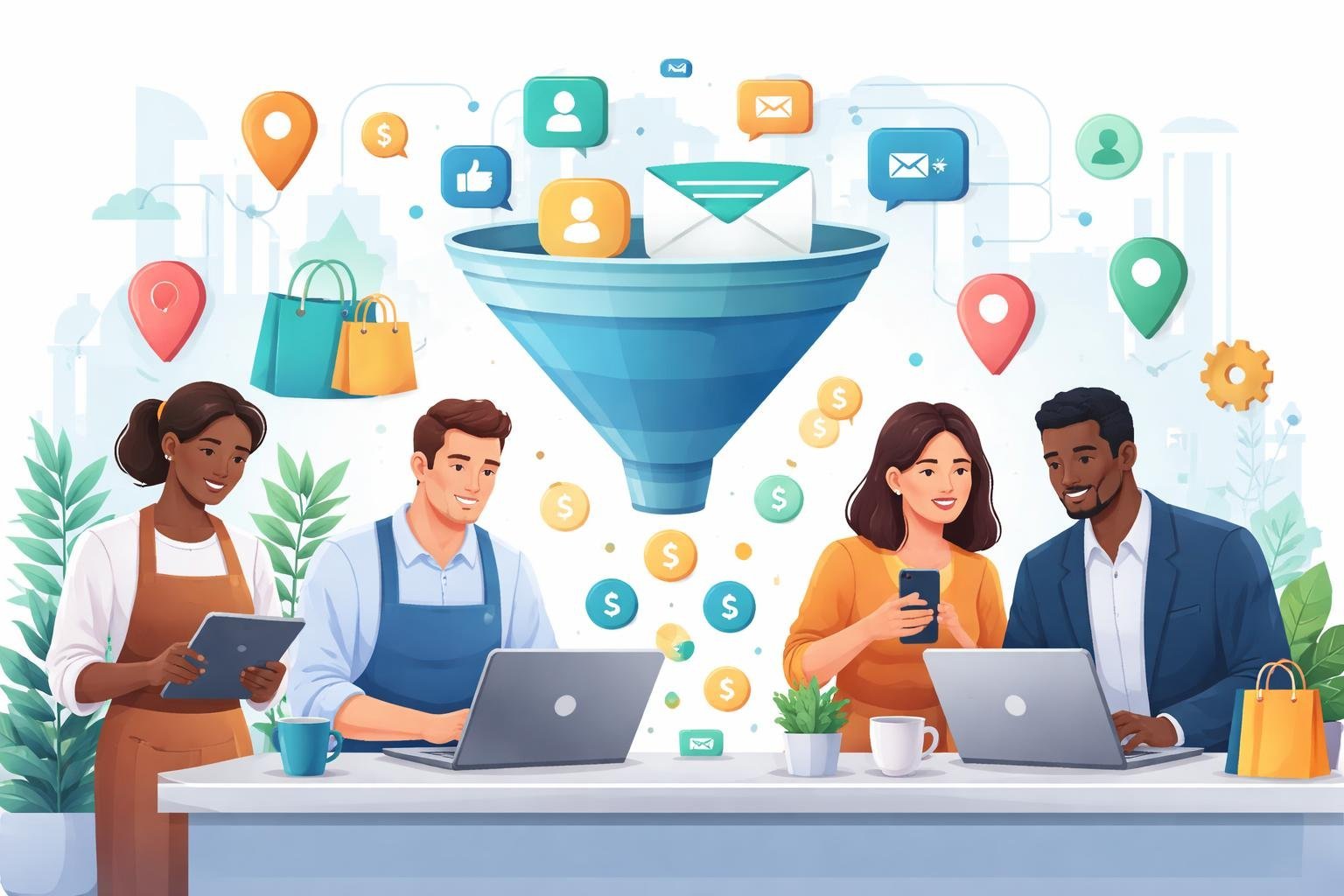
Local businesses need reliable ways to attract potential customers and turn them into loyal buyers. We can use lead magnets to capture interest, email marketing to build relationships, and automated follow-up sequences to guide prospects toward a purchase.
Using Lead Magnets
A lead magnet is a free offer we give to potential customers in exchange for their contact information. For local businesses, effective lead magnets include discount coupons, free consultations, downloadable guides, or exclusive access to special events.
We should create lead magnets that solve a specific problem our local customers face. A restaurant might offer a free appetizer coupon, while a fitness center could provide a free workout plan or nutrition guide. The key is making the offer valuable enough that people willingly share their email address or phone number.
Our lead generation funnel starts with a simple landing page that highlights the lead magnet’s benefits. We need to keep the form short, usually just asking for a name and email address. Local businesses see better results when the lead magnet connects directly to their core services and addresses an immediate need in the community.
Leveraging Email Marketing
Email marketing helps us stay connected with leads after they download our lead magnet. We build trust by sending helpful content that relates to our local area and services.
Our emails should mix educational content with promotional offers. We might share local news, business updates, customer success stories, or tips related to our industry. A local plumber could send seasonal maintenance tips, while a bakery might share recipe ideas or announcements about new products.
We need to send emails consistently but not too often. Starting with one email per week works well for most local businesses. Each email should have a clear purpose and include a simple call-to-action that encourages the recipient to book an appointment, visit our location, or make a purchase.
Follow-Up Sequences
Follow-up sequences are automated email series that nurture leads over time. We set up these email sequences once, and they send automatically when someone joins our list.
A basic follow-up sequence includes a welcome email, educational content, customer testimonials, and special offers. Our first email should deliver the promised lead magnet immediately. The second email might share our story and what makes our local business unique. Later emails can showcase customer reviews and present limited-time offers.
We should space these emails 2-3 days apart for the first two weeks, then transition to weekly messages. This lead nurturing approach keeps our business top-of-mind without overwhelming people. Local businesses that use automated follow-up sequences see more customers actually complete their first purchase compared to those who only send occasional manual emails.
Driving Sales and Increasing Revenue
We can boost our revenue significantly by using ClickFunnels’ built-in features that encourage customers to spend more per transaction. These tools work together at checkout to maximize each sale through strategic offers and a smooth payment process.
Upsells, Downsells, and Order Form Bumps
One-click upsells let us offer complementary products right after a customer makes their initial purchase. The beauty of this feature is that customers don’t need to re-enter their payment information. They simply click once to add the upsell to their order.
If a customer declines our upsell, we can immediately present a downsell. This is typically a lower-priced alternative or a scaled-down version of the original offer. It gives us a second chance to increase the transaction value.
Order form bumps appear directly on our checkout page as small add-ons. These are usually low-priced items that complement the main purchase. We might add a checkbox saying “Yes, add this for just $X more!” right below the order form. Customers can add these items with a single click before completing their purchase.
These three strategies work best when we offer products that genuinely add value to the customer’s initial purchase.
Optimizing Checkout Flow
We need to keep our checkout page simple and distraction-free. Every extra field or step we add increases the chance that customers will abandon their cart.
ClickFunnels lets us create streamlined order forms that only ask for essential information. We can use a single-page checkout instead of multiple steps. We should remove navigation menus and external links from the checkout page.
The platform also supports mobile-optimized checkout pages. Since many customers shop on their phones, our forms need to work smoothly on smaller screens. We can test different layouts to see which ones convert best for our local business.
Payment Gateways Integration
ClickFunnels integrates with major payment processors like Stripe and PayPal. These connections let us accept credit cards, debit cards, and digital wallet payments. We set up these integrations once, and they handle all transactions securely.
Stripe works well for businesses that want a modern payment experience. PayPal gives customers the option to pay through their existing PayPal accounts. We can enable both options to give customers flexibility.
The platform also includes Payments AI, which helps reduce failed transactions. It automatically retries declined payments at optimal times. This feature recovers sales we might otherwise lose due to temporary payment issues or expired cards.
Analyzing and Optimizing Funnel Performance
We need to track how our funnels perform and make changes based on real data. Testing different versions, gathering customer feedback, and focusing on better experiences will help us get more sales from our local business funnels.
A/B Testing and Analytics
A/B testing lets us compare two versions of a funnel page to see which one works better. We can test different headlines, button colors, images, or page layouts. ClickFunnels analytics show us exactly where people drop off in our funnel and which pages convert the best.
We should focus on testing one element at a time. This way, we know what actually made the difference in our results. Start with high-traffic pages first since they’ll give us faster results.
The analytics dashboard tracks important numbers like conversion rates, page views, and customer behavior. We can see how many people click our buttons, fill out forms, or complete purchases. This data helps us make smart choices instead of guessing what might work.
We need to run each test long enough to get reliable results. Usually, this means at least 100 visitors per version. Once we find a winner, we can apply what we learned to other pages in our funnel.
Using Surveys for Insights
Surveys give us direct feedback from real customers about what they want and need. We can add simple survey questions to our thank-you pages or send them through email workflows. Ask specific questions about why they bought, what almost stopped them, or what information was missing.
Keep surveys short with 3-5 questions maximum. People are more likely to complete them when they don’t take much time. We can use multiple choice questions to make analysis easier.
The insights from surveys often reveal problems we never noticed. Maybe our pricing page confuses people, or they need more proof that our local business is trustworthy. We can then fix these issues to improve our funnel’s performance.
Improving Customer Experience
Customer engagement improves when we make the buying process smooth and helpful. We should remove unnecessary steps, load pages faster, and make sure our funnels work perfectly on mobile phones. Every extra click or confusing moment gives people a reason to leave.
Our workflows need to feel personal and relevant. We can use automation to send the right messages at the right times based on customer actions. If someone abandons their cart, we send a helpful reminder. If they complete a purchase, we thank them and explain what happens next.
We must also respond quickly to questions and concerns. Adding live chat, clear contact information, and detailed FAQs helps people feel supported throughout their journey.
ClickFunnels Pricing, Free Trials, and Getting Started
ClickFunnels offers several pricing tiers starting at $97 per month, and you can test the platform with a 14-day free trial before committing to a paid plan.
ClickFunnels Pricing Tiers
ClickFunnels has four main pricing plans that fit different business needs and budgets. The plans start at $97 per month and go up to $297 per month for the most popular options.
The basic plan gives you access to core funnel-building features. Mid-tier plans unlock more funnels and advanced tools. The higher-priced plans include unlimited funnels, unlimited visitors, and priority support.
You can pay monthly or choose annual billing to save money. Some plans offer payment options like paying for three months upfront at a reduced rate of $99 total.
Each tier comes with different limits on contacts, funnels, and features. We recommend starting with the plan that matches your current business size and upgrading as you grow.
14-Day Free Trial Benefits
The 14-day free trial lets you explore ClickFunnels without paying anything upfront. You get full access to the features included in your chosen plan during the trial period.
This trial gives you enough time to build your first funnel and test how it works for your local business. You can try different templates, set up payment processing, and see how leads flow through your system.
No credit card trickery exists here. You can cancel anytime during the trial if ClickFunnels doesn’t meet your needs. The trial helps you figure out if the platform fits your business before spending money.
How to Get Started with ClickFunnels
Getting started with ClickFunnels takes just a few minutes. Visit the ClickFunnels website and select the plan you want to try. Sign up with your email and business information.
Once you’re in, choose a funnel template that matches your local business type. The platform offers templates for restaurants, gyms, salons, and other local businesses.
Follow the setup wizard to customize your funnel. Add your business name, logo, and contact information. Connect your payment processor if you sell products or services online.
ClickFunnels provides training videos and guides through their FunnelFlix library. These resources show you how to use different features and build effective funnels for your business.