

Getting started with ClickFunnels 2.0 can feel overwhelming, especially when you run into questions or need help setting up your funnels. ClickFunnels 2.0 offers multiple support options including live chat, email support, an AI help bot, and an extensive knowledge base to help users get answers quickly. The platform has improved its support services with faster response times and better-trained representatives.

We know that having reliable support makes all the difference when you’re building your online business. Whether you’re migrating from ClickFunnels Classic or starting fresh with the new platform, understanding how to access help when you need it saves time and frustration.
In this guide, we’ll walk you through everything you need to know about ClickFunnels 2.0 support. You’ll learn how to contact the support team, where to find helpful resources, and how to manage both Classic and 2.0 accounts if you’re using both platforms.
Overview of ClickFunnels 2.0 Support
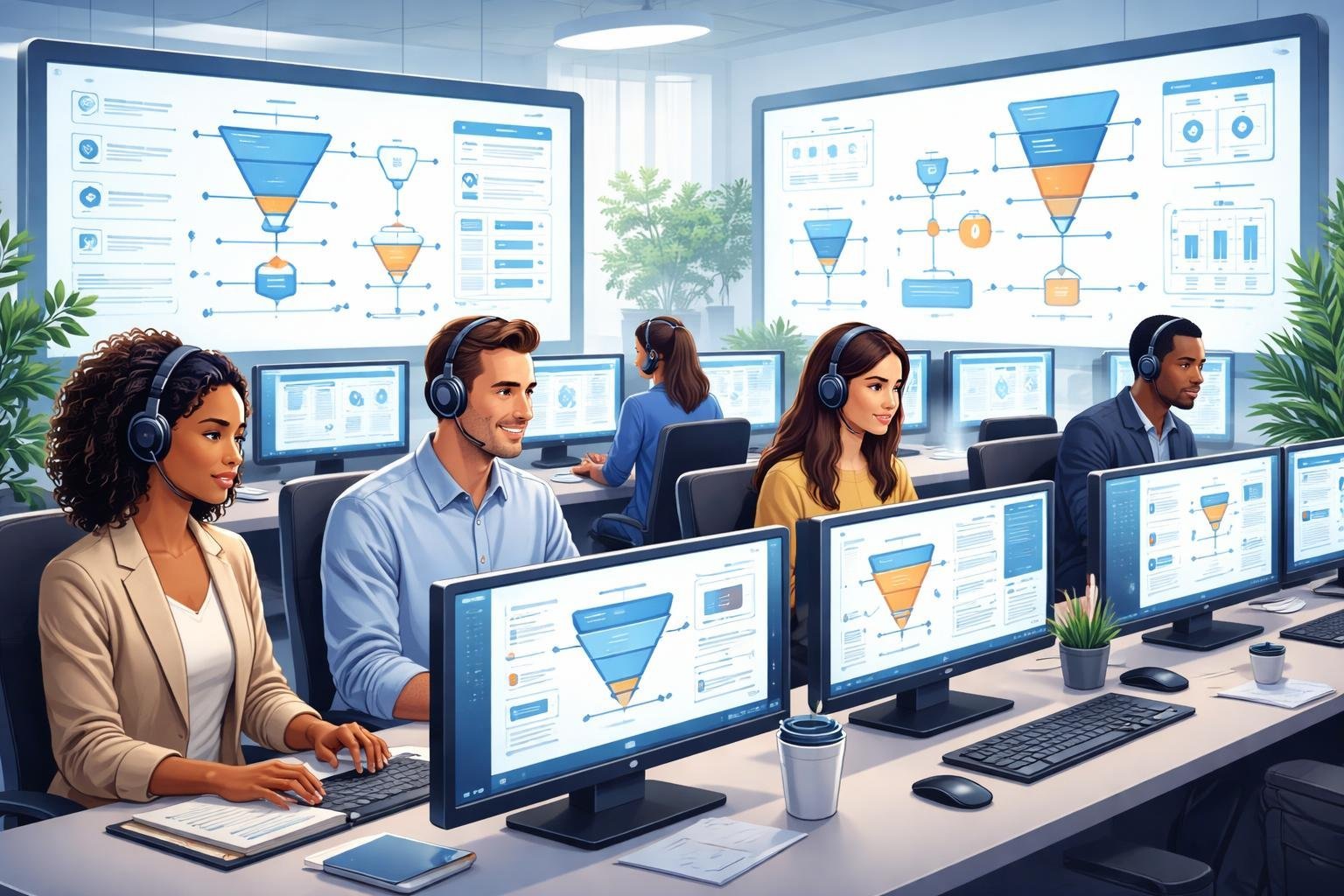
ClickFunnels 2.0 offers multiple ways to get support when you need help with your account. The platform provides live chat assistance, an AI-powered help bot, and email options to connect with their support team.
Support Options Available
We can access ClickFunnels 2.0 support through several channels. The live chat feature connects us directly with support representatives for real-time help. There’s also an AI bot that provides quick answers to common questions without waiting for a human agent.
For less urgent issues, we can submit questions through email support. The ClickFunnels Help Center at clickfunnels.com contains tutorials, guides, and step-by-step instructions for common tasks. This self-service option lets us find answers on our own schedule.
The platform has made improvements to their support system recently. They’ve focused on faster response times, better training for support staff, and more advanced tools to help resolve issues quickly.
Support Availability and Hours
ClickFunnels 2.0 provides support during standard business hours for most assistance options. Live chat support operates during extended hours to help users in different time zones.
The AI bot and Help Center resources are available 24/7. We can search for answers anytime through these self-service tools. Email support accepts tickets at any time, though responses come during regular business hours.
Live Chat Features
The live chat option gives us the fastest way to connect with ClickFunnels support. We can start a chat session directly from our ClickFunnels 2.0 account dashboard.
Chat representatives can help with technical issues, account questions, and feature explanations. They can also guide us through specific tasks while we’re working in the platform. The chat system allows us to share screenshots and account details securely with support staff.
Before connecting to a live agent, the AI bot often appears first to help solve simple problems immediately. If the bot can’t help, it transfers us to a human representative.
How to Contact ClickFunnels 2.0 Support
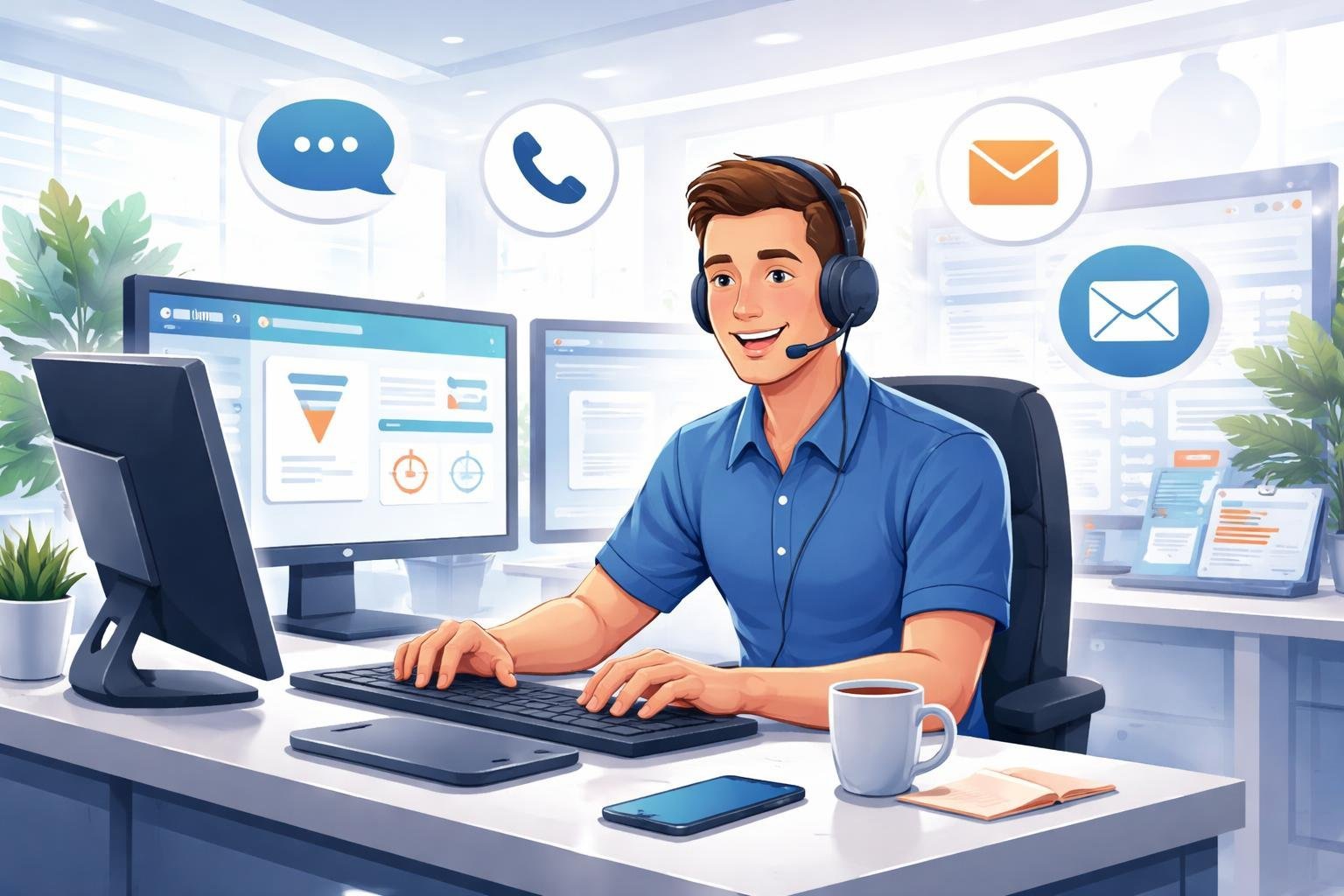
ClickFunnels 2.0 offers multiple ways to get support when you need help. You can reach the support team through your account dashboard, send a support ticket, or use live chat for quick answers.
Accessing Support in Your Account
The easiest way to get support is directly from your ClickFunnels account. When you log into ClickFunnels 2.0, look at the top-right corner of your screen. You’ll see a Help button waiting for you there.
Click on the Help button to open the support panel. At the bottom of this panel, you’ll find a Contact Support option. This takes you to the main support area where you can choose how to reach out.
The in-account support system keeps everything in one place. You don’t need to leave your workspace or open a new website to get help.
Email and Ticketing System
When you contact support through your account, you can submit a ticket that the team will respond to by email. This system works well for issues that aren’t urgent or when you need to include detailed information.
To create a ticket, describe your problem clearly in the support form. Include any error messages you see and explain what you were trying to do when the issue happened. The more details you provide, the faster the team can help you.
You’ll get a response to your ClickFunnels account email. The support team reviews tickets and responds based on when they came in and how urgent they are.
Live Chat Process
Live chat gives you the fastest way to get support during business hours. When you open the Help panel in your account, you can start a chat conversation with a support team member.
The live chat feature connects you with trained representatives who can answer questions right away. They can help with common problems, walk you through features, and guide you to helpful resources.
Some accounts also have access to an AI bot that can answer basic questions instantly. If the bot can’t solve your problem, it will connect you to a human support agent who can provide more detailed help.
ClickFunnels 2.0 Knowledge Resources
ClickFunnels 2.0 offers several knowledge resources including comprehensive guides, an AI-powered support bot, and active community forums where entrepreneurs can get help and share solutions.
Knowledge Base Guides
The ClickFunnels Help Center at clickfunnels.com provides step-by-step guides and tutorials for users at all skill levels. We can find detailed articles covering everything from basic setup to advanced funnel building techniques.
The platform’s Training & Resources Center is specifically designed for both new and experienced users. It includes beginner courses that walk us through the fundamentals of ClickFunnels 2.0.
We can access academy areas that cover the rebuilt platform’s features. These materials help us understand the speed improvements, flexibility options, and control features that make ClickFunnels 2.0 different from the original version.
The knowledge base is organized by topic, making it easy to find answers to specific questions. We don’t need to search through unrelated content to find what we need.
AI Support Bot and Self-Service Tools
ClickFunnels 2.0 includes an AI support bot that provides quick answers to common questions. We can use this tool to get immediate help without waiting for a support representative.
The AI bot learns from previous interactions and can guide us through troubleshooting steps. It’s available directly through the clickfunnels.com platform whenever we need assistance.
Self-service tools let us resolve many issues on our own. We can access account settings, billing information, and technical documentation without contacting support.
These automated resources work well for straightforward questions and routine tasks. They save us time when we need fast solutions.
Community Forums and Groups
The ClickFunnels 2.0 Support Group on Facebook connects entrepreneurs who use the platform. We can learn from other users’ experiences and get help during the platform’s updates and changes.
Community members share their solutions to common problems and offer tips for building better funnels. We can ask questions and receive answers from people who have faced similar challenges.
These groups are especially helpful for learning from real-world examples. Other entrepreneurs share what works and what doesn’t in their own businesses.
We can network with other ClickFunnels 2.0 users and build relationships beyond just technical support. The community approach means we’re learning from people who understand our goals as business owners.
Connecting ClickFunnels Classic and 2.0 Accounts
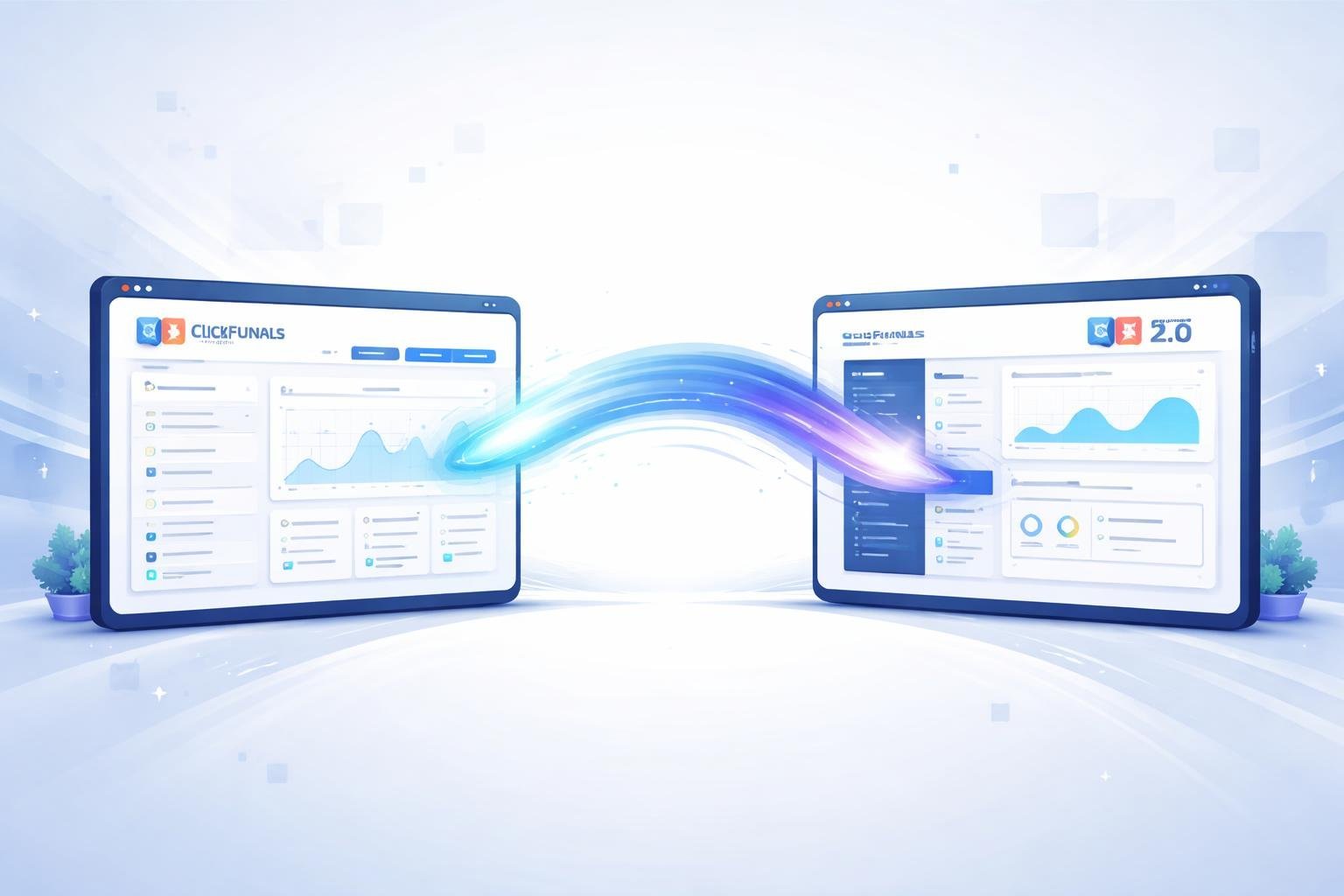
If we’re using ClickFunnels Classic and want to access ClickFunnels 2.0, we need to connect both accounts through a simple integration process. This connection lets us keep our Classic funnels running while building new projects in the updated platform.
Account Integration Steps
We start by logging into our ClickFunnels 2.0 account and finding the workspace settings on the left side panel. Once we’re there, we scroll down until we see the ClickFunnels Classic Connection section.
We click the Connect Now button to start the linking process. The system will ask us to authorize the connection between our accounts.
After clicking Authorize, our ClickFunnels Classic account connects to ClickFunnels 2.0. This whole process takes just a few minutes to complete.
We should note that we can’t migrate funnels directly from Classic to 2.0 through this connection. The accounts remain separate, but we can access both from one place.
Managing Multiple Accounts
Once we connect our accounts, we can maintain our Classic funnels without paying extra costs. This happens through a maintenance mode plan that keeps our old funnels active.
We manage both platforms independently even though they’re connected. Our Classic funnels stay in the Classic system, and we build new funnels in 2.0.
We access each platform through its own interface. The connection just makes it easier to switch between them without logging in and out repeatedly. This setup works well when we want to slowly move to the new platform while keeping our existing funnels running.
Tips for Getting the Most from Support
When we need help with ClickFunnels 2.0, the way we ask for support makes a big difference in how quickly we get answers. Clear communication and knowing what to expect can save us time and frustration.
Providing Detailed Information
When we reach out to support, we need to include specific details about our problem. This means telling them exactly what we were doing when the issue happened, what page or funnel we were working on, and what error message we saw.
We should take screenshots or screen recordings whenever possible. These visual aids help the support team see exactly what we’re experiencing. We can use our computer’s built-in screenshot tool or free recording software.
It’s helpful to include our account email, the name of the funnel having issues, and any recent changes we made. If we tested something multiple times, we should mention that too. The more context we provide upfront, the faster support can diagnose the problem.
We should avoid vague descriptions like “it’s not working” or “something’s broken.” Instead, we need to be specific: “My checkout page shows a blank screen when customers click the buy button” or “Email integrations stopped syncing after I updated my settings yesterday.”
Troubleshooting Common Issues
Before we contact support, we should try a few basic fixes ourselves. Many problems get resolved by clearing our browser cache, trying a different browser, or logging out and back in.
We can check if other users are experiencing similar issues by searching the ClickFunnels community or Facebook groups. Someone might have already found a solution. The help center also has troubleshooting articles for common problems.
Testing in an incognito or private browser window helps us figure out if browser extensions are causing conflicts. We should also make sure our internet connection is stable and we’re using an updated browser version.
If we recently made changes to our funnel, we can try reverting those changes to see if that fixes the issue. Sometimes a simple refresh of the page or waiting a few minutes resolves temporary glitches.
Response Times and Expectations
Live chat through ClickFunnels 2.0 typically gives us the fastest responses during business hours. Email support usually takes longer but works well for less urgent questions or complex issues that need detailed explanations.
We should expect initial responses within a few hours during weekdays, though complex technical issues might take longer to fully resolve. Support teams need time to investigate, test, and find solutions.
During peak times or after major platform updates, response times may be slower than usual. We need to be patient and avoid sending multiple messages about the same issue, as this can actually slow down the process.
If our issue is urgent and affecting active sales funnels, we should clearly mark it as urgent in our initial message. We can also provide our timezone and best times to connect if support needs to schedule a call or live session with us.
Company Information and Customer Commitment
ClickFunnels operates from their headquarters and provides dedicated support channels to help business owners succeed. The company has made clear commitments to serving entrepreneurs with better resources and continuous platform improvements.
Company Address and Contact Details
ClickFunnels is located at 3443 W. Bavaria St in Eagle, Idaho 83616. This physical address serves as the company’s main headquarters where they develop and manage their software platform.
You can reach ClickFunnels support through multiple channels. The platform offers 24/7 email support for all users. We also have access to live chat support directly within the ClickFunnels dashboard. An AI bot is available for quick answers to common questions.
The ClickFunnels Help Center provides tutorials and step-by-step guides. You can search through their knowledge base to find answers without waiting for a response.
Support for Entrepreneurs
ClickFunnels built their platform specifically for entrepreneurs who want to grow their businesses online. The company focuses on providing software solutions that help people market, sell, and deliver their products.
We get access to resources beyond just the software itself. ClickFunnels offers training materials and educational content to help users build better funnels. The company also supports an active community where entrepreneurs can share strategies and get feedback.
The platform serves coaches, course creators, and online business owners. ClickFunnels aims to provide end-to-end solutions so entrepreneurs don’t need multiple separate tools. This includes websites, membership areas, online stores, and CRM features all in one place.
2025 and Future Improvements
ClickFunnels has been making regular updates to improve customer support. The company launched ClickFunnels 2.0 as a major platform upgrade that included better support integration.
We can expect continued improvements in 2025 and beyond. The company has stated their commitment to providing better resources and customer support as they grow. ClickFunnels continues to roll out new features based on user feedback.
The Customer Center feature allows your buyers to manage their own data and access their purchases. This reduces support requests and gives customers more control over their accounts.