
You might have heard about a ClickFunnels 60 day trial and wondered if it’s real or how you can get access to it. Many people search for extended trial periods to fully test out sales funnel software before committing to a paid plan. We understand that 14 days isn’t always enough time to build and test your funnels properly.
ClickFunnels does not officially offer a 60 day trial, but there are legitimate ways to extend your trial period to get close to that length of time. The standard free trial is 14 days, though some users can access a 30 day trial through special promotions or workarounds.
In this guide, we’ll show you what trial options actually exist and how to maximize your testing period. We’ll also cover what features you get during the trial, what the pricing looks like afterward, and how to make the most of whatever trial length you can secure.
Is There an Official ClickFunnels 60 Day Trial?
The standard ClickFunnels free trial is 14 days, but extended trial options do exist in limited circumstances. We’ll explore when you might access a 60-day trial and how it compares to other trial periods available.
Availability of Extended Trials
ClickFunnels does not offer a 60-day trial as a regular option. The platform primarily provides a 14-day free trial that anyone can access at any time.
According to available information, ClickFunnels occasionally runs special promotions that include a 60-day free trial. These promotions typically last only 2-3 days within a year and are not widely advertised.
There’s also a 90-day trial option that comes bundled with the One Funnel Away Challenge. This challenge is a paid training program, so technically you’re paying for the course but getting extended ClickFunnels access included.
The reality is that we can’t rely on a 60-day trial being available when we need it. These extended trials are rare promotional events rather than standard offerings.
Comparison With ClickFunnels 14-Day and 30-Day Trials
The ClickFunnels 14-day free trial is the most accessible option. We can start it anytime without special requirements or promotions.
A 30-day trial is available through certain partnerships or as an exclusive offer. This option gives us more time to build and test our funnels compared to the standard trial period.
Here’s how these trial options compare:
| Trial Length | Availability | Requirements |
|---|---|---|
| 14 days | Always available | None |
| 30 days | Exclusive offers | Special link or promotion |
| 60 days | Very rare | Limited promotional periods |
| 90 days | Available | Purchase One Funnel Away Challenge |
All trial periods include full access to ClickFunnels features. We can build funnels, use email automation, and test the complete platform regardless of which trial length we get.
Why the 60 Day Trial Is in Demand
Many businesses need more than two weeks to properly evaluate ClickFunnels. Building effective funnels, driving traffic, and collecting meaningful data takes time.
The 14-day trial period often feels rushed. We might spend the first week learning the platform and only have one week left to actually test our funnels with real traffic.
A 60-day trial would give us enough time to complete a full sales cycle. We could test different funnel types, optimize our pages, and see actual conversion results before committing to a paid plan.
The extended trial period is especially valuable for new entrepreneurs. Those of us just starting out need time to create content, build an audience, and generate our first leads without immediate financial pressure.
ClickFunnels plans start at $97 per month after the trial ends. This investment makes sense when we’ve had enough time to prove the platform works for our specific business needs.
How to Get a ClickFunnels 60 Day Trial Experience
ClickFunnels doesn’t offer a standard 60-day free trial, but we can create our own 60-day risk-free experience by combining their trial period with their money-back guarantee.
Combining the 30-Day Trial With the 30-Day Money-Back Guarantee
We can access a full 60 days with ClickFunnels by using a strategic approach. First, we sign up for the ClickFunnels 30-day free trial when it’s available through special promotions. These deals appear a few times per year and give us 30 days to test all features without paying anything.
After our trial ends, we subscribe to a paid plan. This is where the magic happens. ClickFunnels offers a 30-day money-back guarantee on their subscriptions.
By combining these two offers, we get 60 full days to test the platform. The first 30 days are completely free through the trial. The second 30 days are covered by the refund policy if we decide ClickFunnels isn’t right for us.
Step-by-Step Guide to Doubling Your Risk-Free Period
Step 1: Watch for ClickFunnels deals that include the 30-day trial instead of the standard 14-day trial. We can check their website or sign up for their email list to get notified.
Step 2: Sign up for the extended trial when available. We’ll need to provide payment information, but we won’t be charged during the trial period.
Step 3: Use the full 30 days to build funnels and test features. We should track what works and what doesn’t.
Step 4: If we need more time, let the trial convert to a paid subscription. The clock starts on our 30-day money-back guarantee.
Step 5: Continue testing for another 30 days. If we’re not satisfied before day 60, we contact support to request our refund.
Tips to Maximize Your 60 Days With ClickFunnels
We should start with a clear plan before our trial begins. Write down our main goals and which features we need to test first.
Build at least 2-3 different funnel types during our 60 days. This helps us understand the platform’s full capabilities.
We need to test the email automation tools early. These features take time to set up properly and see results.
Connect our payment processor and run a small test campaign. Real transactions show us how the system works under actual conditions.
Join the ClickFunnels community and ask questions. Other users can help us solve problems faster and learn best practices.
Keep notes throughout both periods about what we like and what frustrates us. This makes our final decision easier when day 60 arrives.
What’s Included in ClickFunnels Free Trial Offers
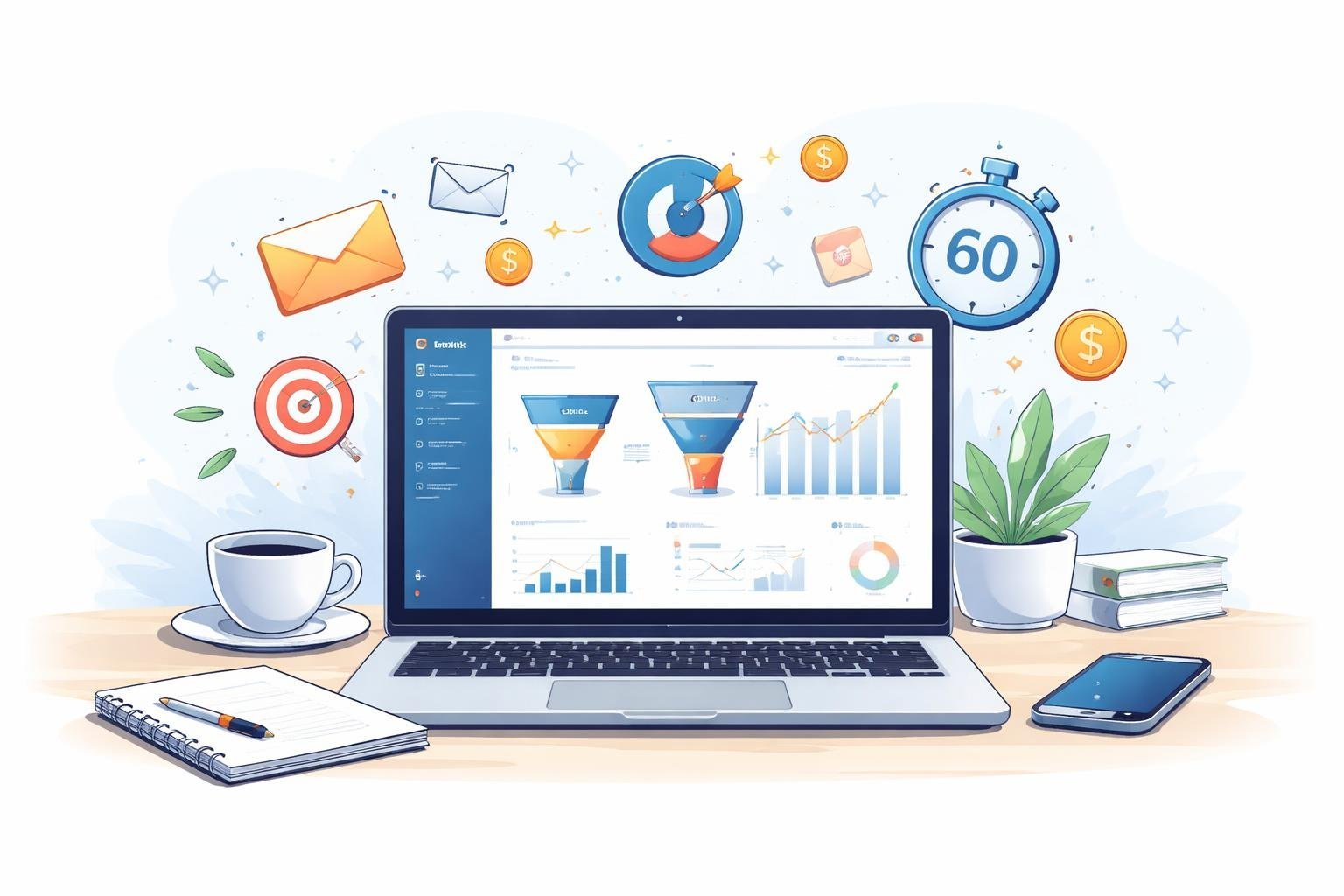
ClickFunnels free trials give us access to the platform’s core tools for building sales funnels, though what we get depends on which trial option we choose. Most trials include the full feature set, but different plan types come with different limits on funnels, pages, and contacts.
Access to ClickFunnels Features
During the free trial, we get access to ClickFunnels 2.0’s main features without restrictions. This includes the drag-and-drop funnel builder, which lets us create high-converting funnels without knowing how to code.
We can use pre-designed templates to build our funnels faster. The platform gives us access to funnel templates for different business types like sales pages, webinar funnels, and product launches. We also get tools like the headline generator to help write better copy.
The trial includes email automation features so we can follow up with leads. We can set up email sequences, tag contacts, and track how people interact with our funnels. Most trials also give us access to the analytics dashboard to see how our funnels perform.
Plan Types and Limitations
ClickFunnels offers different trial lengths depending on the plan we choose. The standard option is a 14-day free trial available on all pricing plans. Some users can access a 30-day extended trial, which gives us more time to test the platform.
Each plan comes with different limits. The basic plan restricts how many funnels and pages we can build. Higher-tier plans let us create more funnels and connect more contacts to our account.
During the trial, we’re testing whichever plan we signed up for. This means our features match what we’d get as a paying customer on that same plan.
Exclusive Bonuses and FunnelFlix
Many ClickFunnels trials include access to FunnelFlix, which is their training library. FunnelFlix has courses on marketing, sales, and funnel building from industry experts. We can watch these videos during our trial to learn how to use the platform better.
Some extended trials come bundled with special challenges or training programs. These help us build our first funnel with step-by-step guidance. The training usually includes daily lessons and action steps to follow.
Overview of ClickFunnels Core Features
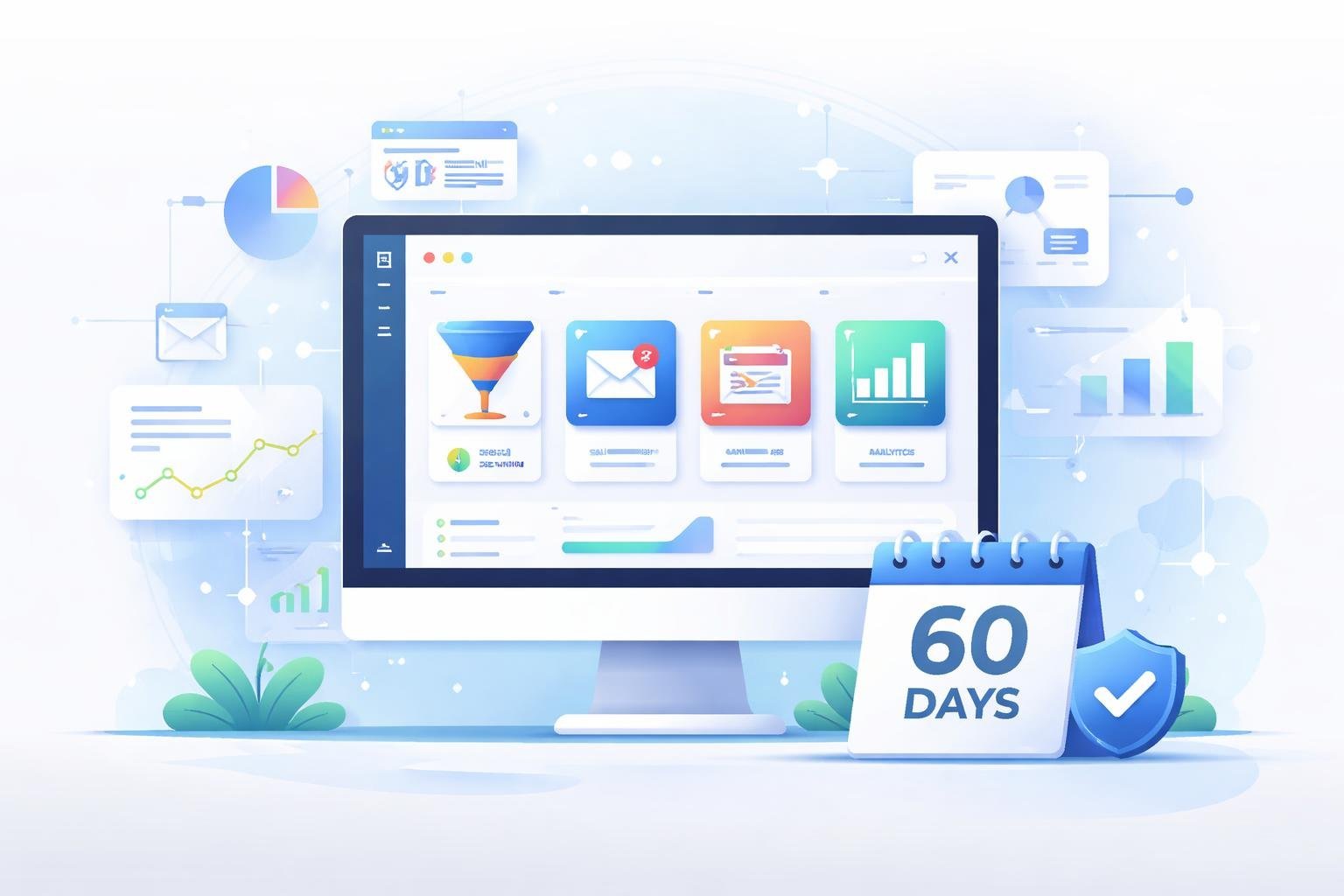
ClickFunnels provides three main tools that help businesses build and manage their online marketing. The drag and drop editor makes webpage creation simple, the funnel builder offers ready-made templates for different business needs, and the automation features handle email and Facebook marketing tasks.
Drag and Drop Editor
The drag and drop webpage editor lets us build pages without knowing how to code. We can click on any element and move it around the page until it looks right. The editor includes text boxes, images, videos, buttons, and forms that we simply drag onto our page.
We can customize colors, fonts, and layouts to match our brand. The editor shows us exactly what our page will look like while we work on it. If we make a mistake, we can undo changes or start over without losing everything.
The interface works well for beginners and experienced users alike. We can save our favorite designs and reuse them later.
Sales Funnel Builder and Templates
The sales funnel builder helps us create complete lead funnels from start to finish. ClickFunnels provides templates for different types of sales funnels, including product launches, webinar registrations, and membership sites.
Each template includes multiple pages that work together. A basic lead funnel might have a landing page, a thank you page, and a sales page. We can pick a template and customize it instead of building everything from scratch.
The templates are designed to improve conversion rates based on proven marketing strategies. We can also create follow-up funnels that guide customers through additional offers after their first purchase.
Email and Marketing Automation
ClickFunnels includes email marketing tools that send messages to our contacts automatically. We can set up email sequences that trigger when someone joins our list or buys a product. The system also connects to Facebook for social media marketing automation.
We can segment our email lists based on customer behavior and interests. The automation handles repetitive tasks like welcome emails and abandoned cart reminders. This email and Facebook marketing automation saves us time while keeping our audience engaged.
The platform tracks which emails get opened and which links get clicked. We use this data to improve our messages over time.
ClickFunnels Pricing After the Trial Period
Once the 14-day free trial ends, ClickFunnels requires a paid subscription to continue using the platform. Plans start at $97 per month and go up to $297 per month depending on the features and limits you need.
Current Plans and Pricing Overview
ClickFunnels offers several pricing tiers to fit different business needs. The basic plan costs $97 per month and includes access for 1 user, up to 100 pages, and 20 funnels. This entry-level option works well for solo entrepreneurs just getting started with sales funnels.
The higher tier runs $297 per month and supports 3 team members with unlimited pages and funnels. This platinum plan also includes email marketing features built into the platform. Both plans give you access to payment gateways, shopping cart functionality, and 1 click upsells.
Annual payment options are available if you want to pay for a full year upfront. This can save you money compared to paying month by month. Custom packages exist for larger operations that need more than what the standard plans offer.
Transitioning From Trial to Paid Subscription
We recommend choosing your plan before your 14-day trial expires to avoid any interruption in service. ClickFunnels will automatically charge your payment method once the trial period ends unless you cancel.
The platform includes a 30-day money-back guarantee after billing starts. This means you get up to 60 days total to test ClickFunnels risk-free when you combine the trial with the guarantee.
You can switch between plans at any time if your needs change. Starting with the $97 plan lets you test paid features without a big commitment. You can always upgrade later when you need more team members or additional funnels.
Best Practices for Making the Most of Your Trial
We need to focus on three key areas during our trial period: building a working funnel quickly, testing what works through data, and using the free training resources that come with our account.
Building Your First Funnel
We should start with a simple funnel instead of trying to build something complex. The Your First Funnel Challenge gives us step-by-step instructions to get our first funnel live in days, not weeks. We can choose from pre-made templates that already work for other businesses.
Our first funnel should include these basic parts:
- A landing page with a clear offer
- An opt-in form to collect email addresses
- A thank you page
- A simple sales page
We don’t need to make everything perfect right away. The goal is to get something live so we can start collecting real data. We can use Funnel Scripts to write our sales copy faster if we’re stuck on what to say. This tool helps us create headlines, bullet points, and calls to action without starting from scratch.
Testing and Optimization Strategies
Once our funnel is live, we need to run tests to improve our results. A/B testing lets us compare two versions of a page to see which one converts better. We should test one element at a time, like our headline, button color, or lead magnet offer.
We can track these key numbers:
- Opt-in rate (how many people give us their email)
- Click-through rate (how many people click our buttons)
- Conversion rate (how many people buy)
The platform shows us real-time data about visitor behavior. We should check our numbers every few days and make small changes based on what we learn. Testing different lead magnets helps us find what our audience actually wants, not what we think they want.
Exploring Extra Resources and Training
ClickFunnels includes training programs that teach us proven strategies. Expert Secrets and DotCom Secrets explain how to create offers people want to buy. The One Funnel Away Challenge provides 30 days of daily training with live coaching from experts.
We also get access to the Funnel Hacker Cookbook, which shows us funnel templates that work in different industries. Traffic Secrets teaches us where to find customers and how to get them to our funnels. The List Building Secrets course helps us grow our email list faster.
We should watch at least one training video each day during our trial. The community forums let us ask questions and see how other users solve common problems.