
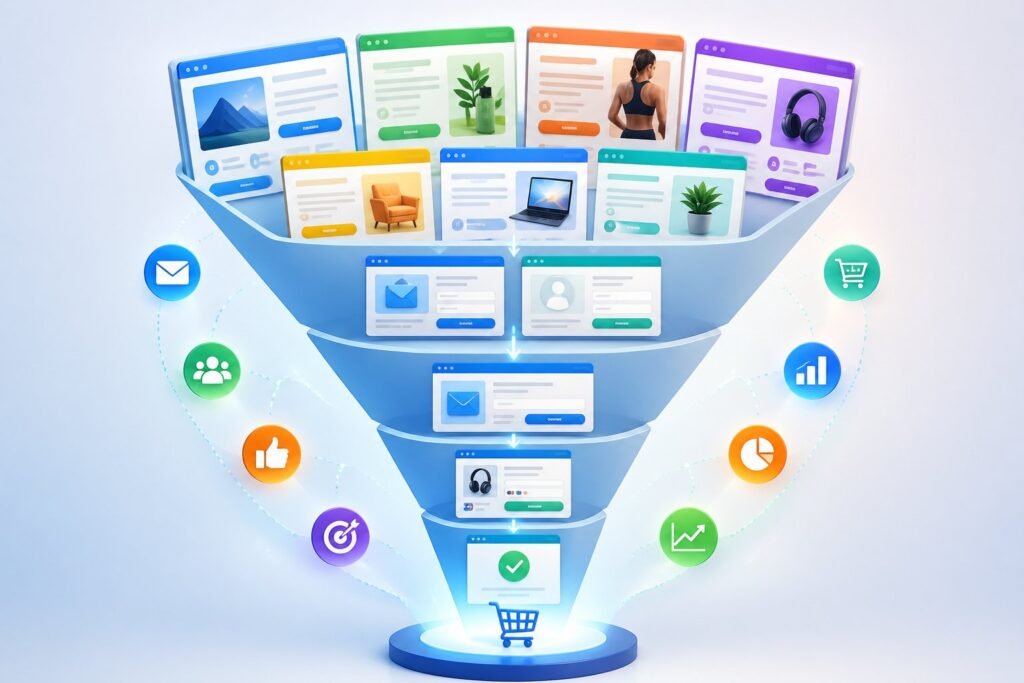
Building a sales funnel from scratch can feel overwhelming. You need the right pages, the right flow, and the right messaging to turn visitors into customers.
That’s where ClickFunnels templates come in to make the whole process much easier.

ClickFunnels templates are pre-designed funnel pages that you can customize with a drag-and-drop editor, saving you time and giving you proven structures that actually convert visitors into leads and customers. Instead of starting with a blank page, you get access to tested designs for different goals like generating leads, selling products, hosting webinars, or launching memberships.
These templates work across many industries and can be tailored to fit your specific business needs.
Whether you’re just getting started with a funnel builder or looking to speed up your marketing, the right template makes all the difference. You’ll learn about the essential funnel types available, how to pick designs that match your goals, and ways to customize them so they work perfectly for your business.
Let’s explore how these ready-made solutions can help you launch high-converting funnels faster than ever.
Essential Types of Funnel Templates
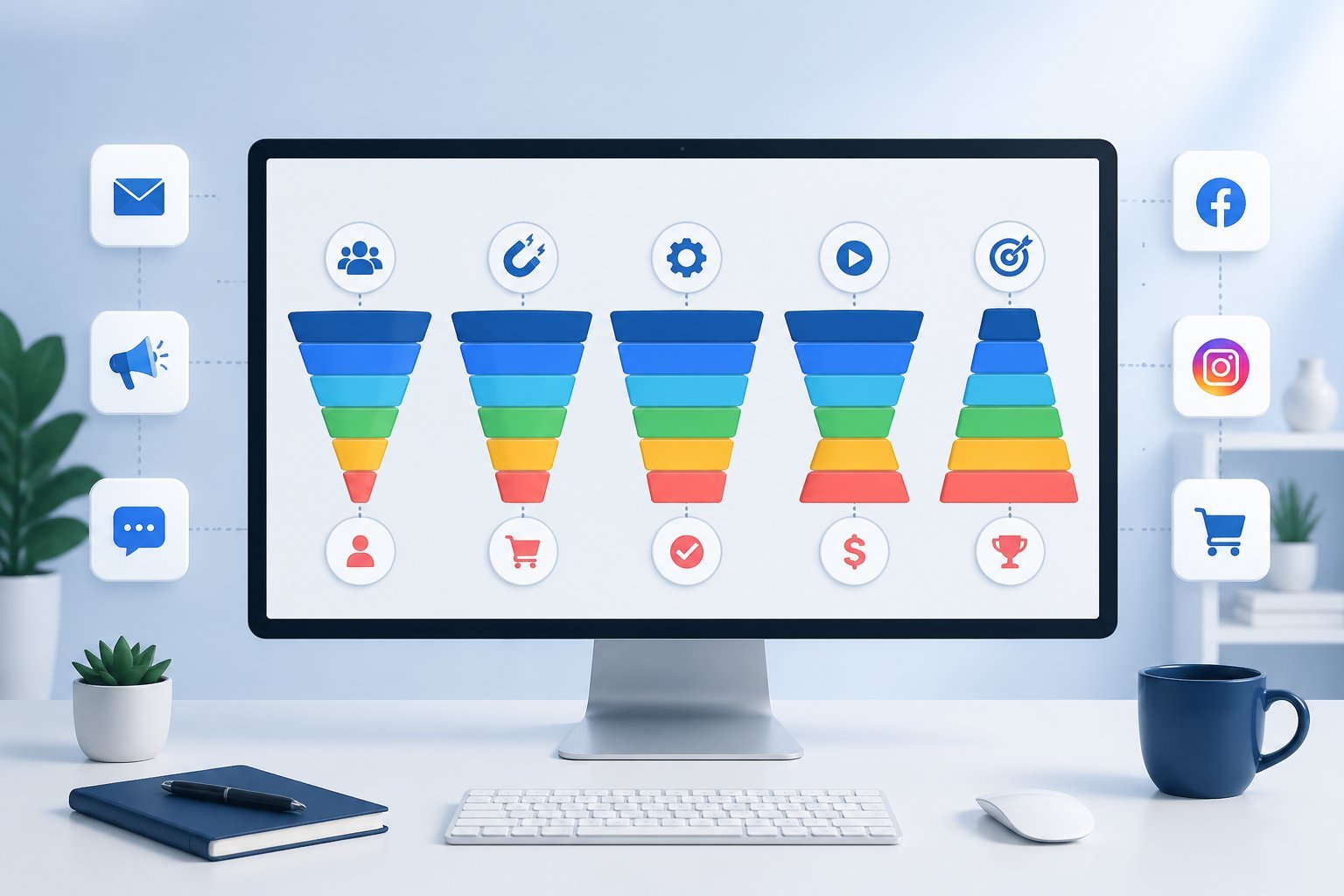
ClickFunnels offers different funnel templates for specific business goals. Lead generation funnels help you build your email list, tripwire funnels turn visitors into paying customers with low-cost offers, webinar funnels sell high-ticket items through presentations, and application funnels filter prospects for premium services.
Lead Generation Funnels
Lead generation funnels help you collect contact information from potential customers. These templates include squeeze pages, reverse squeeze pages, and survey funnels that capture email addresses and phone numbers.
Squeeze pages ask for contact details before giving value. You create a headline that makes people curious enough to share their information.
This works well when you offer a free download, video, or report.
Reverse squeeze pages give value first, then ask for contact details. This approach creates higher quality leads because people see what you offer before sharing their information.
You might show a valuable video upfront, then ask viewers to enter their email to get more content.
Survey funnels ask questions before collecting contact details. These help you understand what problems your visitors face.
You can then send them content that matches their specific needs.
Tripwire Funnels
Tripwire funnels get customers to spend a small amount of money with you first. This makes them more likely to buy bigger products later because people stay consistent with their past actions.
Book funnels are common tripwire examples. You give away a book for free but charge for shipping.
The word “free” grabs attention while the small shipping fee turns visitors into paying customers.
Two-step tripwires save contact details in the first step. Even if someone leaves before paying, you still have their email address.
The second step collects payment information for your low-cost offer.
These funnels prove your value without asking for a big commitment. When customers love what they get, they trust you with larger purchases.
Webinar Funnels
Webinar funnels use presentations to sell coaching, online courses, membership sites, and consulting services. These templates handle the registration process and follow-up steps automatically.
Your webinar should run about 90 minutes or longer. The presentation changes how prospects think about their problems and shows them why your solution works.
You can run live webinars or set up automated ones that play on a schedule.
The funnel starts with a registration page that collects email addresses. After someone registers, they get reminder emails leading up to the webinar.
During the presentation, you teach valuable content and make your offer.
Membership funnels often work well with webinar templates. You can sell access to exclusive content, communities, or ongoing training through your webinar presentation.
Application Funnels
Application funnel templates help you sell high-ticket services by filtering out unqualified prospects. These funnels make people prove they’re the right fit before you spend time talking to them.
The first page usually gives valuable content without asking for contact details. This reverse squeeze approach attracts serious buyers.
After they submit their information, they see your application form. Your application asks specific questions about their business, budget, timeline, and goals.
You only contact people whose answers match your criteria. This saves you from wasting time on calls with people who can’t afford your services or aren’t ready to buy.
The application page sets expectations about your process. You might say you only accept a certain number of clients or that applicants need specific qualifications.
This makes your offer seem more valuable and exclusive.
Popular Page Templates and Components
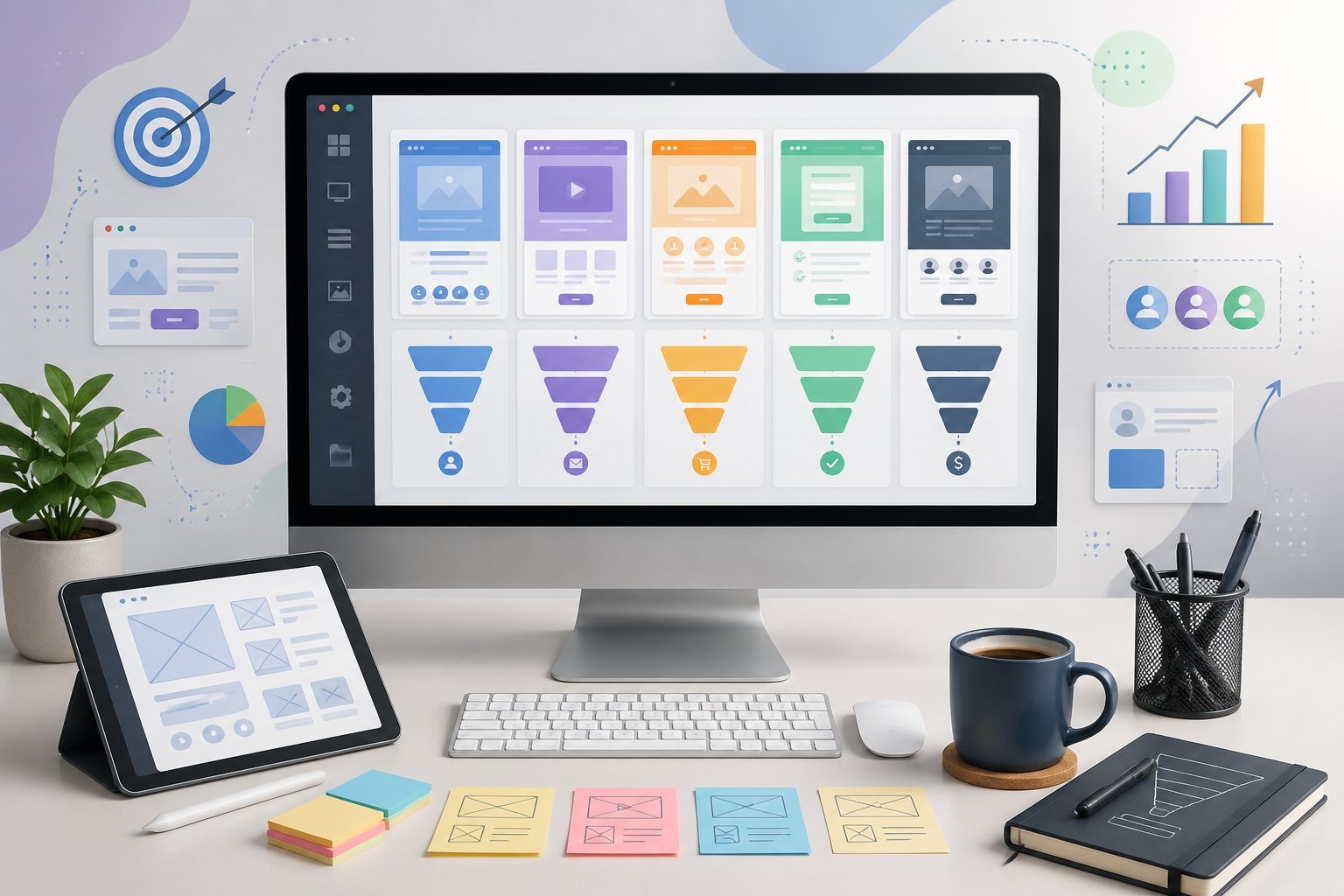
ClickFunnels templates include specific page types that work together to guide visitors through your funnel. Each page serves a clear purpose, from collecting contact information to completing sales and delivering your products.
Squeeze Pages and Opt-In Forms
Squeeze pages are designed to collect contact details from visitors before they access your content. These pages typically feature a strong headline, a brief description of what you’re offering, and an opt-in form.
The opt-in form usually asks for basic information like name and email address. You want to keep form fields minimal because fewer fields means more people will complete them.
Your squeeze page should highlight the value of your lead magnet. This could be a free guide, video, checklist, or any other resource that solves a problem for your audience.
The page needs to explain what visitors will receive and why it’s worth sharing their contact information.
Most templates include space for bullet points that list the benefits of your offer. You can also add images or graphics that support your message and make the page more visually appealing.
Sales Pages and Video Sales Letter Funnels
Sales pages present your product or service to potential customers. These pages are longer than squeeze pages because they need to address objections and build trust.
A video sales letter (VSL) funnel uses video as the main sales tool. The video explains what you’re selling and why someone should buy it.
You can include both the video and written sales copy on the same page to reach different types of learners.
Your sales page should include these key elements:
- Clear product description
- Pricing information
- Customer testimonials
- Guarantee or refund policy
- Call-to-action buttons
The page needs to answer common questions and explain how your product solves specific problems. Many templates let you add order bumps, which are small additional offers that customers can add to their purchase with one click.
Thank You and Order Confirmation Pages
Thank you pages appear right after someone completes an action on your funnel. If they joined your email list, the thank you page confirms their subscription and tells them what to expect next.
Order confirmation pages serve a similar purpose for purchases. These pages confirm the transaction and provide order details like purchase date, items bought, and total cost.
You can use these pages to deliver immediate value. For example, you might provide instant access to a digital product or share next steps for a service.
These pages also work well for upsells because the customer is already in a buying mindset.
Many businesses use thank you pages to set expectations about email frequency or delivery times. This helps reduce confusion and support requests.
Landing Pages and Membership Sites
Landing pages are standalone pages built for specific campaigns or offers. Unlike your main website, a landing page focuses on one goal without extra navigation or distractions.
You might create a landing page for a product launch, event registration, or special promotion. The page should match your ad or email that brought visitors there.
This consistency helps improve conversion rates.
Membership site templates let you create protected areas where members access exclusive content. These pages typically include login forms, member dashboards, and content libraries.
Your membership site needs clear navigation so members can find what they’re looking for. Most templates organize content into modules or categories.
You can also add progress tracking to show members how far they’ve advanced through your program.
Industry-Specific Funnel Solutions
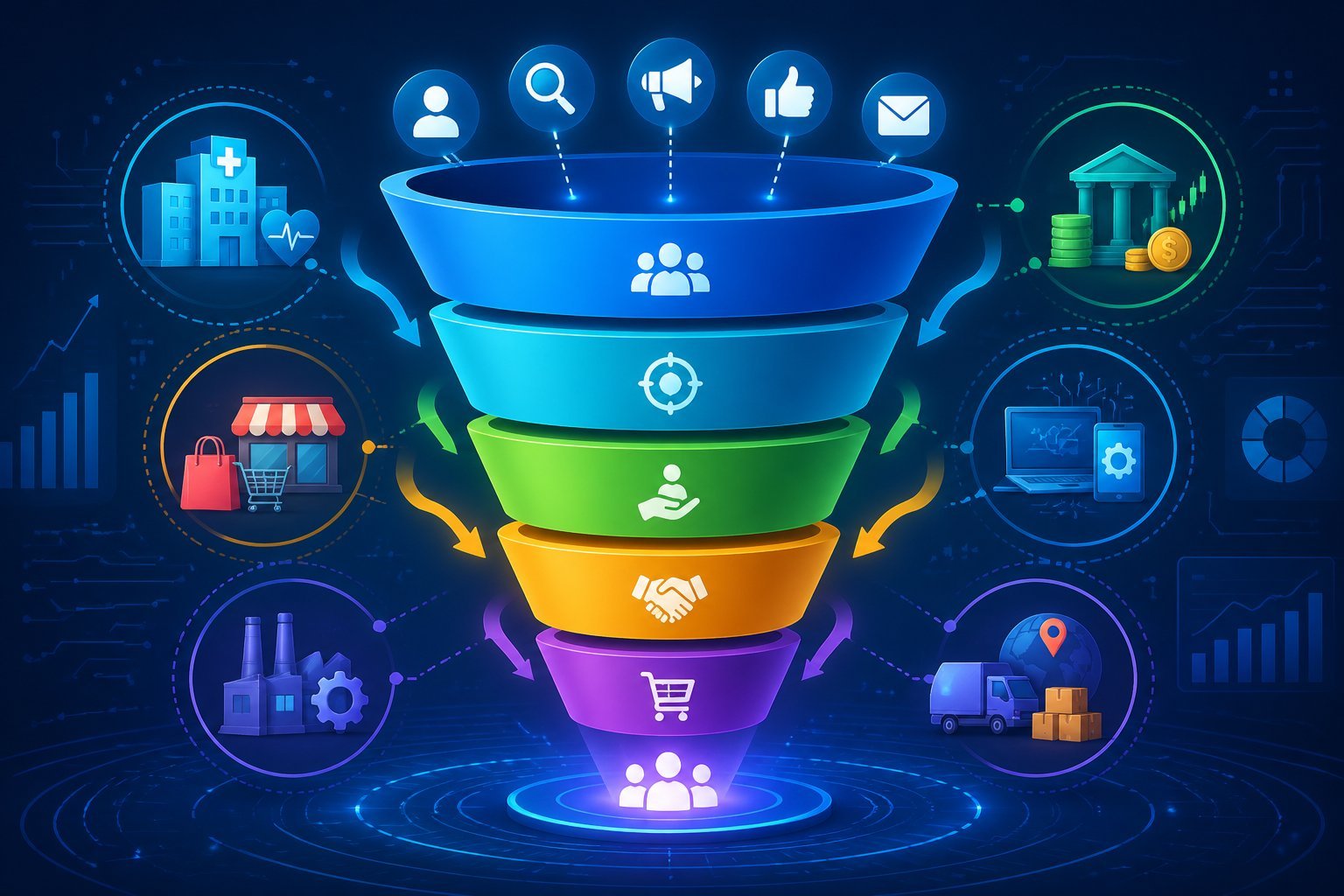
ClickFunnels offers templates designed for specific industries and business models. These templates include pre-built pages and flows that match how different businesses actually sell their products and services.
Ecommerce and Product Launch Funnels
Product launch funnels help you build excitement before releasing new items to your customers. These templates include squeeze pages to capture leads, teaser pages to share preview videos, and launch pages that create anticipation over several days.
The flow guides people from initial interest through multiple touchpoints before the actual sale.
Once launch day arrives, you can direct traffic straight to your order form. The templates include upsell and downsell pages that let buyers add related products with one click.
This increases your average order value without extra advertising costs.
Tripwire funnel templates work well for ecommerce businesses selling physical products. You start with a low-priced frontend offer that covers your advertising costs.
After someone buys, they see offers for larger quantities or premium versions of the same product. The beauty product tripwire funnel is a good example, offering a single bottle first, then presenting bulk packages on the upsell page.
Coaching, Consulting, and Affiliate Marketing Funnels
Coaching and consulting businesses need templates that book calls and qualify leads. Application page templates let you collect detailed information about potential clients before spending time on sales calls.
This pre-qualification process means you only talk to people who are serious about working with you.
Video sales letter templates work especially well for coaches selling courses or programs. You capture email addresses first, then show your full sales video only to subscribers.
This two-step process builds your list while selling your offer.
Affiliate marketing funnels help you promote other people’s products while building your own email list. The templates include bridge pages that warm up your audience before sending them to the affiliate offer.
You can also add bonus pages that deliver extra value to people who buy through your link.
B2B, SaaS, and Real Estate Funnels
Real estate agents and investors use specialized templates to generate seller and buyer leads. These funnels typically offer free home valuations or buyer guides in exchange for contact information.
The thank you page can showcase current listings to pre-qualify prospects before you make contact.
B2B and SaaS companies benefit from webinar funnel templates that nurture leads through longer sales cycles. The templates include registration pages, reminder sequences, and replay pages.
You can host live webinars or set up evergreen automated presentations that run continuously.
Membership funnel templates help SaaS businesses convert free trials into paying subscribers. These include sales pages explaining your software benefits, order forms with different pricing tiers, and login portals where customers access your platform.
Everything connects seamlessly without needing separate tools or complicated integrations.
Maximizing Conversions With Proven Designs
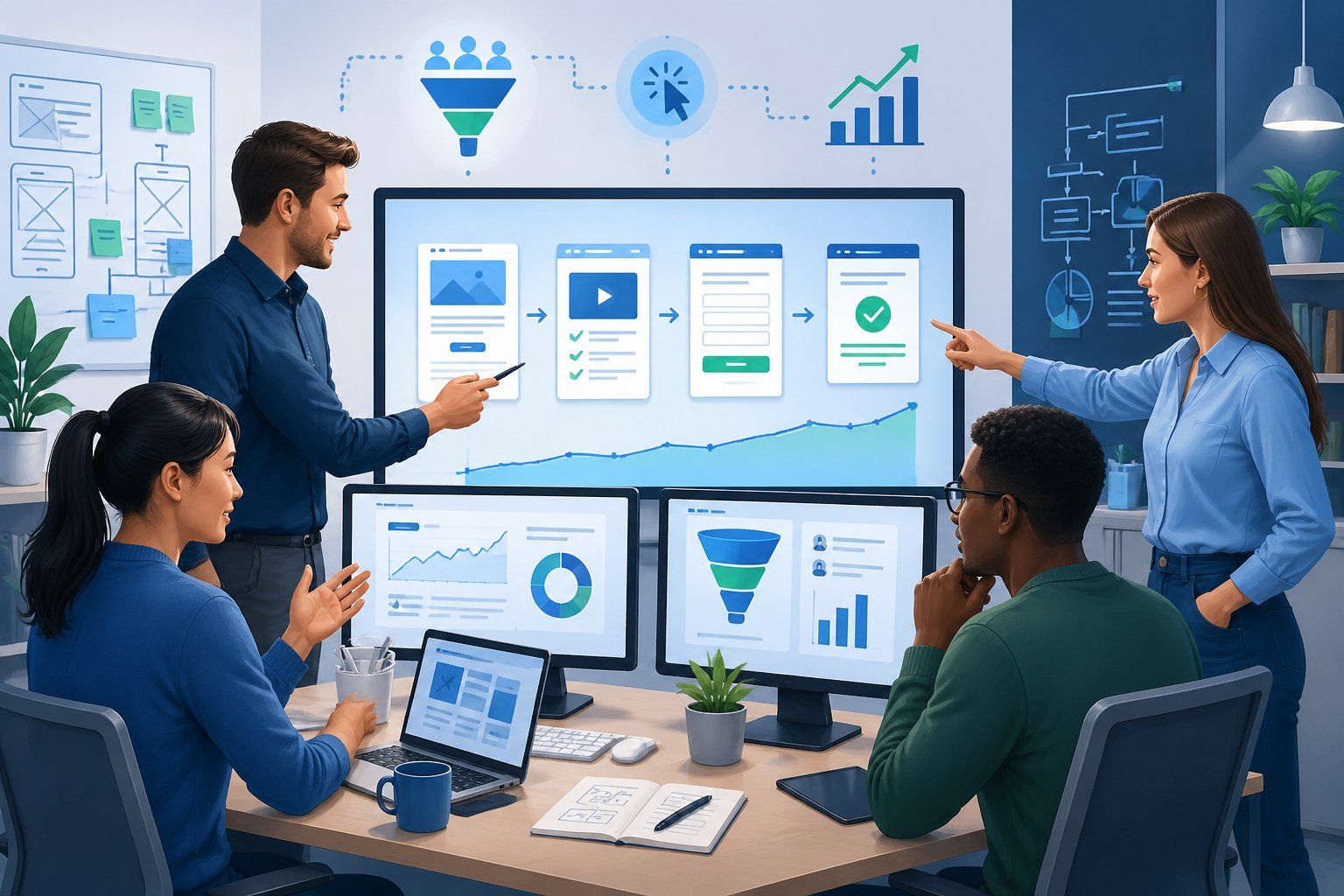
ClickFunnels templates are built to turn visitors into customers through tested layouts and conversion strategies. The key is choosing designs that match your goals and then fine-tuning them to get better results.
High-Converting Funnel Flows
The best funnel templates follow a clear path that guides people toward buying. A basic flow starts with a squeeze page to collect contact information, then moves to a sales page, and ends with a checkout.
You can boost sales by adding an order bump at checkout. This offers a small extra product that customers can add with one click.
After the main purchase, upsells let you offer related products or upgraded versions.
High ticket funnels work differently because they need more trust-building. These templates often include application pages where prospects fill out forms to qualify themselves.
You might also use a video sales letter to explain complex offers and address concerns before asking for the sale.
The funnel design should match what you’re selling. Simple products work well with short funnels.
More expensive items need longer funnels with multiple touchpoints to educate buyers and build confidence.
A/B Testing Funnel Templates
Testing different versions of your funnel helps you find what works best. Start by testing one element at a time, like your headline or button color.
ClickFunnels makes it easy to run split tests on your pages. You can test two versions of the same page and see which one gets more sales.
Run tests for at least a week to gather enough data. Focus on testing elements that typically impact your conversion rate the most.
These include headlines, images, button text, and pricing displays. Even small changes can make a big difference in results.
Optimizing for Conversion Rate
Your conversion rate shows how many visitors actually buy from you. To improve this number, look at where people leave your funnel and fix those weak spots.
Make your checkout process simple with fewer form fields. Remove distractions that might send people away from your page.
Use clear calls to action that tell people exactly what to do next. Speed matters too.
Slow-loading pages cause people to leave before they even see your offer. Check that your images are compressed and your funnel loads quickly on phones and computers.
Customizing and Sharing Templates
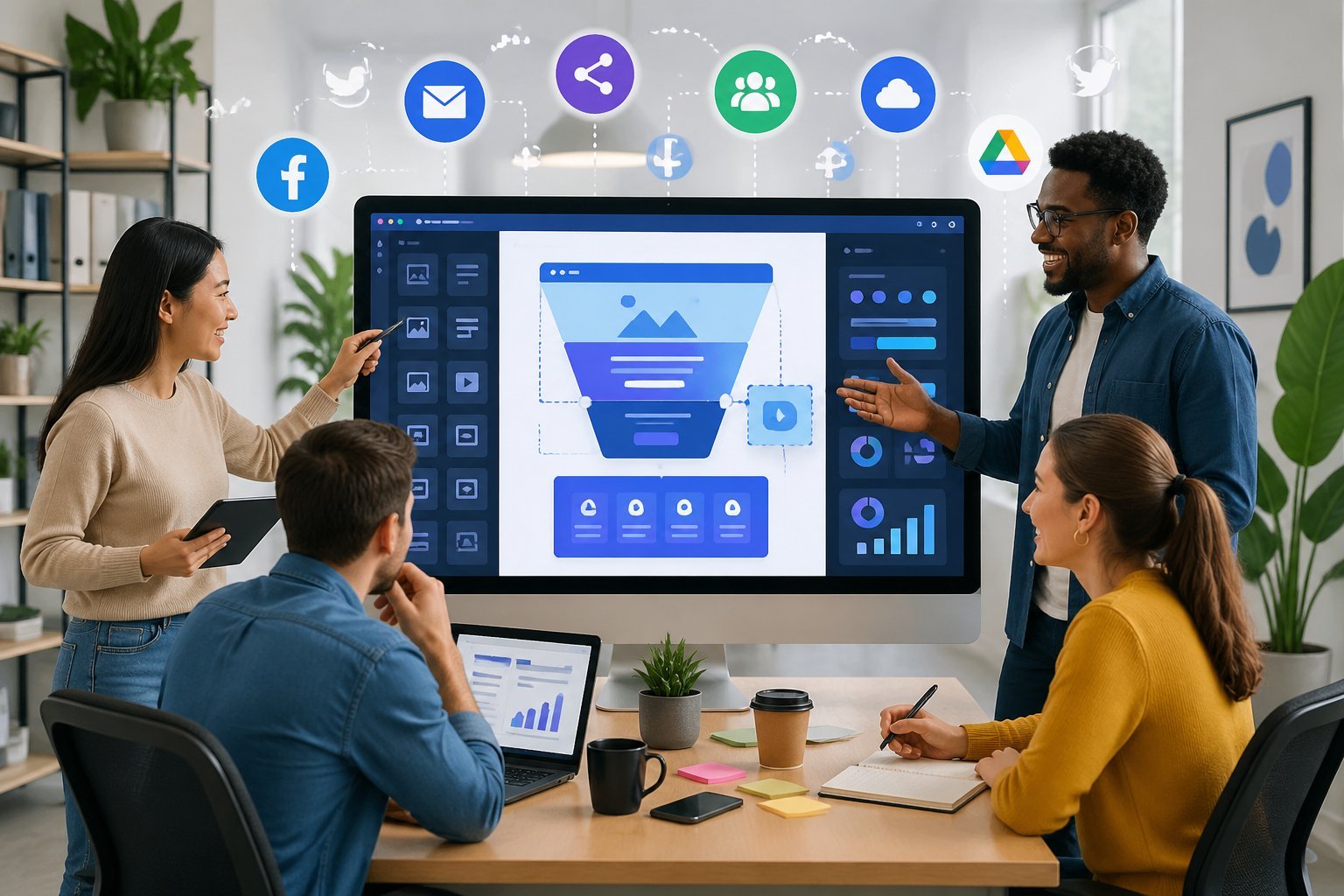
ClickFunnels provides built-in tools to customize any template you choose and ways to share your finished funnels with others. You can access templates from multiple sources and modify them using the platform’s editor.
Using the ClickFunnels Editor
The ClickFunnels editor uses a drag-and-drop interface that lets you customize templates without coding knowledge. You can click on any element in your template to edit text, images, colors, and fonts.
The editor includes preset sections you can add or remove from your pages. You can save your customized pages as personal templates for future use.
To do this, open the page editor, hover over Settings, click General, and select Save Page as Template. This saves time when building new funnels with similar designs.
The editor also lets you adjust spacing, button styles, and form fields. You can preview your changes on desktop and mobile views before publishing.
Most edits appear in real-time, so you see exactly how your funnel will look to visitors.
Free and Paid Template Marketplaces
ClickFunnels offers over 50 pre-built templates in different categories like lead generation, product launches, and webinars. These templates are included with your ClickFunnels subscription at no extra cost.
You can filter templates by funnel type such as opt-in pages, sales pages, or order forms. Third-party marketplaces also sell ClickFunnels templates designed by experienced funnel builders.
These paid templates often include specific strategies for certain industries or business models. Prices vary based on the template’s complexity and the designer’s reputation.
Share Funnels is a ClickFunnels feature that lets you send complete funnels to other users. When you share a funnel, the recipient gets a copy of all pages, steps, and basic settings.
This is useful for team collaboration or if you’re selling funnel designs. To share a funnel, open it in your account and locate the Share Funnel option in the settings.
ClickFunnels generates a unique URL that you can send to anyone. The person receiving your share funnel must have an active ClickFunnels account to import it.
Your shared funnel won’t include email sequences, domain settings, or third-party integrations. Recipients need to set up these elements separately in their own accounts.
Tips for Choosing and Launching Your First Funnel
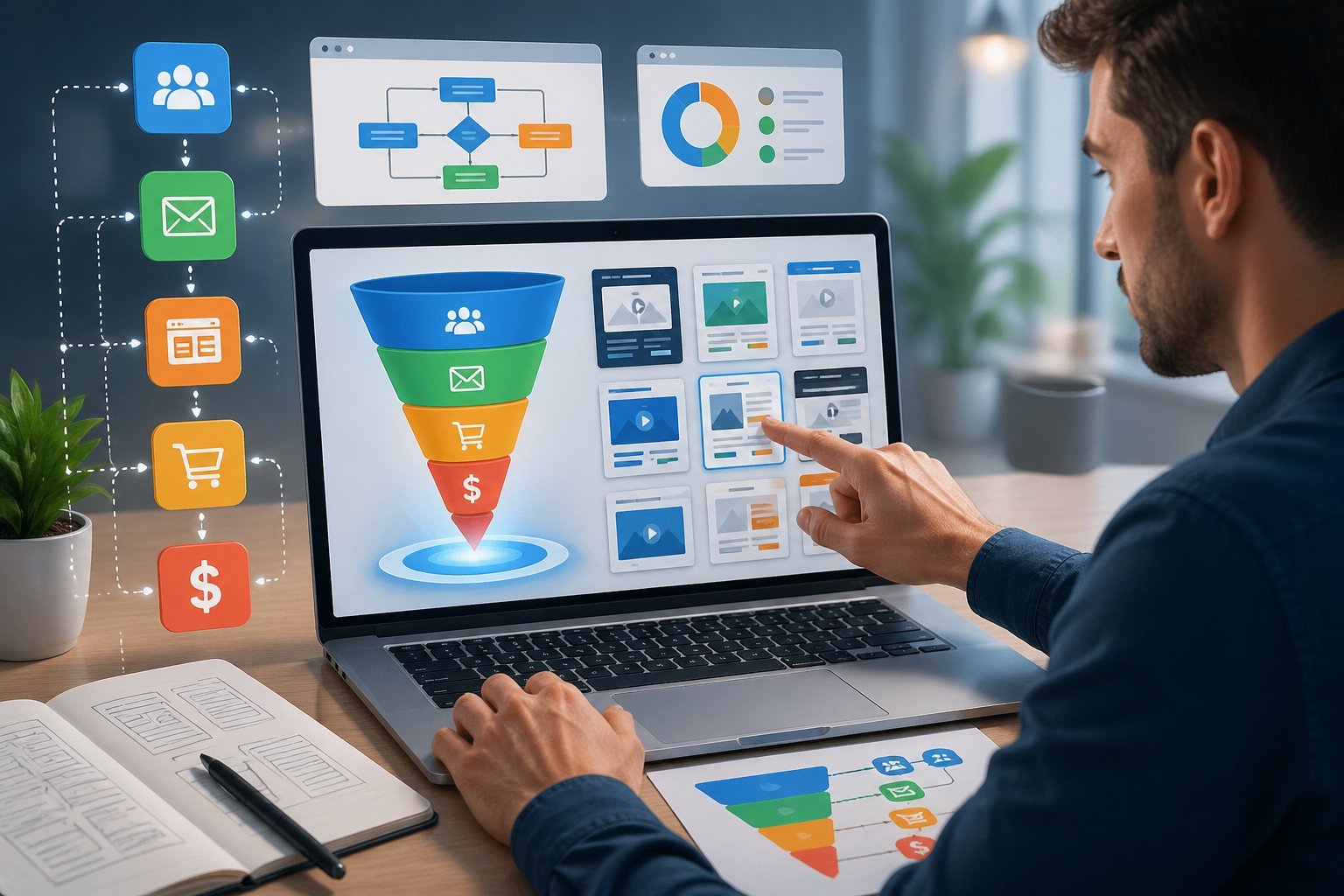
Getting your first funnel up and running requires careful planning and smart choices. The right template and features can make the difference between a funnel that generates leads effectively and one that falls flat.
Starting With Free Trials
Take advantage of the 14-day free trial that ClickFunnels offers before committing to a paid plan. This gives you enough time to explore different templates and test how the platform works for your business.
During your ClickFunnels trial, focus on building one complete funnel rather than trying to learn everything at once. Use this trial period to test your funnel with real traffic.
Send a small group of people to your pages and watch how they interact with your content. This hands-on experience will show you which features matter most for your business.
Don’t wait until the last day of your trial to start building. Give yourself at least a week to work through any technical issues and make adjustments based on early results.
Matching Templates to Business Goals
Your template choice should align directly with what you want to accomplish. If you need to build an email list, pick an opt-in funnel template with a strong lead magnet offer.
For selling products, choose templates that include an order form and checkout process. Look at templates designed for your specific industry when possible.
A template built for coaches will have different elements than one made for e-commerce stores. The Funnel Cookbook in ClickFunnels lets you filter by industry and goal to find relevant options.
Key template types to consider:
- Lead generation funnels for growing your email list
- Sales funnels for direct product sales
- Webinar funnels for educational content and high-ticket offers
- Membership funnels for recurring revenue
Essential Features to Look For
Your funnel template needs certain core features to work properly. Every template should include mobile-responsive design since many visitors will view your pages on phones.
Make sure the template has built-in email integration so you can connect your autoresponder right away. Look for templates with proven conversion elements like clear headlines, benefit statements, and strong call-to-action buttons.
Check that your template includes thank you pages and email follow-up sequences. Test the template’s loading speed before launching.
Slow pages will hurt your conversion rates no matter how good your offer is. Also verify that the template supports the payment processors you plan to use if you’re selling products.