
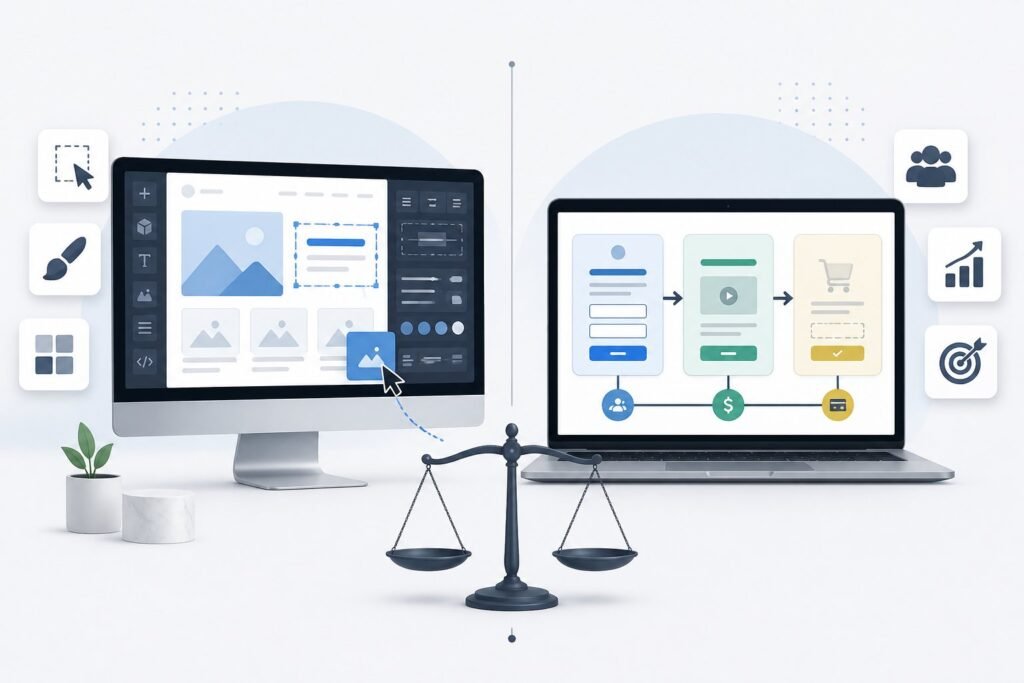
Picking the right platform for your online business can feel overwhelming. Webflow and ClickFunnels are both popular choices, but they serve different purposes and excel at different things.

Webflow is a website builder focused on design flexibility and creating beautiful websites, while ClickFunnels is a sales funnel builder designed specifically to help you convert visitors into customers and make money online. Your choice depends on what you need most.
If you want complete design control and a content-rich website, Webflow might be your best bet. If you need to build sales funnels quickly and start making sales, ClickFunnels is built for that exact purpose.
This guide breaks down everything you need to know about both platforms. We’ll compare their core features, look at how easy they are to use, explore their ecommerce options, and help you figure out which one makes sense for your business goals and budget.
Core Differences and Use Cases
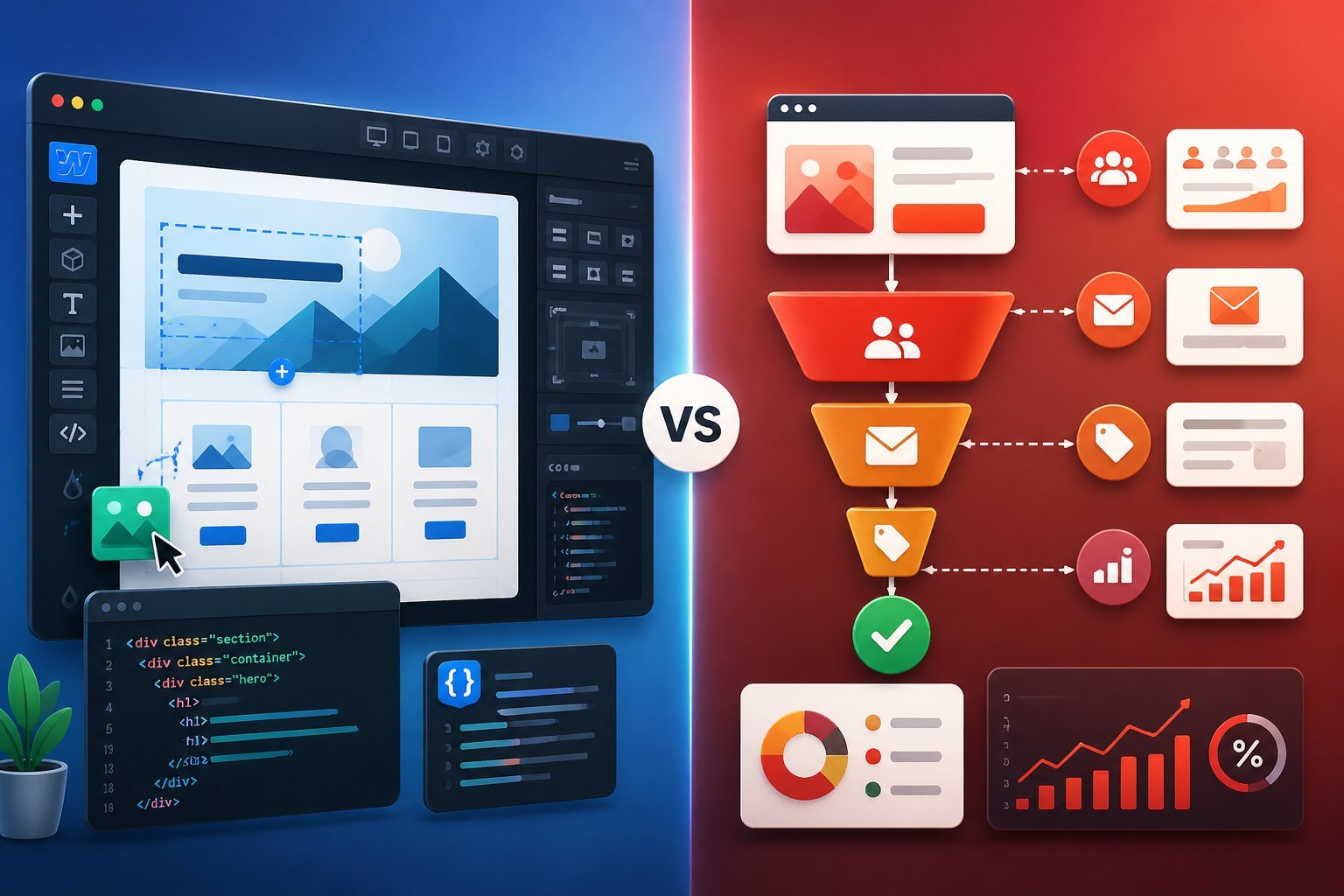
Webflow excels at building custom websites with extensive design control. ClickFunnels specializes in creating sales funnels that guide visitors toward purchases.
Your choice depends on whether you prioritize design flexibility or conversion-focused marketing tools.
Design Flexibility vs Funnel Focus
Webflow gives you complete control over every visual element of your website. You can adjust layouts, animations, and styling down to the pixel level.
This makes it perfect if you want a unique website that stands out from the competition. ClickFunnels takes a different approach.
It focuses on getting visitors to take action rather than building elaborate designs. You get pre-built sales funnel templates that have already proven to work.
The page builder is simpler because it’s designed to help you launch quickly.
Key differences:
- Webflow: Custom designs, advanced CSS controls, complex animations
- ClickFunnels: Template-based funnels, simplified editor, conversion-focused layouts
If you’re building landing pages for a marketing campaign, ClickFunnels gets you live faster. If you need a portfolio site with custom interactions, Webflow is better.
Target Audience and Ideal Scenarios
Webflow works best for web designers, creative agencies, and businesses that want complete design freedom. You’ll need some technical knowledge to use its advanced features.
Content creators who want a custom blog or portfolio will appreciate what Webflow offers. ClickFunnels targets digital marketers, course creators, and online entrepreneurs.
You don’t need design skills to build effective sales funnels. If you sell digital products, run webinars, or build membership sites, ClickFunnels has the tools you need built in.
Choose Webflow if you:
- Design websites professionally
- Want unlimited creative control
- Have technical web skills
- Need a custom CMS
Choose ClickFunnels if you:
- Focus on making sales online
- Want to launch quickly
- Need email marketing built in
- Sell courses or memberships
Website Types and Business Goals
Webflow handles standard websites well. You can build business sites, portfolios, blogs, and basic online stores.
The platform shines when you need custom designs or complex content structures. Your online store will look great, but you’ll need to focus more on the marketing yourself.
ClickFunnels is built for conversion paths. You create funnels that move people from awareness to purchase.
It includes cart funnels for eCommerce, webinar funnels for course creators, and membership site features for recurring revenue. The entire platform is designed around making money online rather than just looking good.
Your website goals matter here. If you want visitors to explore your brand and content freely, a Webflow website works better.
If you want to guide people toward specific actions like buying a product or signing up for your email list, ClickFunnels’ funnel approach converts better.
Feature Comparison

ClickFunnels focuses on building sales funnels with marketing automation. Webflow prioritizes design flexibility and website creation.
Both platforms offer ecommerce, membership sites, and content management, but they approach these features differently based on their core strengths.
Website and Funnel Building Tools
ClickFunnels gives you a funnel builder designed specifically for selling products and services. You can create complete sales funnels with multiple pages connected by behavioral triggers.
The platform includes pre-built funnel flows that guide customers through your sales process. You can also build sophisticated CRM funnels for high-touch sales that require personal outreach.
Webflow provides a visual editor built for web designers. You can create flexbox and grid layouts, write custom code, and fine-tune every design element.
The platform lets you add custom animations and interactions to your pages. You get complete control over your website structure and styling.
Both platforms let you use a custom domain. However, Webflow requires more technical knowledge to use effectively.
If you’re not a web designer, you might find the advanced customization options overwhelming.
Templates and Custom Design Options
ClickFunnels offers a library of high-converting sales funnel templates tested by real businesses. You get templates for landing pages, sales pages, cart funnels, and complete sales processes.
The templates focus on conversion rates rather than just aesthetics. You can customize any template with the visual page builder without coding skills.
Webflow provides over 1,000 website templates for business sites, portfolios, and blogs. All templates feature responsive design that works on computers, phones, and tablets.
You can modify every aspect of these templates using advanced design tools. The platform gives you full control over typography, spacing, and visual effects.
The key difference is purpose. ClickFunnels templates are built to make sales, while Webflow templates are built to look beautiful.
Membership and Ecommerce Capabilities
ClickFunnels includes everything you need to launch an online store. You can add products to your catalog, create cart funnels for specific items, and set up a custom checkout process.
The platform also lets you build membership sites with exclusive content and online courses. You can create a customer center where people access all their purchased content in one place.
Webflow offers ecommerce functionality with strong design features. You can customize every page of your store and add custom animations to product displays.
The platform handles inventory management, shipping, and payment processing. Webflow’s membership functionality is still in beta, but it lets you restrict content and offer subscriptions.
Both platforms support online stores, but ClickFunnels emphasizes sales optimization while Webflow emphasizes store design.
Content Management and Blogging
ClickFunnels has a blog builder that lets you write, edit, and publish articles. You can set articles as “Public” or “Members Only” to create premium content.
The platform includes real-time analytics so you track how your content performs. You also get email marketing tools to promote your blog posts.
Webflow provides a full content management system designed for editors, designers, and developers. The CMS lets you publish various content types beyond basic blog posts.
You get more flexibility in how you structure and display content. However, this system can feel complex if you just want a simple blog.
Both platforms include SEO optimization tools to help your content rank in search engines. ClickFunnels keeps content management simple, while Webflow offers more advanced options for technical users.
Marketing, Optimization, and Integrations

ClickFunnels focuses on sales conversion tools while Webflow emphasizes design flexibility and SEO. Both platforms offer different approaches to marketing automation, third-party integrations, and optimization features.
Marketing Features and Tools
ClickFunnels provides built-in marketing tools specifically designed for sales conversion. You get email marketing automation, upsells, and affiliate management all in one platform.
The software includes features for cart abandonment recovery and behavioral triggers that help increase conversion rates. Webflow takes a different approach.
It offers strong SEO tools that let you optimize metadata, URLs, and content for search engines. You can add custom code integration for advanced marketing tracking.
However, Webflow doesn’t include native email marketing or sales-focused tools like upsells. If you need marketing features out of the box, ClickFunnels has more options.
If you prioritize SEO and design control, Webflow gives you better optimization for search engines.
Email and Automation Integrations
ClickFunnels connects with major email marketing platforms including ActiveCampaign, ConvertKit, Mailchimp, AWeber, and GetResponse. You can also use the built-in email marketing functionality to send broadcast emails and create automated workflows.
This means you don’t need to pay for a separate email service if you don’t want to. Webflow integrates with AWeber, Mailchimp, and GetResponse for email marketing.
You’ll need to rely on these third-party tools since Webflow doesn’t have native email marketing features. Both platforms support Zapier, which opens up thousands of additional automation options.
The key difference is that ClickFunnels includes email marketing as a core feature, while Webflow requires external tools.
Conversion Tracking and A/B Testing
ClickFunnels includes built-in A/B testing and real-time analytics. You can track conversion rates directly in the dashboard without adding extra code.
The platform shows you which pages and funnels perform best so you can make data-driven decisions. Webflow doesn’t have native A/B testing tools.
You need to integrate Google Analytics or use custom code integration to set up conversion tracking. This gives you flexibility but requires more technical knowledge.
For tracking and testing, ClickFunnels makes it easier with ready-to-use analytics. Webflow requires you to build your own tracking setup.
Third-Party Tool Compatibility
Both platforms support extensive third-party integrations. ClickFunnels offers integrations with Zapier, Keap, Sendlane, Twilio, Pipedrive, Zoom, Ontraport, and HubSpot.
The API allows developers to create custom integrations when needed. Webflow integrates with ecommerce tools like Shopify, Gumroad, and Printful.
Payment processing works with Stripe, PayPal, and Authorize.net. You also get Zapier access for connecting to other apps.
ClickFunnels focuses on CRM and marketing tool integrations. Webflow emphasizes ecommerce and payment processing connections.
Your choice depends on which integrations matter most for your business.
Ease of Use and Learning Curve

Webflow requires more technical knowledge and takes longer to learn. ClickFunnels focuses on speed and simplicity for users who want to start quickly.
Your choice depends on whether you value design control or fast setup.
Interface and User Experience
ClickFunnels uses a drag-and-drop builder that focuses on creating sales funnels quickly. You can pick a template and customize it without touching any code.
The interface guides you through building pages step by step. Webflow also has a drag-and-drop editor, but it works more like professional design software.
You can control CSS classes, create custom animations, and adjust flexbox layouts. This gives you more design power but makes the interface more complex.
If you want to launch fast, ClickFunnels gets you there faster. If you need precise design control and don’t mind spending time learning, Webflow gives you that option.
Beginner Friendliness
ClickFunnels works well if you’re new to building websites. The platform includes templates that already convert well, so you don’t need to guess what works.
You can create a complete sales funnel in a few hours. Webflow has a steeper learning curve.
You need to understand web design basics like layouts and responsive design. The platform offers a knowledge base with tutorials, but you’ll still need time to learn the tools.
ClickFunnels also provides customer support and training to help you get started. Webflow’s complexity can feel overwhelming if you’ve never built websites before.
Support for Advanced Users
Webflow appeals to experienced designers and developers. You can edit code directly, build custom interactions, and create reusable elements.
The platform gives you full control over every design detail. ClickFunnels offers advanced features like behavioral triggers and sophisticated funnel flows.
You can create complex email workflows and use the CRM for high-touch sales processes. These features help experienced marketers build detailed customer journeys.
Webflow excels at design flexibility, while ClickFunnels excels at marketing automation and sales optimization.
Ecommerce, Payments, and Monetization
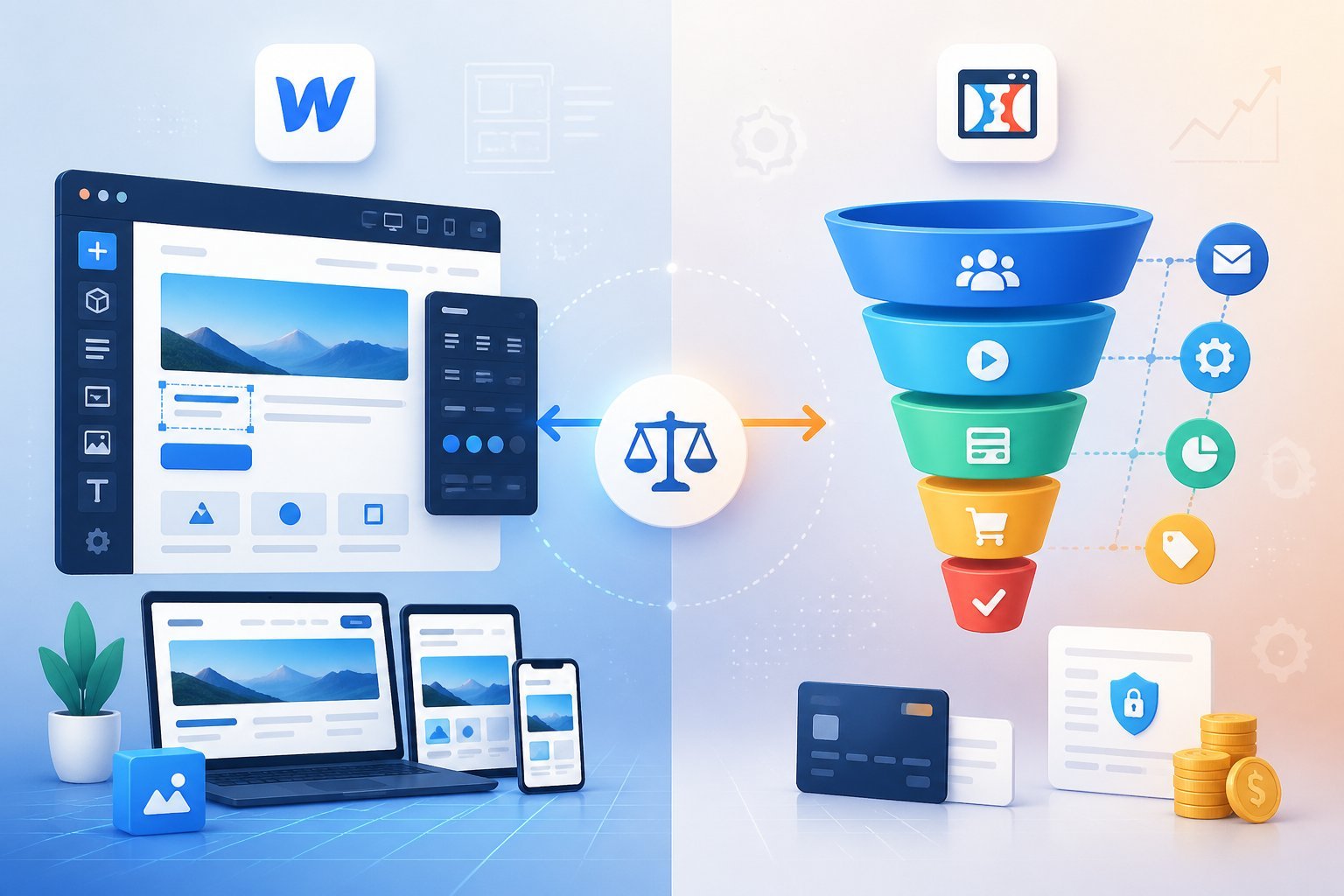
Both platforms let you sell online, but they work differently. ClickFunnels focuses on sales funnels with upsells and order bumps.
Webflow gives you more control over your online store design and product catalog.
Setting Up Online Stores
ClickFunnels makes it easy to start selling fast. You pick a cart funnel template and add your products.
The platform includes tools for upsells and downsells right in your checkout process. You can create product catalogs and membership sites without needing technical skills.
Webflow gives you more design freedom for your online store. You can customize every part of your product pages and shopping experience.
The platform includes inventory management and product variant options. However, you’ll need some web design knowledge to get the most out of it.
Supported Payment Gateways
ClickFunnels connects with Stripe and PayPal for payment processing. You can also integrate with other payment processors through third-party tools.
The setup process is simple and you can start accepting payments in minutes. Webflow also supports Stripe, PayPal, and Authorize.net.
You can add payment gateways through their ecommerce settings. Webflow offers more payment gateway options overall, but both platforms cover the most popular choices.
Both platforms handle secure transactions and support multiple currencies.
Checkout Customization and Security
ClickFunnels lets you customize your checkout pages with their visual editor. You can add order bumps, upsells, and custom fields without coding.
The platform focuses on making your checkout process convert better, not just look good. All checkout pages use SSL encryption for security.
Webflow gives you complete design control over your custom checkout experience. You can style every element to match your brand.
The platform includes built-in security features and SSL certificates. You can add custom animations and interactions to your checkout flow.
ClickFunnels makes it easier to test different checkout variations. Webflow gives you more creative freedom but requires more setup time.
Pricing and Value for Money

Both platforms use different pricing models that reflect their core purposes. ClickFunnels focuses on all-in-one marketing tools, while Webflow charges based on site hosting and design features.
Plan Options and Free Trials
ClickFunnels offers a 14-day free trial that gives you access to most features without requiring a credit card. After the trial, plans start around $147 per month for basic features and go up to $297 per month for advanced options.
The higher tiers include more funnels, pages, and contacts. Webflow has a free plan that lets you build and test websites with limited features.
Paid plans split into two categories: site plans starting at $14 per month and workspace plans starting at $19 per month. Site plans cover hosting and CDN services, while workspace plans add team features and CMS access.
You can test both platforms before paying. ClickFunnels gives you two weeks to build funnels and test features.
Webflow lets you design indefinitely on the free plan but requires a paid plan to publish your site.
Feature to Price Ratio
ClickFunnels includes email marketing, CRM, course builder, and membership sites in its plans. You get multiple tools bundled together instead of paying for separate services.
The $297 plan supports unlimited funnels and includes priority support. Webflow pricing depends on what you need.
A basic site plan gives you hosting and CDN but excludes CMS features. You’ll pay extra for ecommerce functionality starting at $29 per month.
Advanced features like team collaboration require workspace plans on top of site plans. ClickFunnels costs more upfront but replaces several tools.
Webflow appears cheaper initially but costs add up when you need multiple features or sites.
Long-Term Cost Considerations
ClickFunnels pricing stays stable as your business grows. You won’t need separate email software, course platforms, or membership tools.
However, you’re locked into monthly payments even if you only use some features.
Webflow costs increase with traffic and sites. The CDN and hosting scale with your needs, which is good for performance but affects your budget.
You might also need third-party tools for email marketing and sales funnels, adding to your total expenses.
If you mainly need website hosting with great design options, Webflow’s site plans offer better value.