
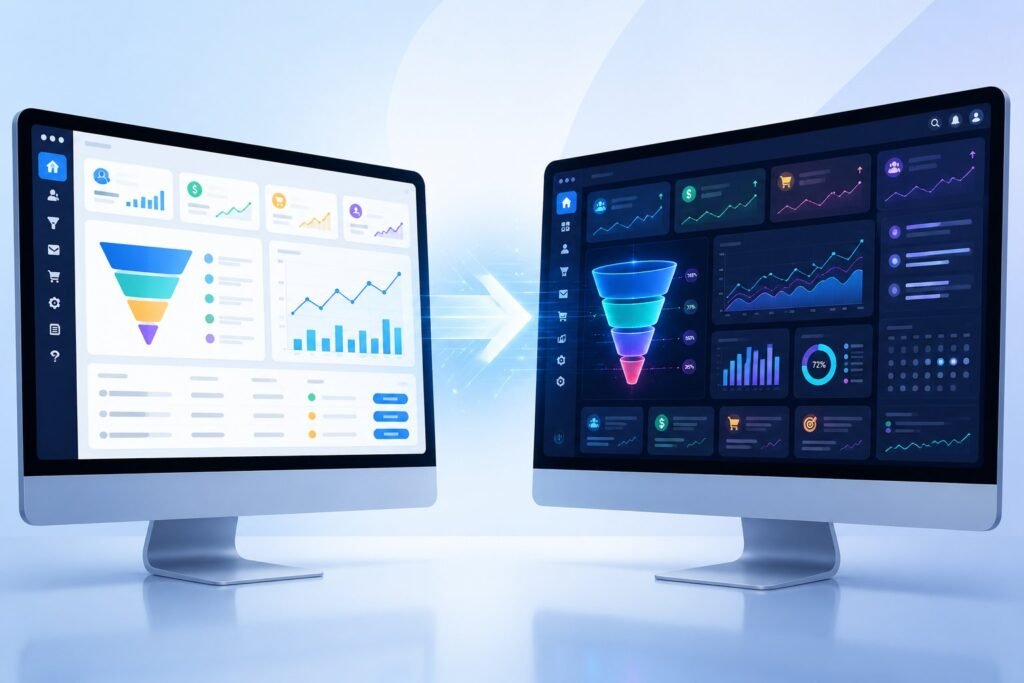
ClickFunnels released version 2.0 as a complete rebuild of their platform. You might be wondering if you should stick with ClickFunnels Classic or make the switch to the newer version.
ClickFunnels 2.0 offers a rebuilt drag-and-drop editor, visual funnel mapping, and all-in-one business tools, while ClickFunnels Classic provides a simpler interface that many users already know how to use.

The two platforms run as separate accounts and you cannot directly move your sales funnels between them. This means choosing between ClickFunnels and ClickFunnels 2.0 is an important decision for your business.
Each version has different strengths when it comes to building sales funnels, managing customers, and growing your online business. This guide will walk you through the key differences between both platforms.
You’ll learn about the page builders, automation features, pricing options, and which version makes the most sense for your specific needs.
Core Platform Comparisons
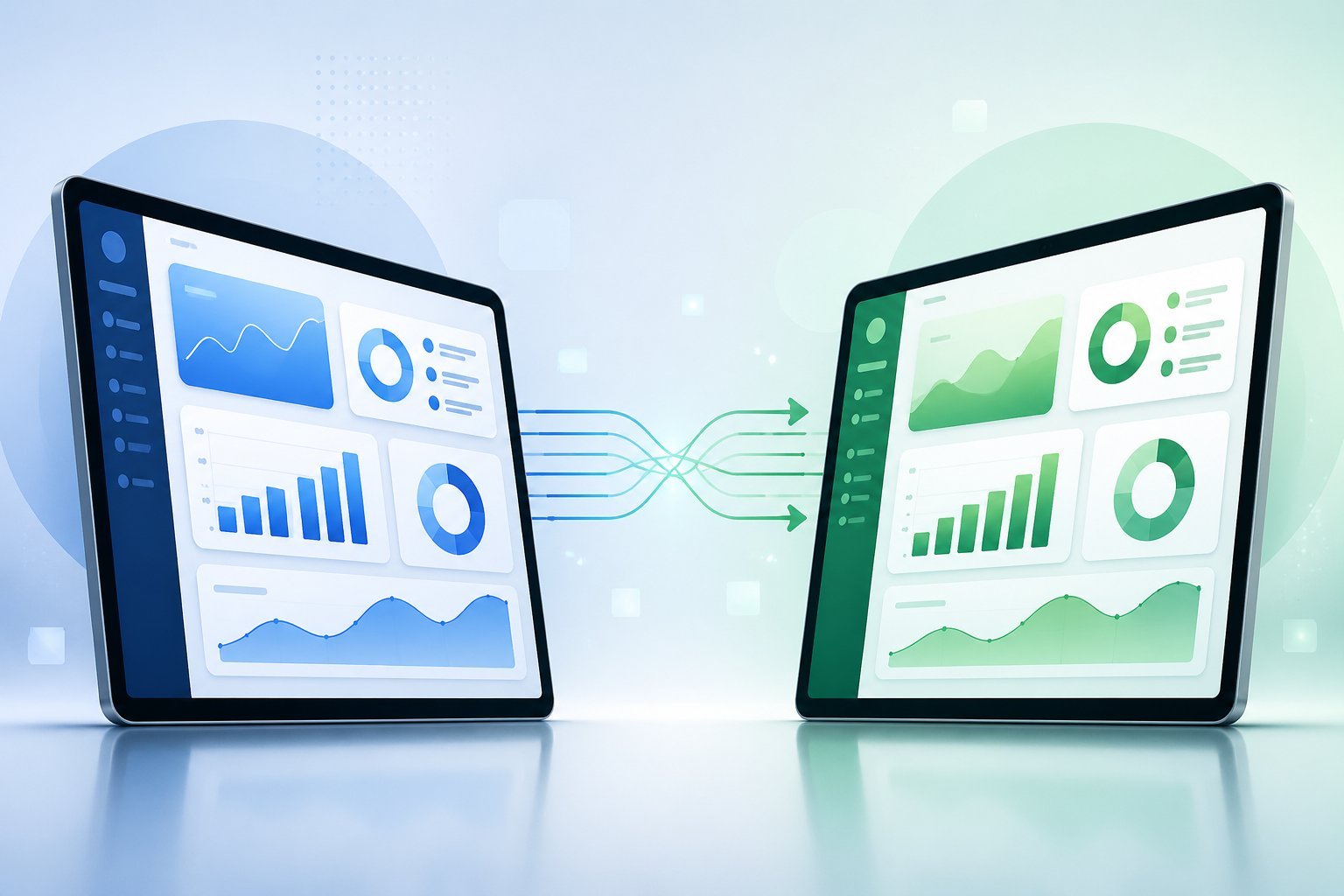
ClickFunnels Classic and ClickFunnels 2.0 differ in their underlying structure, how you interact with them, and who they serve best. The newer version brings major changes to the visual funnel builder, dashboard layout, and overall platform capabilities.
Architecture and Ecosystem
ClickFunnels 2.0 operates as a true all-in-one platform that handles everything from email marketing to course creation in one place. You don’t need to connect as many third-party tools because features like ecommerce store management, CRM functions, and payment processing are built directly into the system.
ClickFunnels Classic required more outside integrations to run a complete business. You often had to connect separate tools for courses, communities, and advanced CRM features.
The new platform includes a visual funnel builder that lets you map out customer journeys before you build them. You can see the entire path your customers take and split routes based on their actions.
User Interface and Experience
The user interface in ClickFunnels 2.0 centers around a cleaner, more modern dashboard. You can access all your business tools from one main screen.
The drag-and-drop editor is more powerful and flexible than the classic version. ClickFunnels Classic had a simpler dashboard that some users found easier to learn at first.
However, it didn’t offer the same level of customization. The newer user experience takes a bit more time to master but gives you more control over your pages and funnels.
Your workflow changes significantly between versions. The 2.0 platform organizes features differently and includes more options in each section.
Community resources and training materials help you adapt to the new layout.
Target Users and Scalability
ClickFunnels 2.0 works best for entrepreneurs who want to run their entire business from one platform. If you sell courses, manage memberships, and run an ecommerce store, the newer version handles all of this without extra tools.
ClickFunnels Classic serves users who need basic funnel building and don’t require advanced features like built-in communities or robust CRM systems. Small businesses with simpler needs may find the classic version sufficient.
The scalability of 2.0 exceeds the original platform. You can grow from a single product funnel to a complete online business ecosystem without switching platforms or adding numerous integrations.
Sales Funnel and Page Building Features

ClickFunnels Classic introduced funnel building to many entrepreneurs, but ClickFunnels 2.0 rebuilt these tools from the ground up with better speed and more control. The differences between how you create sales funnels and pages in each version will affect how quickly you can build and how much you can customize.
Funnel Builder Evolution
ClickFunnels Classic lets you build basic sales funnels with a straightforward approach. You create a funnel, add pages, and connect them in a linear path.
ClickFunnels 2.0 introduces a visual funnel builder that shows your entire funnel on screen. You can see how pages connect and split paths based on what customers do.
This means you can create different routes for different customers automatically. The new version also includes Funnel Hub, which organizes all your sales funnels in one place.
You can track funnel performance with better stats and analytics. The visual approach makes it easier to find gaps in your funnel and fix them before customers notice.
Drag-and-Drop Editor Improvements
Both versions use a drag-and-drop editor, but ClickFunnels 2.0’s editor is more powerful. The new editor is patent pending and gives you more design flexibility than Classic ever could.
You can place elements anywhere on the page without fighting with the system. The editor keeps your design clean with built-in templates but lets you break free when you need to.
Page load speed also improved in 2.0 because the software was rebuilt with newer technology. Classic’s editor works fine for simple pages.
But if you want precise control over spacing, layout, and mobile responsiveness, 2.0’s editor gives you professional results without needing code.
Templates and Customization Options
ClickFunnels Classic comes with funnel templates and sales funnel templates that cover common business needs. These templates help you start faster than building from scratch.
ClickFunnels 2.0 includes more page templates and better customization. The templates are designed to create high-converting sales funnels based on current best practices.
You get access to fresh designs that look modern and professional. The customization options in 2.0 go deeper.
You can save your own sections to reuse across different funnels. Global products let you create an offer once and sell it in multiple funnels without rebuilding it each time.
Landing Pages and Website Builder
ClickFunnels Classic works well as a landing page builder for collecting emails and promoting offers. You can build landing pages that convert, but building full websites is limited.
ClickFunnels 2.0 expanded into a complete website builder. You can create entire websites, not just funnels and landing pages.
This includes blog functionality, product pages, and custom layouts for different sections of your site. The page builder in 2.0 is faster and more reliable.
You can create storefronts, membership areas, and customer centers all from the same platform. This means you don’t need separate tools for your website and your sales funnels anymore.
Automation, CRM, and Marketing Workflows
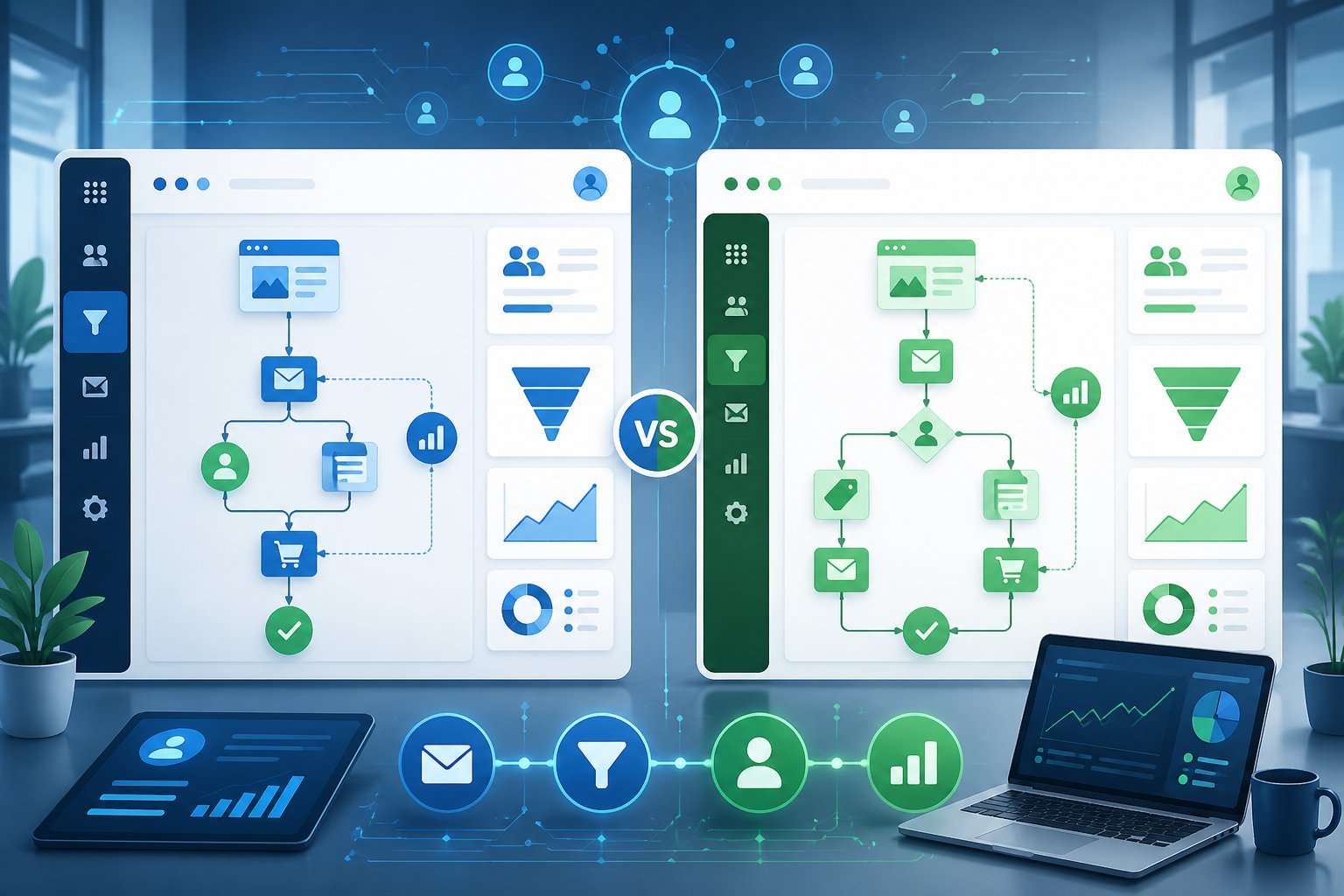
ClickFunnels Classic relied on a separate tool called Actionetics for email marketing and basic automation, while ClickFunnels 2.0 built these features directly into the platform with a more advanced system for workflows, contact management, and follow-up sequences.
CRM Capabilities
ClickFunnels Classic had limited CRM features. You could manage contacts, but the system was basic and mostly focused on tracking people through your funnels.
If you wanted advanced contact management or lead scoring, you needed to connect external tools. ClickFunnels 2.0 includes a built-in CRM that handles contact management, tagging, and pipeline tracking.
You can see where each lead is in your sales process and manage customer relationships without leaving the platform. The CRM lets you organize contacts based on their actions and behaviors, making it easier to follow up at the right time.
The new CRM also connects directly with your automation workflows. When someone completes a purchase or signs up for your email list, their information updates automatically in your CRM.
Email Marketing and Automations
ClickFunnels Classic used Actionetics for email marketing. This tool let you send basic email sequences and segment your contacts.
However, many users found it limited and chose to use outside email marketing platforms instead. ClickFunnels 2.0 removed Actionetics and replaced it with Follow-Up Funnels.
This new email marketing system gives you more control over your email automation and integrates better with the rest of the platform. You can create email sequences that trigger based on specific actions your contacts take.
The email automation in 2.0 is more reliable and offers better tracking. You can see who opens your emails and clicks your links.
This data helps you understand what works and what doesn’t in your email campaigns.
Workflows and Segmentation
ClickFunnels Classic had simple automation options. You could set up basic triggers and actions, but building complex marketing workflows was difficult.
The visual automation builder was limited compared to what other platforms offered. ClickFunnels 2.0 includes advanced automation with a better visual automation builder.
You can create multi-step workflows that include different triggers, conditions, and actions. The system supports complex sequences like abandoned cart recovery, course enrollment, and behavior-based follow-ups.
The workflows feature two types: Quick Actions for simple one-step automations and Workflows for longer sequences. Quick Actions work well for immediate responses like sending a welcome email.
Workflows handle more complex tasks like nurturing leads over time. Segmentation is stronger in 2.0.
You can tag contacts based on their behavior and create different paths in your workflows depending on those tags. This means you can send more targeted messages to different groups of people in your audience.
E-Commerce and Checkout Enhancements
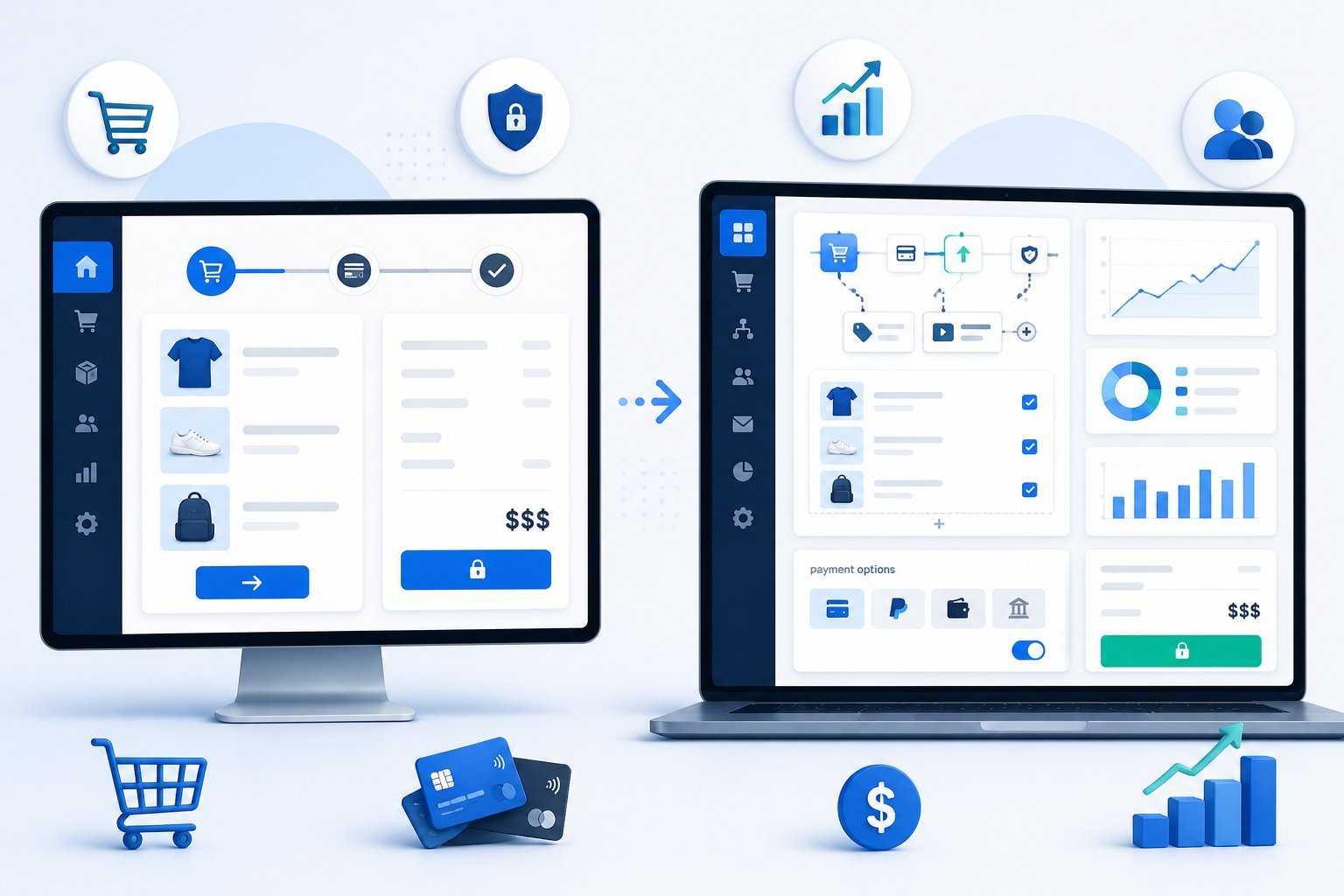
ClickFunnels 2.0 brings major improvements to how you sell products online. The new version gives you better tools for managing your ecommerce store, handling payments, and delivering digital products to customers.
Product Catalogs and Shopping Cart
ClickFunnels 2.0 introduced global products, which means you create each product once and use it across multiple funnels. You don’t need to rebuild the same product every time you want to sell it in a different place.
This saves you time and keeps your product information consistent. The shopping cart system got a complete upgrade.
You can now manage product catalogs more easily, set up inventory tracking, and create custom pricing. The system handles both physical and digital products without needing extra tools.
Your ecommerce store can display products in a cleaner, more organized way. You control product pages, pricing, discounts, and inventory all from one dashboard.
Checkout Flow and Payment Processing
The checkout system in 2.0 is faster and more flexible than the original version. You get one-click checkout options that reduce the steps customers take to buy.
Payment processors integrate directly into the platform. ClickFunnels 2.0 works with multiple payment gateways, including their own Payments.AI system.
You can switch between payment processors with just a few clicks if you ever have issues with one. The checkout flow is fully customizable.
You decide what information to collect, how many steps to include, and what the page looks like. This control helps you reduce cart abandonment and increase product sales.
Upsell and Order Bump Functionality
Order bumps let you add extra offers right at checkout. Customers see these additional products before they complete their purchase.
You just check a box to add them to the order. Upsells work differently in 2.0 compared to the classic version.
You can create multiple upsell and downsell pages in sequence. The visual funnel builder shows you exactly how these offers connect.
You can test different offers, track which ones convert best, and adjust your strategy.
Membership and Course Delivery
The course creator in ClickFunnels 2.0 lets you build and sell online courses all in one place. You create course content, set up a membership area, and deliver lessons to students.
The course builder includes video hosting, progress tracking, and content dripping. Membership sites are easier to manage in the new version.
You can create different membership levels, control who sees what content, and collect recurring revenue. The customer center gives members a place to access their products and manage their accounts.
Your membership area connects directly to your payment system. When someone buys access, they automatically get their login credentials.
You don’t need separate tools to handle course delivery or membership access.
Analytics, Performance, and Conversion Optimization
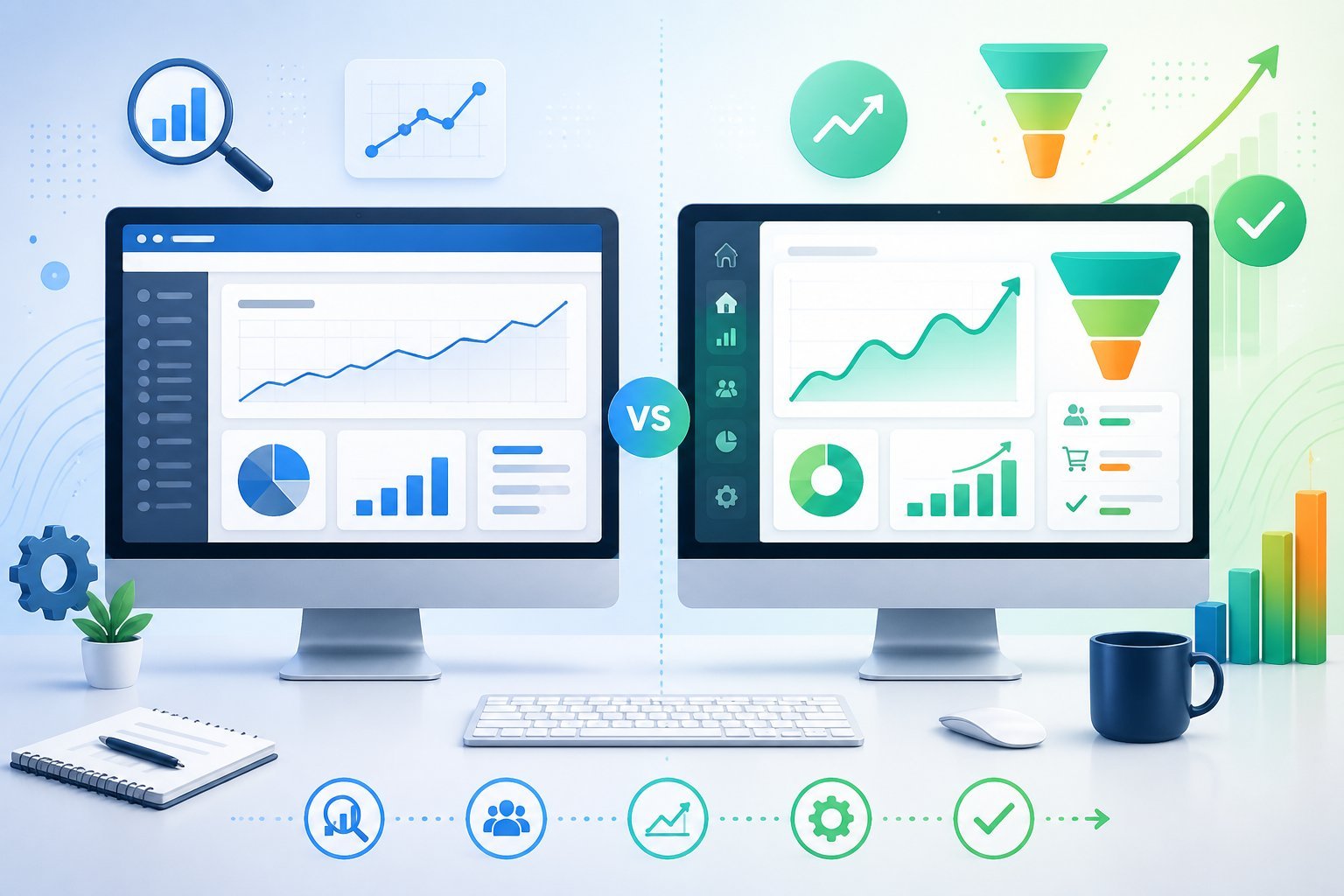
Both versions of ClickFunnels give you access to analytics and reporting tools, but ClickFunnels 2.0 offers enhanced tracking capabilities and better performance metrics. The newer platform also includes improved page load speeds and more detailed conversion data to help you optimize your funnels.
Real-Time Analytics and Reporting
ClickFunnels 2.0 provides real-time analytics that show you what’s happening in your funnels as it happens. You can track visitor behavior, see conversion rates instantly, and monitor product sales without waiting for data to update.
The dashboard gives you quick access to important numbers. You’ll see how many people visit your pages, where they drop off, and which steps in your funnel convert best.
This real-time view helps you spot problems faster than the Classic version. ClickFunnels Classic also offers analytics and reporting, but the data takes longer to refresh.
The interface is less intuitive and harder to navigate. You can still track conversions and see funnel performance, but you won’t get the same level of detail or speed that the 2.0 version provides.
A/B Testing for Conversions
Both platforms let you run A/B testing on your pages and funnels. You can test different headlines, images, or call-to-action buttons to see what works best for your audience.
ClickFunnels 2.0 makes it easier to set up and manage your tests. The interface is clearer, and you can view A/B test results directly in your analytics dashboard.
You’ll see which version wins based on conversion rates and can make decisions faster. In Classic, A/B testing requires more manual setup.
The reporting isn’t as visual or easy to understand. You still get the data you need, but it takes more time to analyze and apply what you learn to improve your funnel performance.
Conversion Rate Optimization
ClickFunnels 2.0 gives you better tools to optimize your conversion rates. The platform tracks more data points about user behavior, showing you exactly where people lose interest or abandon their carts.
You can see heat maps and click tracking in the newer version. This helps you understand what elements on your pages get attention and which ones get ignored.
Classic focuses on basic conversion tracking. You’ll know your overall conversion rate and sales numbers, but you won’t get the deeper insights that help you fine-tune your pages for better results.
SEO and Page Performance
ClickFunnels 2.0 delivers faster page load speeds than Classic. The platform has been optimized to handle high traffic volumes without slowing down.
Faster pages mean better user experience and higher conversion rates. The 2.0 version also includes better SEO tools.
You can edit meta descriptions, page titles, and other settings more easily. The blog builder feature lets you create content that ranks in search engines, which wasn’t available in Classic.
Classic pages load slower, especially when you add custom elements or integrations. The SEO options are limited and harder to configure.
While you can still rank your pages, you have less control over the technical details that search engines care about.
Integrations, Support, and Pricing Plans

ClickFunnels Classic and ClickFunnels 2.0 handle integrations differently, offer distinct support experiences, and use separate pricing structures. The original platform charges $97-$297 monthly while ClickFunnels 2.0 starts at $97 monthly or $970 annually.
Third-Party Integrations and Affiliate Program
ClickFunnels Classic connects with many third-party integrations through direct connections and Zapier. You can link your funnels to email services, payment processors, and webinar platforms.
ClickFunnels 2.0 also supports third-party integrations but continues to expand its native tools. The platform includes built-in email marketing and course hosting, which reduces your need for external services.
Both versions include Backpack, the built-in affiliate management system. You can create your own affiliate program and let others promote your products.
ClickFunnels 2.0 calls this feature the Affiliate Center and includes it in the Optimize and Dominate plans. Classic makes Backpack available as an add-on or in higher-tier plans.
The affiliate program tools let you track commissions, set up affiliate links, and manage your affiliate marketing efforts in one place.
Customer Support and Community
ClickFunnels Classic users get email support and access to community forums. Response times vary based on ticket volume and your plan level.
ClickFunnels 2.0 offers different support tiers depending on your plan. The Launch plan includes standard support and group onboarding calls.
The Scale plan adds priority support and live chat. The Optimize plan maintains priority and live chat support.
The Dominate plan provides VIP support with private calls. Both platforms have active Facebook communities where you can ask questions and connect with other users.
You’ll find training resources, tutorials, and documentation to help you build your funnels.
Pricing, Free Trials, and Value
ClickFunnels 2.0 offers four pricing plans:
| Plan | Monthly | Annual | Contacts | Emails/Month |
|---|---|---|---|---|
| Launch | $97 | $970 | 10K | 50K |
| Scale | $197 | $1,970 | 75K | 300K |
| Optimize | $297 | $2,970 | 150K | 750K |
| Dominate | N/A | $5,997 | 400K | 1.2M |
All plans include unlimited funnels during the current promotion.
Annual billing saves you money compared to paying monthly.
ClickFunnels Classic keeps legacy users on their existing plans without forced upgrades.
New signups go directly to ClickFunnels 2.0 pricing.
Both platforms offer a 14-day free trial so you can test the features before committing.
The ClickFunnels trial gives you access to most features, though some advanced tools may be limited.
You don’t need a credit card to start your 14-day trial on either platform.