
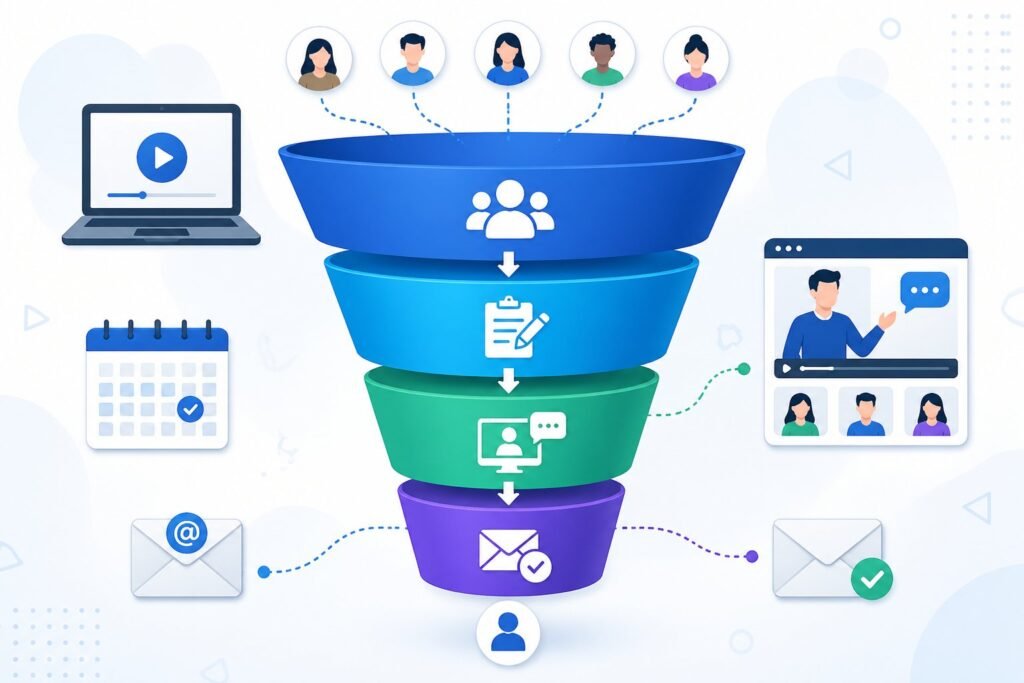
A webinar funnel is a marketing system that guides people from signing up for your webinar all the way through to buying your product or service.
ClickFunnels webinar funnels let you build complete registration pages, host your webinar, and sell your offers all in one place without needing multiple tools or platforms.
This saves you time and keeps your entire sales process organized under one roof.
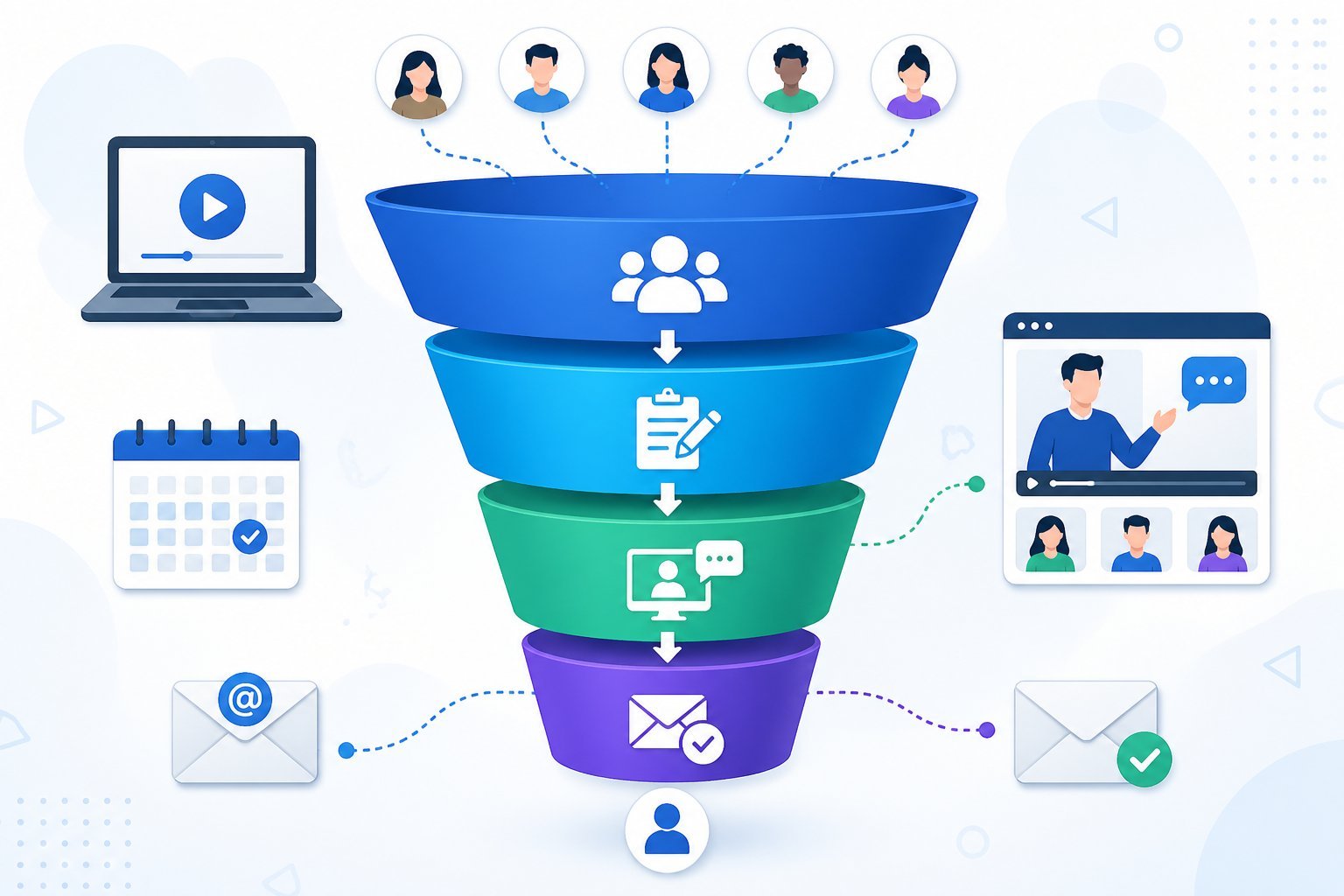
If you’re thinking about using webinars to grow your business, you need to know how to set up a funnel that actually works.
Many business owners struggle to get people to sign up for their webinars or fail to turn attendees into paying customers.
The right webinar funnel solves both problems by creating a smooth path from interest to purchase.
This guide walks you through everything you need to know about creating a ClickFunnels webinar funnel.
You’ll learn what makes these funnels effective, how to build one from scratch, and ways to get more people to register and show up.
Whether you want to run live events or automated replays, you’ll discover how to use this tool to connect with your audience and increase your sales.
Understanding Webinar Funnels and Their Value
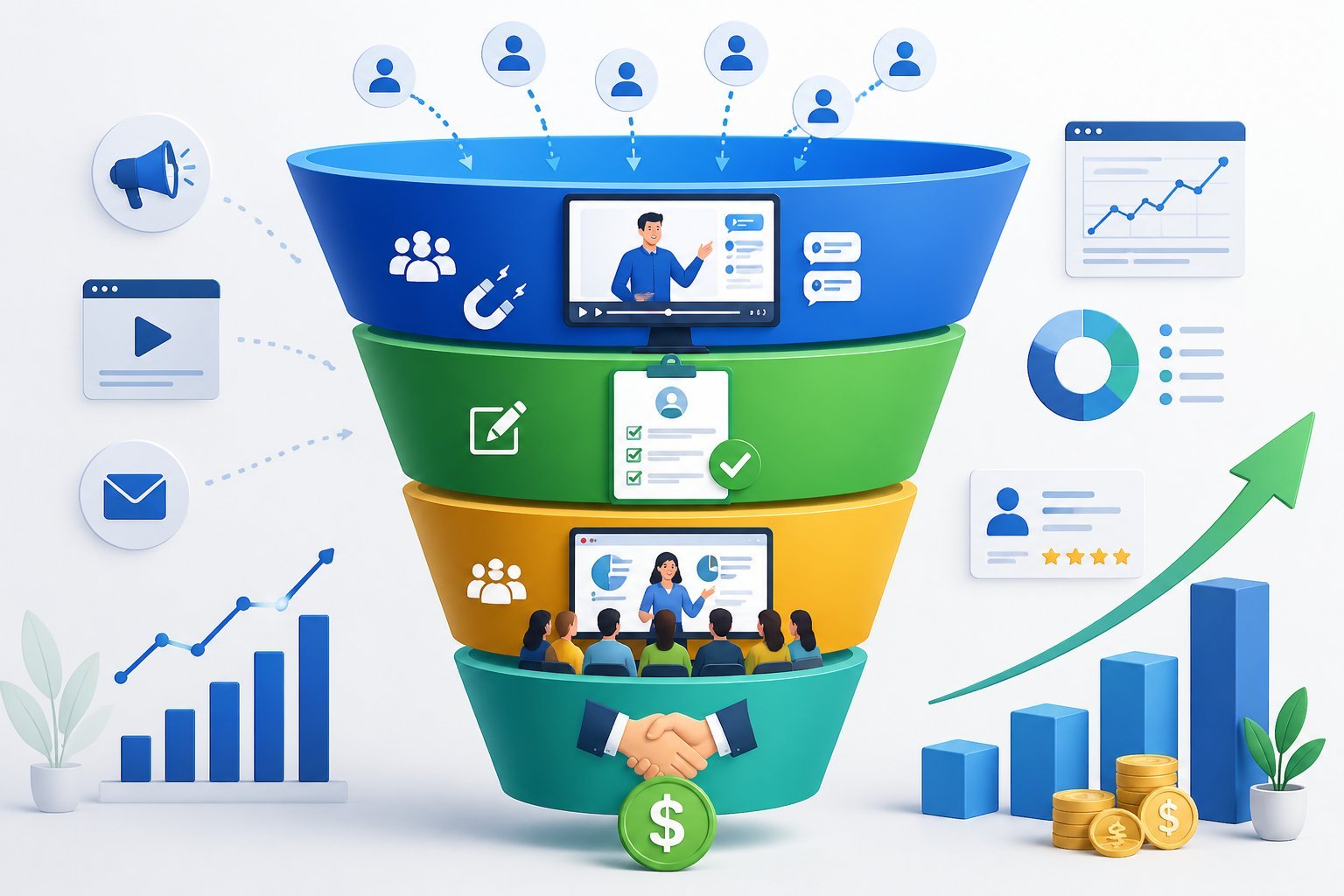
Webinar funnels combine the teaching power of online presentations with a clear path to purchase.
These sales funnels work by moving people from initial interest to buying customers through a series of connected steps.
What Is a Webinar Funnel?
A webinar funnel is a type of sales funnel built around an online presentation.
It starts when someone signs up for your webinar and continues through the actual event and beyond.
The funnel includes several key pages that work together.
You get a registration page where people sign up, a thank you page that confirms their spot, and a webinar broadcast page where they watch.
After the webinar ends, you can send people to a sales page or checkout.
The main parts include:
- Registration page to collect leads
- Email reminders to boost attendance
- The webinar itself (live or recorded)
- Follow-up offers and sales pages
The system turns visitors into leads when they register.
Then it converts those leads into buyers during or after the presentation.
Why Use Webinar Funnels for Online Sales?
Webinars let you connect with potential customers in a deeper way than regular ads or emails.
You can teach valuable information while building trust at the same time.
This approach works because people learn about your product or service before you ask them to buy.
The webinar format gives you 30 to 60 minutes to explain why your offer matters and how it solves their problems.
Live webinars create urgency since people need to show up at a specific time.
You can also use evergreen webinars that run automatically, which means your funnel works even when you sleep.
Both types give you more time to make your case than a simple sales page.
Key Benefits and Conversion Insights
Webinar funnels typically convert better than standard sales funnels.
The extended time you spend with prospects builds stronger relationships and trust.
Major advantages include:
- Higher conversion rates compared to basic funnels
- Ability to handle objections in real time
- Personal connection with your audience
- Automated systems that scale your business
You can prove your expertise during the presentation, which makes people more likely to buy from you.
The format also lets you answer questions and address concerns before people decide.
Webinar platforms integrated with your funnel track who attends and how long they stay.
This data helps you follow up with the right message to the right people.
Types of Webinars You Can Run With ClickFunnels
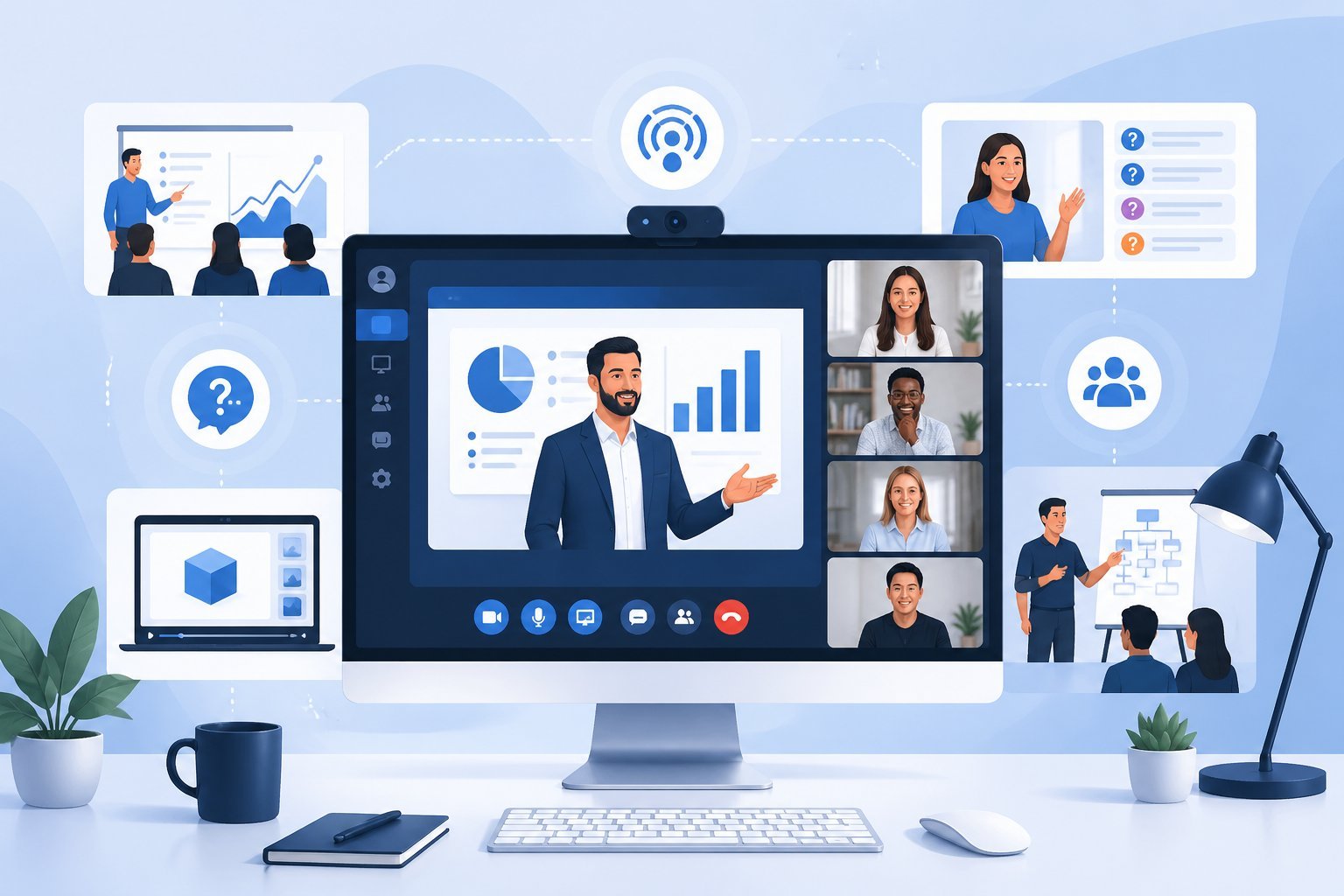
ClickFunnels supports live broadcasts and automated formats, giving you flexibility in how you deliver content and connect with your audience.
You can choose between real-time presentations, pre-recorded replays, or evergreen systems that run continuously.
Live Webinar vs. Auto Webinar
A live webinar lets you broadcast in real-time to your audience.
You present your content as it happens, answer questions on the spot, and create a sense of urgency for viewers to attend at a specific time.
This format works well when you want direct interaction and immediate feedback from attendees.
An auto webinar uses pre-recorded content that plays automatically.
Your audience watches the same presentation without you being present.
This automated webinar approach saves you time since you record once and let the system handle replays.
The auto webinar funnel can run 24/7, reaching people in different time zones.
You don’t need to show up for each presentation, which frees you to focus on other business tasks.
Evergreen and Replay Webinar Options
A webinar replay makes your live presentation available after the webinar event ends.
People who missed the live session can watch it later at their convenience.
An evergreen webinar takes automation further by running continuously on a set schedule.
New registrants see the webinar at designated times, creating the feel of a live event even though it’s pre-recorded.
This format combines the benefits of automation with scheduled urgency.
Both options extend the life of your content beyond a single broadcast.
They help you generate leads and sales even when you’re not actively presenting.
Choosing the Right Format for Your Goals
Pick live webinars when you need real-time engagement or plan to sell high-ticket items that benefit from direct interaction.
The immediate connection helps build trust quickly.
Choose automated options when you want to scale your reach without repeating presentations.
Auto webinars work well for lead generation and mid-range product sales.
Use evergreen systems when you have proven content that converts consistently.
This format lets you test and refine your presentation before automating it completely.
Match your webinar type to your specific business goals and available time commitment.
Building Your Webinar Funnel Step-by-Step
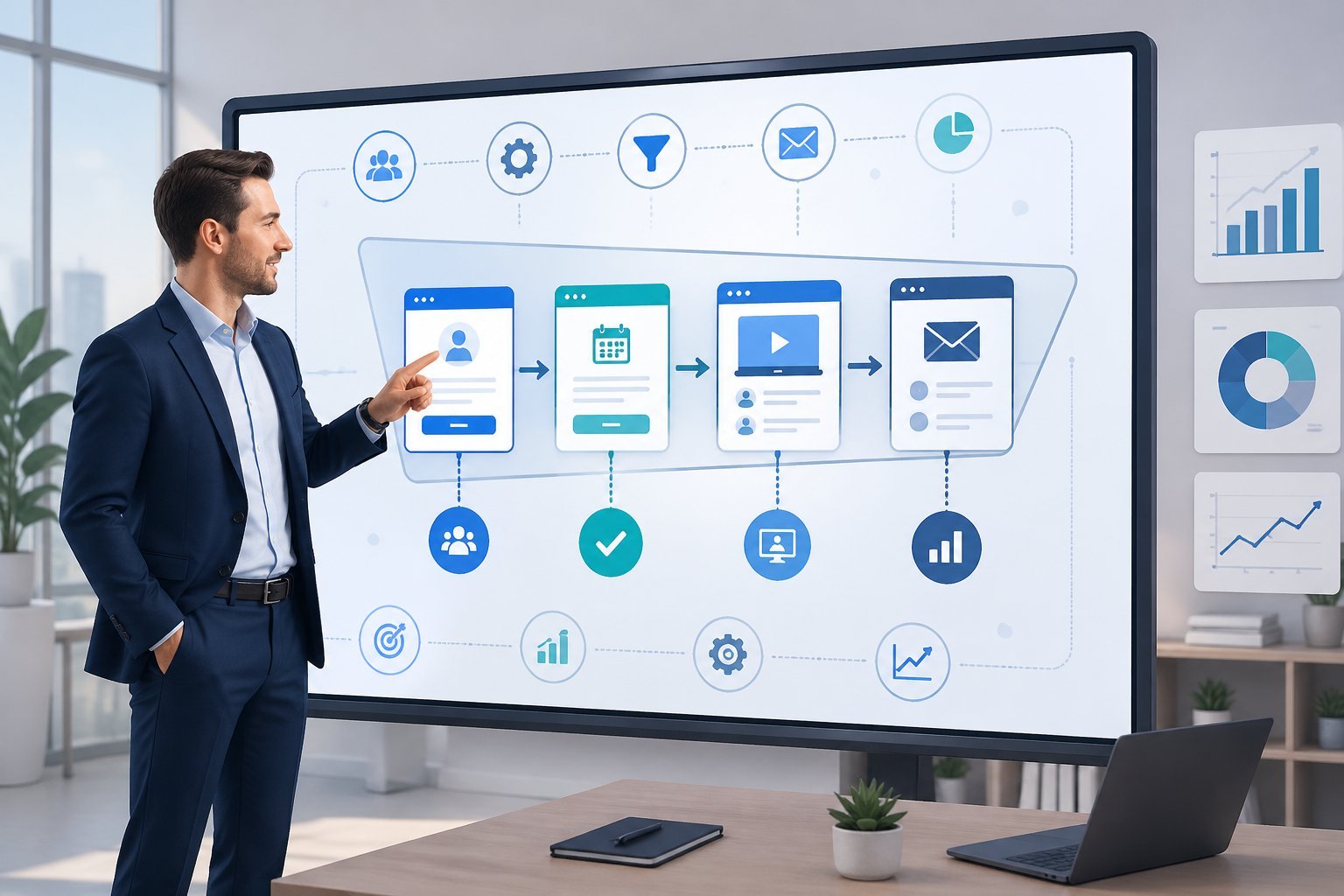
Setting up a webinar funnel in ClickFunnels involves choosing the right template, building registration pages that convert, setting up your broadcast room, and automating your follow-up emails.
Each step works together to turn visitors into registered attendees and then into customers.
Selecting Funnel Templates and Builders
ClickFunnels offers pre-built funnel templates specifically designed for webinars.
You can access these through the funnel builder when you create new funnel in your account.
The Classic Funnel Builder gives you access to webinar-specific templates.
These templates include all the pages you need already connected in the right order.
You can choose between live webinar and auto-webinar replay options depending on your needs.
When you select a template, you’ll use the drag-and-drop editor to customize it.
This editor lets you change colors, text, images, and buttons without touching any code.
Most webinar templates come with a registration page, confirmation page, and thank you page already set up.
Pick a template that matches your webinar style.
Live webinars work best for real-time engagement and Q&A sessions.
Auto-webinar replays run 24/7 and let people watch on their own schedule.
Creating Effective Registration and Confirmation Pages
Your webinar registration page is where people sign up for your event.
This page should clearly show what your webinar covers and when it happens.
Include a simple form that asks for name and email address at minimum.
The landing pages you create need strong headlines that grab attention.
Tell visitors exactly what they’ll learn and why they should attend.
Use bullet points to list the main topics you’ll cover.
Your confirmation page appears right after someone registers.
This page should thank them for signing up and give them their access details.
Include the webinar date, time, and time zone to avoid confusion.
Add calendar download buttons to your confirmation page.
This makes it easy for registrants to add your webinar to their schedule.
You should also include social sharing buttons so they can invite others.
Designing the Webinar Broadcast Room Experience
The webinar broadcast room is where your actual presentation happens.
ClickFunnels Classic lets you create a live webinar room directly in your funnel.
This room includes video streaming, chat features, and call-to-action buttons.
When you set up your broadcast room, test all technical elements before going live.
Check your video quality, audio levels, and internet connection.
Make sure your slides or screen sharing works properly.
Place your offer buttons strategically throughout the room.
Most successful webinars put a main call-to-action button visible during the entire presentation.
You can also add timed offers that appear at specific moments.
The chat box lets attendees ask questions and interact with you.
Keep an eye on these messages during your presentation.
This engagement helps build trust and keeps people watching until the end.
Using Marketing Automation and Follow-Up
Email automation sends messages to registrants before, during, and after your webinar.
Set up reminder emails that go out 24 hours, 1 hour, and 15 minutes before your event starts.
These reminders reduce no-shows significantly.
Your email sequence should include different messages for people who attended versus those who missed it.
Attendees get a replay link and your main offer.
People who didn’t show up get reminder emails with another chance to watch.
Use ClickFunnels’ built-in email tools or connect with your existing email platform.
Most people integrate services like Mailchimp or ActiveCampaign through API connections.
This keeps all your contacts in one place.
Track which emails get opened and which links get clicked.
This data shows you what messages work best.
You can then adjust your follow-up sequence to get better results over time.
Integrating Webinar Platforms and Tools
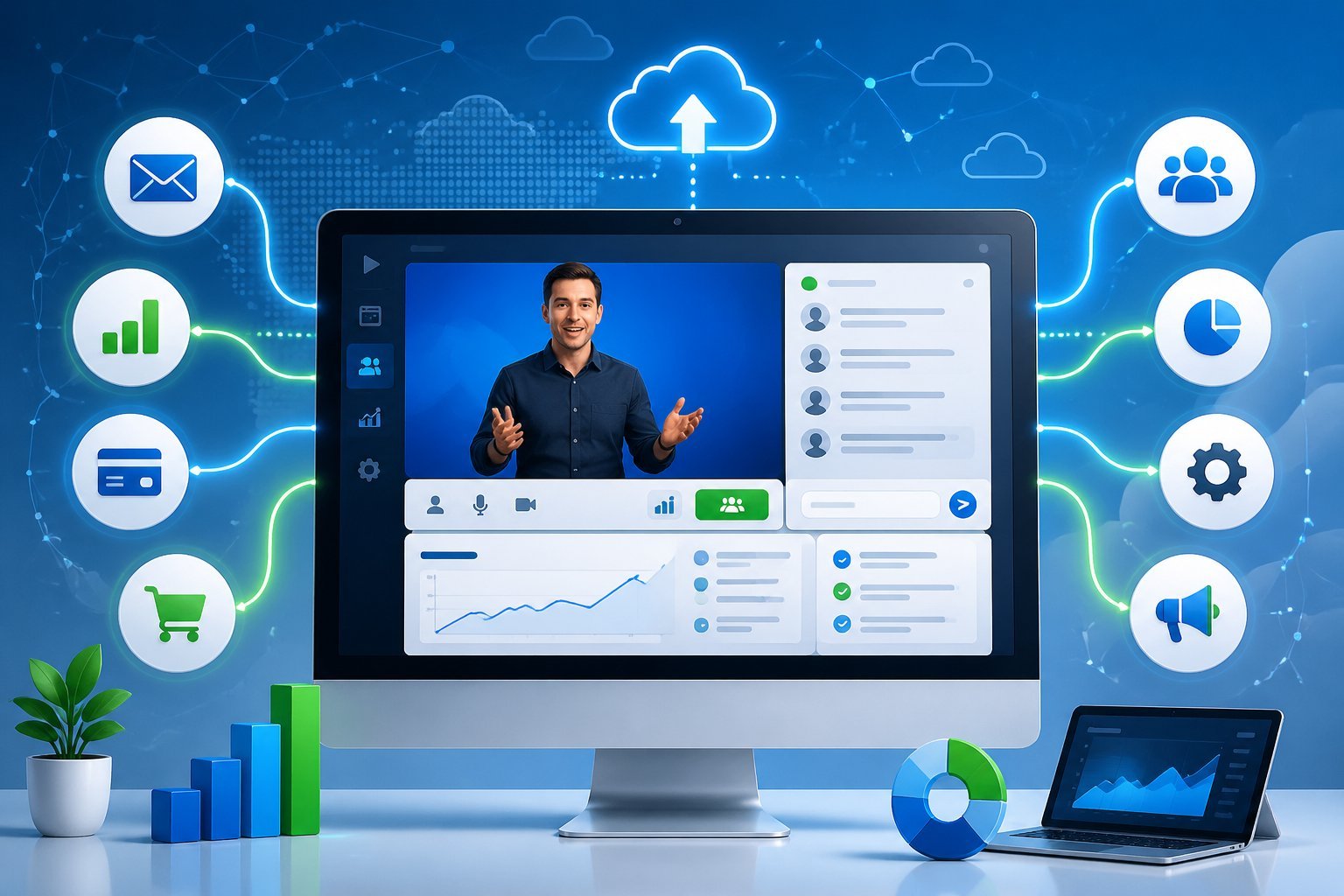
Connecting your webinar software to ClickFunnels creates a smooth path for registrations and follow-ups.
The right integrations let you collect sign-ups automatically and connect your marketing tools without manual work.
Connecting With Zoom, GoToWebinar, and More
ClickFunnels works with popular webinar platforms like Zoom, GoToWebinar, WebinarJam, and EverWebinar.
To connect Zoom, go to your Workspace Settings and click Integrations.
Select Zoom from the list and log in to authorize the connection.
Once connected, you can send contacts from your funnel pages directly to your Zoom meetings or webinars.
Setting up your webinar platform requires a few key steps:
- Enable registration in your Zoom or GoToWebinar account settings
- Make sure required fields like email and first name match what you collect in ClickFunnels
- Select specific webinar sessions when mapping your workflow actions
GoToWebinar and WebinarJam follow similar setup processes.
You’ll need API keys or authorization access to link these platforms.
WebinarJam requires you to create a live webinar funnel first, then add the integration through the page editor settings.
For automated webinars, EverWebinar connects to your pre-recorded content.
You can also use embedded YouTube videos or Vimeo recordings as alternatives.
Integrating With Marketing and Email Automation
Your webinar funnel works better when it connects to your email platform and CRM. ClickFunnels supports integrations with most marketing automation tools so you can follow up with registrants automatically.
After someone registers for your webinar, your email automation can send reminder messages, replay links, or special offers. You set this up through workflows in the Automations section.
Add a trigger when someone submits the registration form. Then connect your email platform as a workflow step.
Common marketing integrations include:
- Email service providers for reminder sequences
- CRM systems to track leads and sales
- Analytics tools to measure conversion rates
- Payment processors for paid webinar access
The workflow system lets you map contact fields between ClickFunnels and your marketing tools. Make sure email addresses and names sync correctly so your automation runs smoothly.
Best Practices for Platform Compatibility
Test your integrations before launching your webinar funnel. Send yourself through the registration process to confirm contacts appear in your webinar platform and email list correctly.
Check that required fields like last name are either collected in your form or disabled in your webinar platform settings. Keep your webinar platform account organized.
Zoom integrations can only display up to 30 events at once. Delete old or completed webinars so your current events show up when configuring workflows.
Follow these compatibility guidelines:
- Link one Zoom account per ClickFunnels workspace
- Verify field mapping matches between all connected tools
- Remove unused integrations to avoid confusion
- Update API connections if you change account passwords
Your webinar registration page should collect all the information your chosen platform needs. If GoToWebinar requires a phone number but your page doesn’t ask for it, registrations will fail.
Driving Registrations and Increasing Attendance
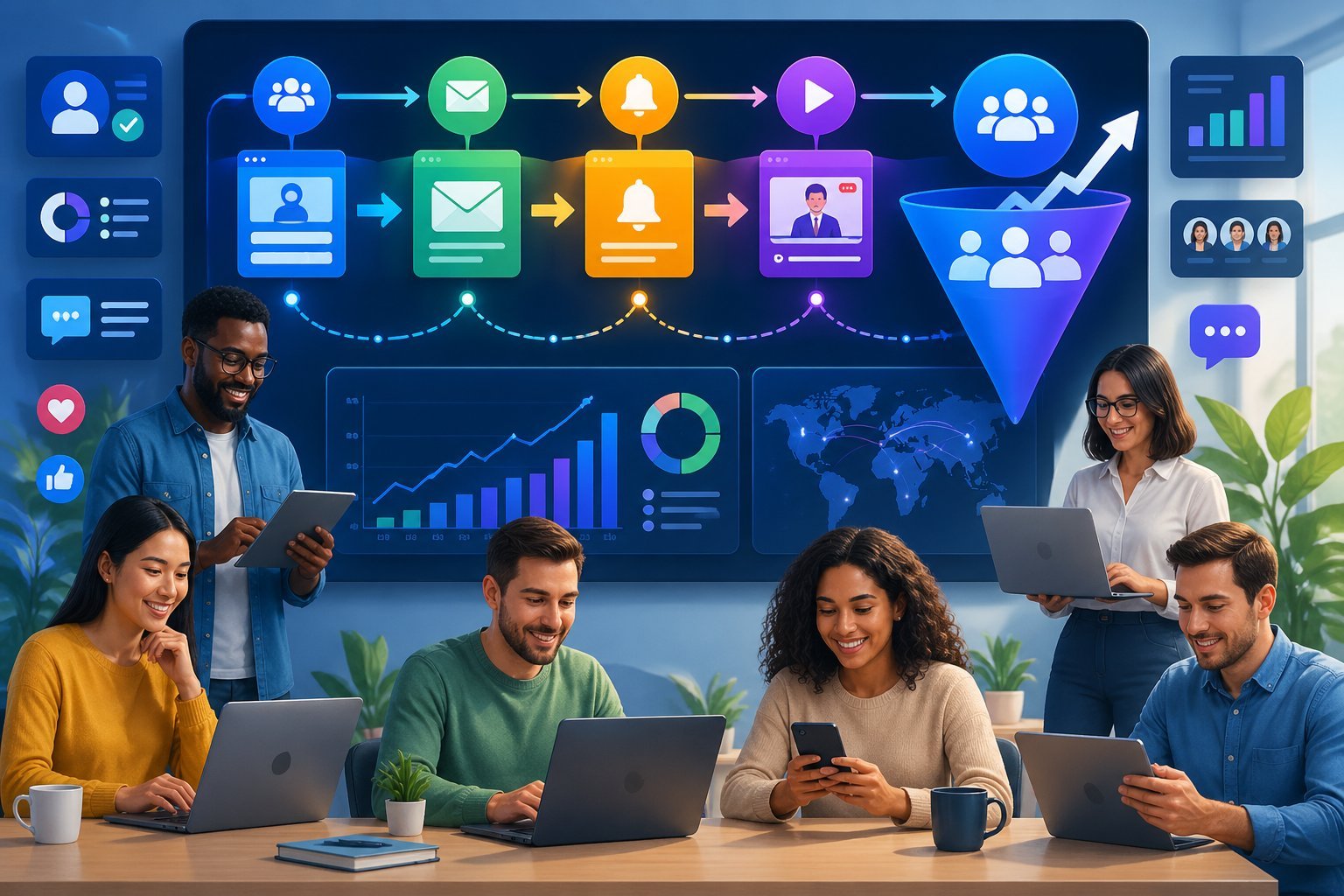
Getting people to sign up for your webinar and actually show up requires the right registration page setup, targeted traffic methods, and smart reminder strategies. These three elements work together to fill your webinar seats.
Optimizing Webinar Registration Pages
Your webinar registration page is where visitors decide if they’ll attend your webinar event. Keep the page simple and focused on one goal: getting people to register.
Start with a clear headline that explains what attendees will learn. Use bullet points to list 3-5 specific benefits they’ll gain from attending.
Include a short video if possible, as this can boost conversions by showing your personality.
Key elements your landing pages need:
- Registration form with minimal fields (name and email at minimum)
- Date and time of the webinar clearly displayed
- A compelling call-to-action button (“Save My Seat” works better than “Submit”)
- Social proof like testimonee quotes or number of registered attendees
ClickFunnels makes it easy to test different versions of your registration page. Try different headlines, images, and button colors to see what gets more sign-ups.
Even small changes can make a big difference in your conversion rates.
Using Facebook Ads and Other Traffic Sources
You need to drive traffic to your webinar registration page through multiple channels. Facebook Ads work well because you can target specific audiences who match your ideal attendee profile.
Create ads that speak directly to your audience’s pain points. Show them exactly what problem your webinar will solve.
Use eye-catching images or short video clips that stop people from scrolling.
Effective traffic sources for webinar funnels:
- Facebook and Instagram Ads
- Email list announcements
- LinkedIn posts and sponsored content
- YouTube video mentions
- Partner promotions and affiliate links
Start promoting your webinar at least two weeks before the event date. This gives people time to plan and mark their calendars.
Spend more on ads in the final 3-4 days before the webinar when urgency is highest.
Pre-Webinar Reminders and Follow-Up Strategies
Most people who register won’t show up unless you remind them. Send multiple reminder emails leading up to your webinar event to keep it top of mind.
Send your first reminder email right after someone registers with the webinar details and calendar link. Then send reminders at 24 hours, 1 hour, and 15 minutes before the start time.
Each email should include the webinar link and a quick note about what they’ll learn.
Reminder schedule that increases attendance:
- Immediate: Confirmation email with calendar invite
- 1 day before: What to expect and key takeaways
- 1 hour before: “Starting soon” with direct webinar link
- 15 minutes before: Final reminder with one-click access
Text message reminders work even better than email for the final reminder. Many people check texts more often than email, especially right before an event starts.
You can also use retargeting ads on Facebook to remind registered people about the upcoming webinar.
Maximizing Sales With Your Webinar Funnel
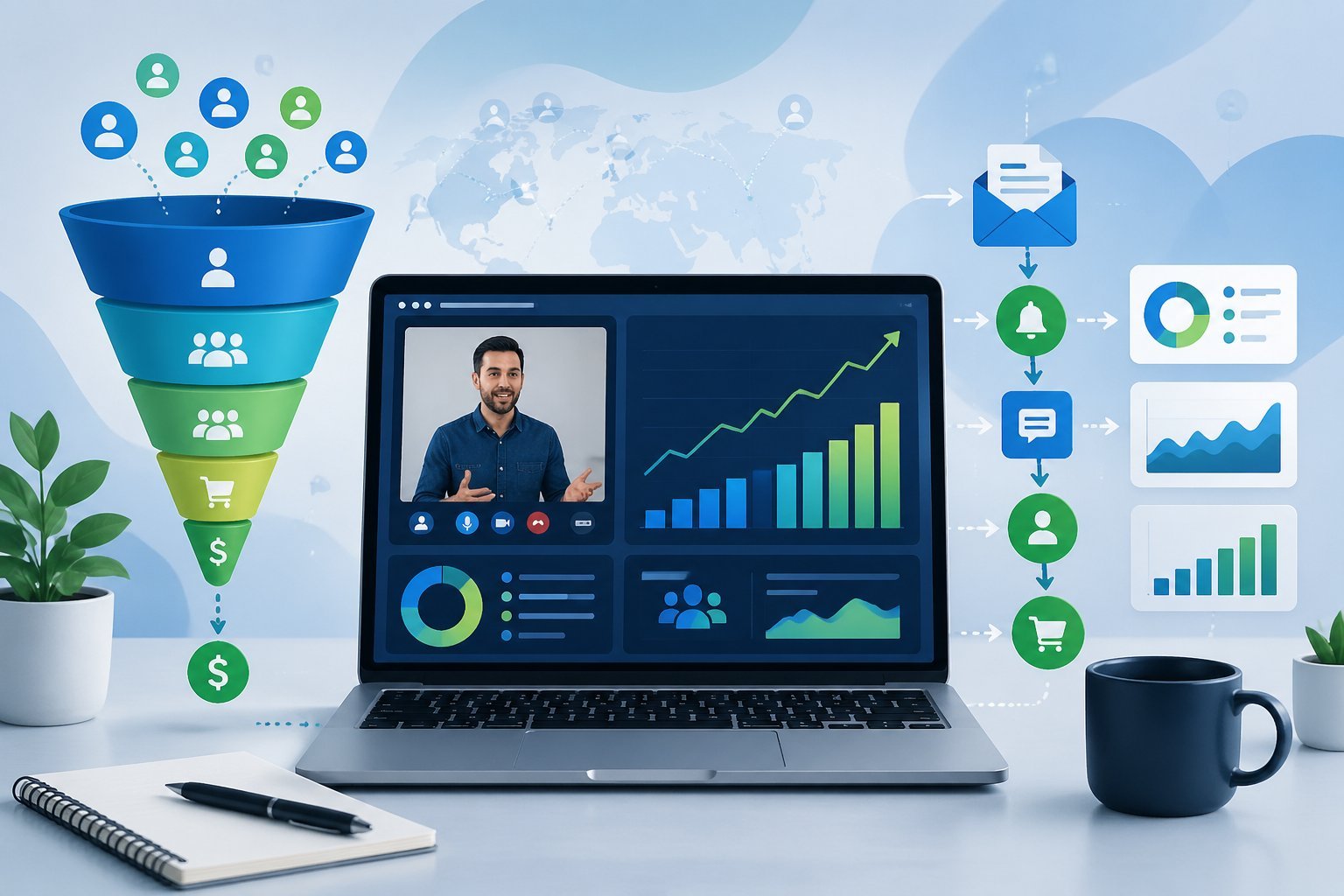
Your webinar funnel needs smart tactics to turn attendees into buyers. The right mix of urgency, follow-up offers, and data analysis helps you boost conversion rates and revenue from each presentation.
Using Scarcity and Urgency in Live Events
Live webinar events naturally create urgency because they happen at a specific time. You can boost this effect by offering time-sensitive bonuses that expire when the webinar ends.
Most successful webinar funnels include special pricing that’s only available during the live event. You might offer a discount that expires 24 hours after the webinar or provide extra bonuses for people who buy immediately.
Common scarcity tactics include:
- Limited-time pricing available only during the live event
- Fast-action bonuses for buyers who purchase within the first hour
- Limited spots for coaching programs or group offerings
- Early-bird pricing for attendees who registered first
The key is making the deadline real. Don’t fake scarcity or extend deadlines multiple times.
Your audience will lose trust if they realize the urgency isn’t genuine. You can also create urgency by mentioning how many spots remain or showing live purchase notifications during your presentation.
Post-Webinar Replay Funnels and Offers
Not everyone who registers will attend your live webinar. That’s why a webinar replay strategy matters so much for your sales funnel.
Send the replay to people who registered but didn’t show up. Give them 24-48 hours to watch and take action on your offer.
This creates a second chance to convert leads who were interested enough to sign up. Your auto webinar can run continuously after you’ve tested it live.
This lets new leads experience your presentation anytime while you focus on other parts of your business.
Replay funnel elements:
- Email sequence with replay link and countdown timer
- Modified deadline for replay viewers (usually 2-3 days)
- Different bonuses or adjusted pricing for replay offers
- Follow-up sequences for people who watch but don’t buy
Some people prefer to create a membership funnel where the webinar replay lives permanently. This works well if you’re using the webinar as a lead magnet rather than a direct sales tool.
ClickFunnels lets you set up automated replay sequences that track who watches and for how long.
Tracking, Analytics, and Funnel Iteration
Your webinar funnels need constant monitoring to improve performance. Check your click-through rate from registration page visits to actual registrations.
Strong click-through rates fall between 25% and 50%. Show-up rates typically hit around 25% for live webinars.
If yours is lower, test different email reminders or offer a worksheet or guide when people register.
Key metrics to track:
| Metric | What It Measures | Good Benchmark |
|---|---|---|
| Click-through rate | Registration page to sign-ups | 25-50% |
| Show-up rate | Registrants who attend | 20-30% |
| Drop-off rate | When people leave | Less than 40% |
| Conversion rate | Attendees who buy | 2-10% |
Watch where people drop off during your presentation. If you lose viewers at a specific point, that section needs work.
Maybe you’re losing their attention or creating confusion. Test different registration pages, email sequences, and webinar scripts.
Change one element at a time so you know what’s working.