
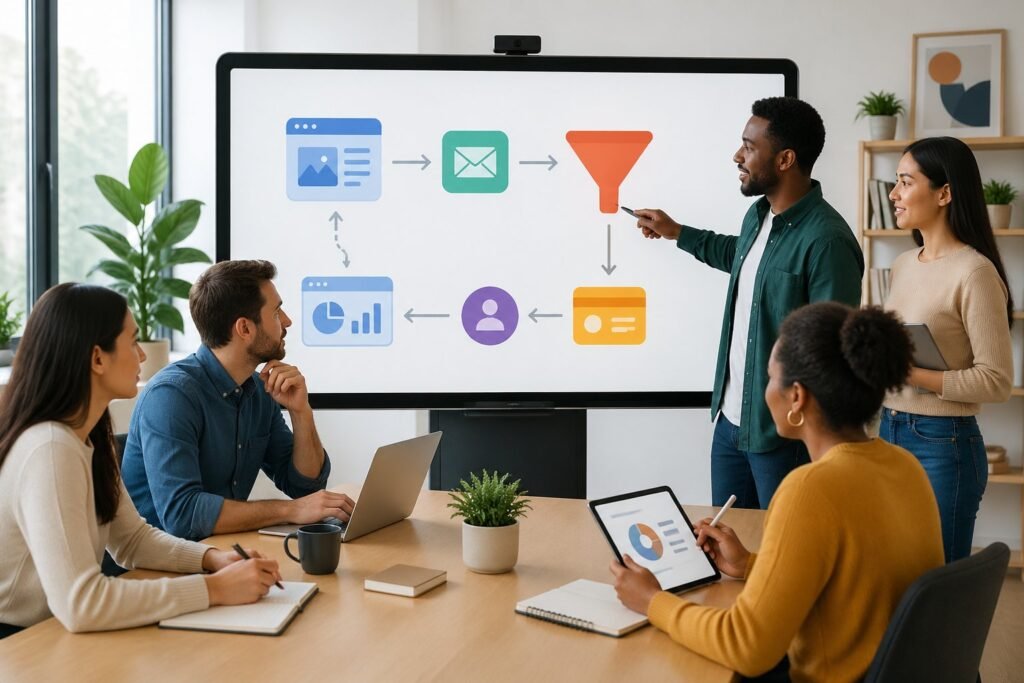
You’ve probably heard about ClickFunnels from entrepreneur friends or online business groups, but you’re not quite sure what it does or how it works.
ClickFunnels is a tool that helps you build websites and sales funnels to sell products, grow your email list, and make money online without needing to know how to code.
Created by Russell Brunson, it combines many business tools into one platform so you don’t have to juggle multiple services.
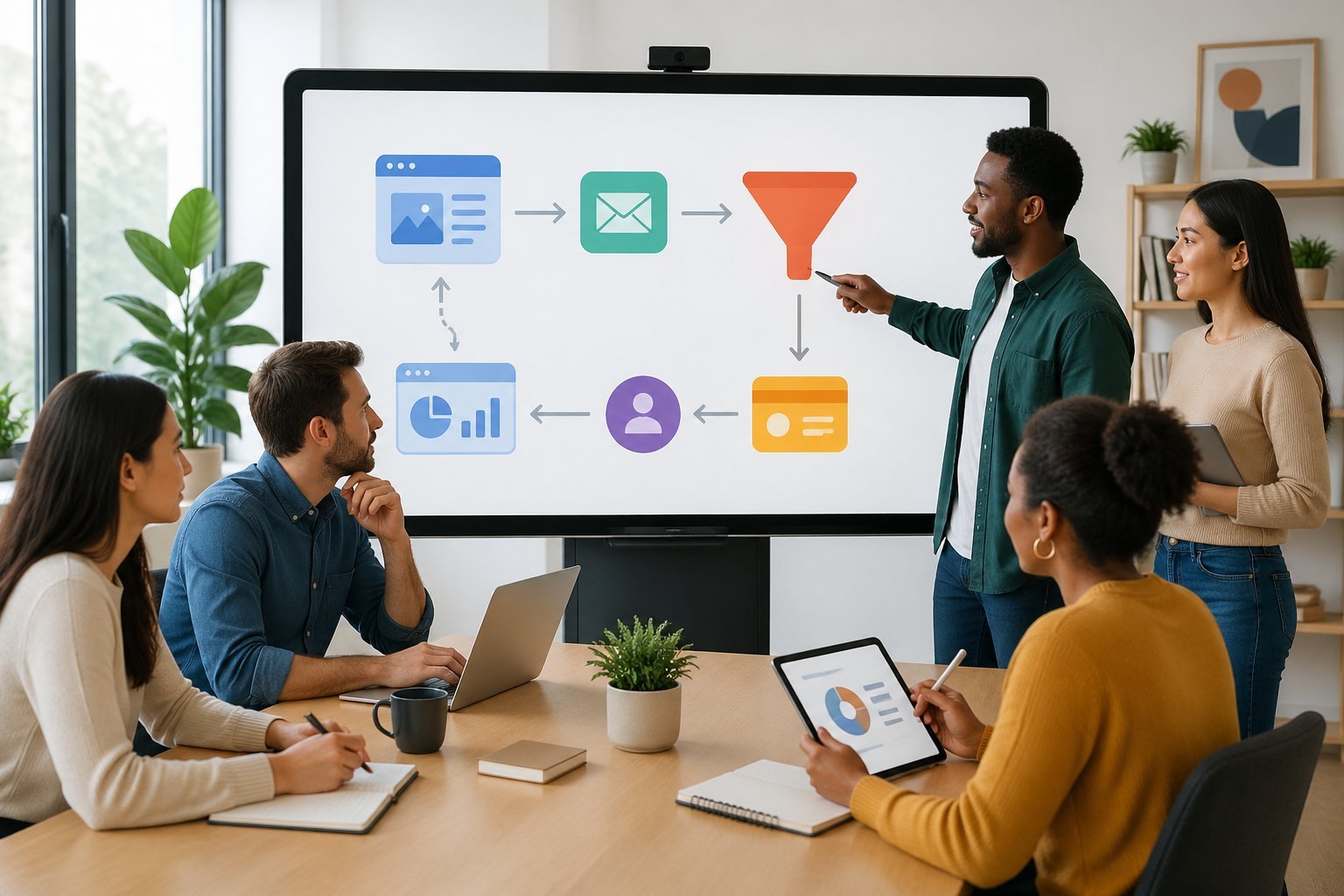
ClickFunnels helps you guide potential customers through a series of web pages designed to turn visitors into buyers, which is much more effective than a traditional website that can confuse people with too many options.
Whether you want to sell online courses, run an ecommerce store, or promote your services, ClickFunnels gives you ready-made templates and simple tools to build pages that actually convert.
This guide breaks down everything you need to know about ClickFunnels in simple terms.
You’ll learn what sales funnels are, explore the main features, discover how to build your first funnel, and find out if ClickFunnels is right for your business.
Understanding ClickFunnels and Sales Funnels
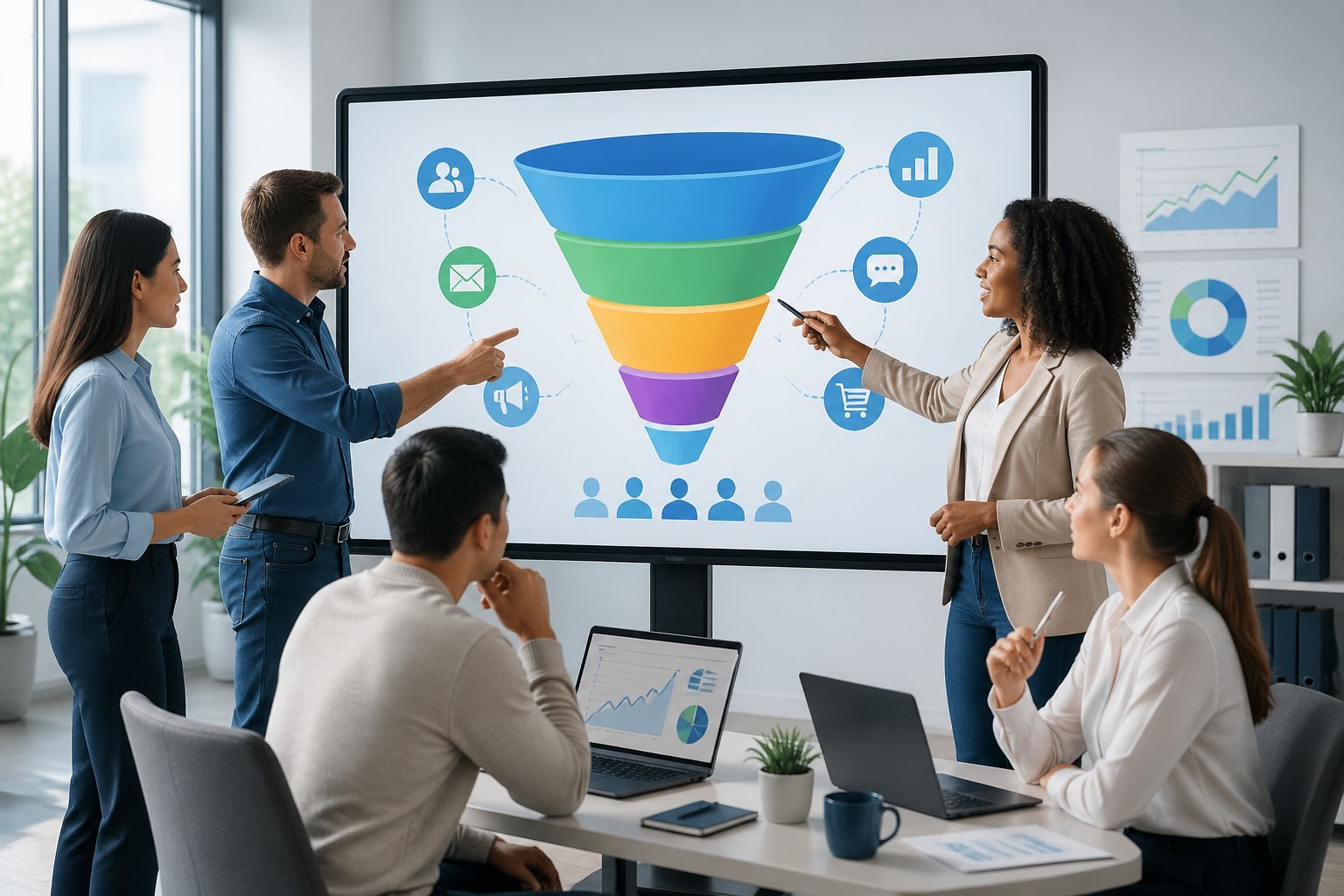
Sales funnels guide potential customers through specific steps toward a purchase, and ClickFunnels is a platform that lets you build these funnels without technical skills.
The difference between a traditional website and a funnel-based approach changes how you sell online.
Defining a Sales Funnel
A sales funnel is a step-by-step path that takes someone from “I’ve never heard of you” to “I just bought from you.”
Each step moves visitors closer to becoming customers.
The funnel shape makes sense when you think about how people buy.
You start with many people at the top who are just curious.
As they move through each step, some drop off.
That’s normal because you’re filtering for people who actually want what you offer.
A marketing funnel typically has four stages.
Awareness happens when someone first discovers your business.
Interest builds when they learn more about your solution.
Decision occurs when they’re comparing options and considering a purchase.
Action is when they finally buy.
The funnel focuses on one specific goal instead of giving visitors dozens of choices.
This guided approach works better for turning strangers into customers than letting people wander around trying to figure out what to do next.
How ClickFunnels Simplifies Funnel Creation
ClickFunnels is an online platform that lets you build complete sales funnels without coding or design skills.
You get everything you need in one place: landing pages, order forms, email automation, and payment processing.
The drag-and-drop editor makes building pages simple.
You pick a template that fits your goal, then customize it with your own text, images, and branding.
No HTML or CSS knowledge required.
Pre-built templates for different funnel types save you time.
Whether you need a lead generation funnel, webinar funnel, or product launch funnel, templates already have the proven structure mapped out.
You just fill in your specific details.
ClickFunnels features include email integration, A/B testing to compare different versions of your pages, and analytics that show where people drop off.
Everything connects together so your funnel works as one system instead of piecing together multiple tools.
ClickFunnels vs. Traditional Websites
Traditional websites let visitors go anywhere they want.
They have navigation menus, multiple pages, and lots of different paths someone can take.
This works fine for browsing but makes it harder to guide someone toward buying.
| Traditional Website | ClickFunnels |
|---|---|
| Multiple navigation options | One clear path forward |
| Many different goals | One conversion goal per funnel |
| Visitor controls their journey | You guide each step |
| General information | Focused on one specific problem |
ClickFunnels removes distractions that kill sales.
No menu bar leading people away from your offer.
No links to your blog or about page.
Just the next logical step toward the purchase.
You can have both a website and funnels for your online business.
Your website builds credibility and lets existing customers explore.
Your funnels convert new visitors into buyers by walking them through a specific journey designed to end in a sale.
Core Features and Tools Explained
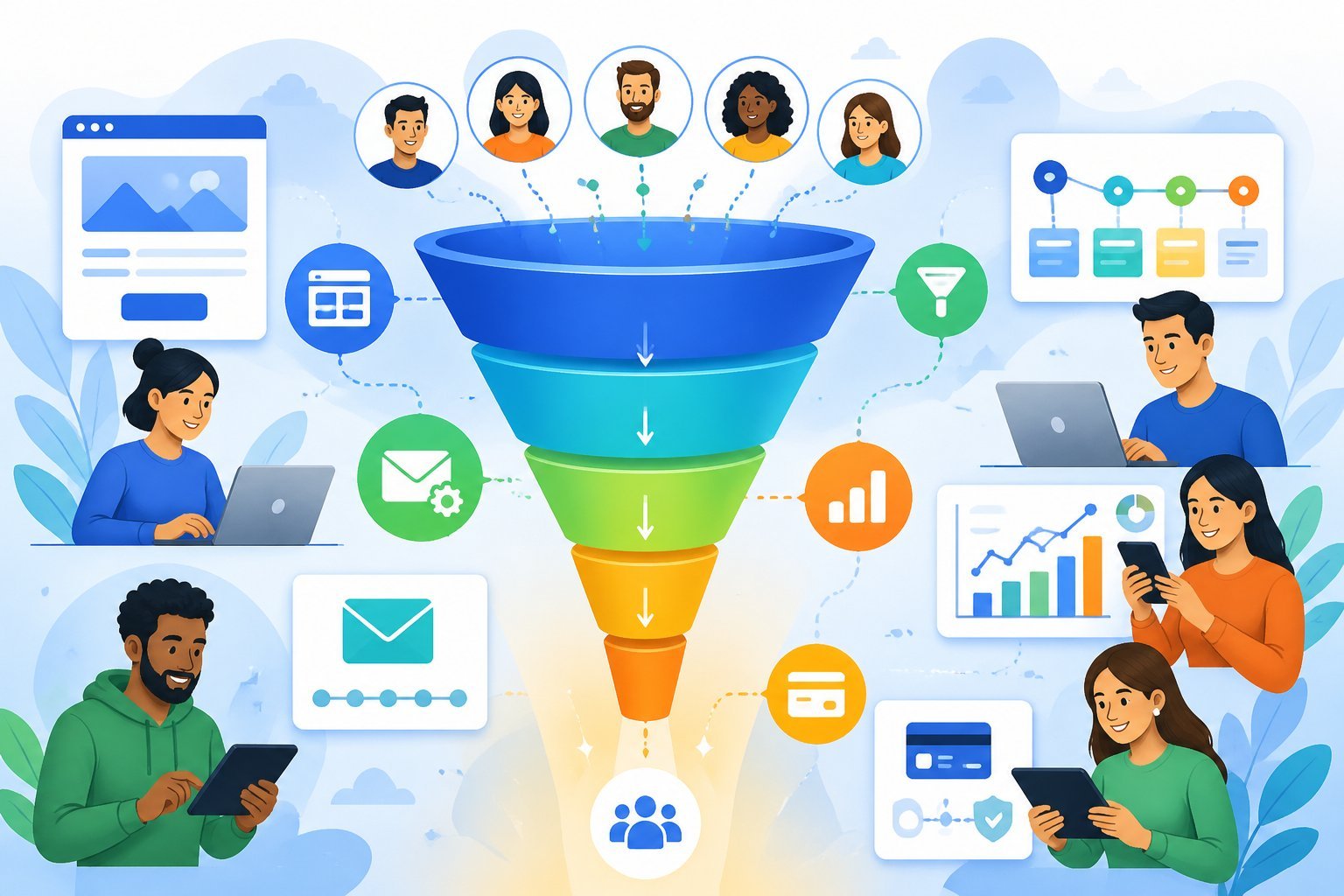
ClickFunnels gives you the tools to build complete sales funnels without needing technical skills or hiring a developer.
The platform centers around four main features that work together to turn visitors into customers.
Drag-and-Drop Funnel Builder
The funnel builder is the main tool inside ClickFunnels.
It lets you create sales funnels by dragging elements onto your pages and arranging them however you want.
You don’t need to write any code or understand web design.
The drag-and-drop editor works like building blocks.
You can add text boxes, images, videos, buttons, and forms to your pages.
Moving things around is as simple as clicking and dragging them to a new spot.
Each funnel you build has multiple pages connected in a specific order.
You might start with a landing page where people enter their email, then send them to a sales page, and finish with a checkout page.
The funnel builder shows you all these pages in a visual map so you can see how they connect.
Pre-Built Funnel and Page Templates
ClickFunnels includes templates for different types of businesses and goals.
These customizable templates are already designed to convert visitors based on proven strategies.
You can pick a template that matches what you’re selling and customize it with your own words, images, and colors.
The funnel templates cover many business types.
There are templates for selling online courses, physical products, coaching services, and lead generation.
Each template includes all the pages you need already connected in the right order.
You can also use individual page templates if you just need to create one landing page or sales page.
The templates give you a starting point so you’re not building everything from scratch.
Landing Pages and Sales Pages
Landing pages are single pages designed to capture leads or get people to take one specific action.
When you create a landing page in ClickFunnels, you focus on getting visitors to give you their email address or sign up for something.
These pages typically have a headline, some benefits, and a form.
Sales pages are longer pages that convince people to buy your product or service.
They include detailed information about what you’re selling, testimonials, pricing, and multiple calls to action.
The page builder makes it easy to add all these elements without any design experience.
Both types of pages load fast and work on mobile phones and tablets.
You can build as many pages as you need for different products or campaigns.
Checkout, Order Bumps, and One-Click Upsells
Checkout pages let customers buy your products directly through your funnel.
The shopping cart handles payments and works with different payment processors.
You can add multiple payment options and set up payment plans.
Order bumps are small add-on offers that appear on your checkout pages.
They let customers add something extra to their order with one click before they complete their purchase.
This increases your average order value without adding extra pages.
One-click upsells appear right after someone buys from you.
The customer sees an offer for a related product and can accept it with a single click.
Their payment information is already saved, so they don’t have to enter it again.
You can create multiple upsell pages in a row to maximize revenue from each customer.
Integrations and Automation Essentials
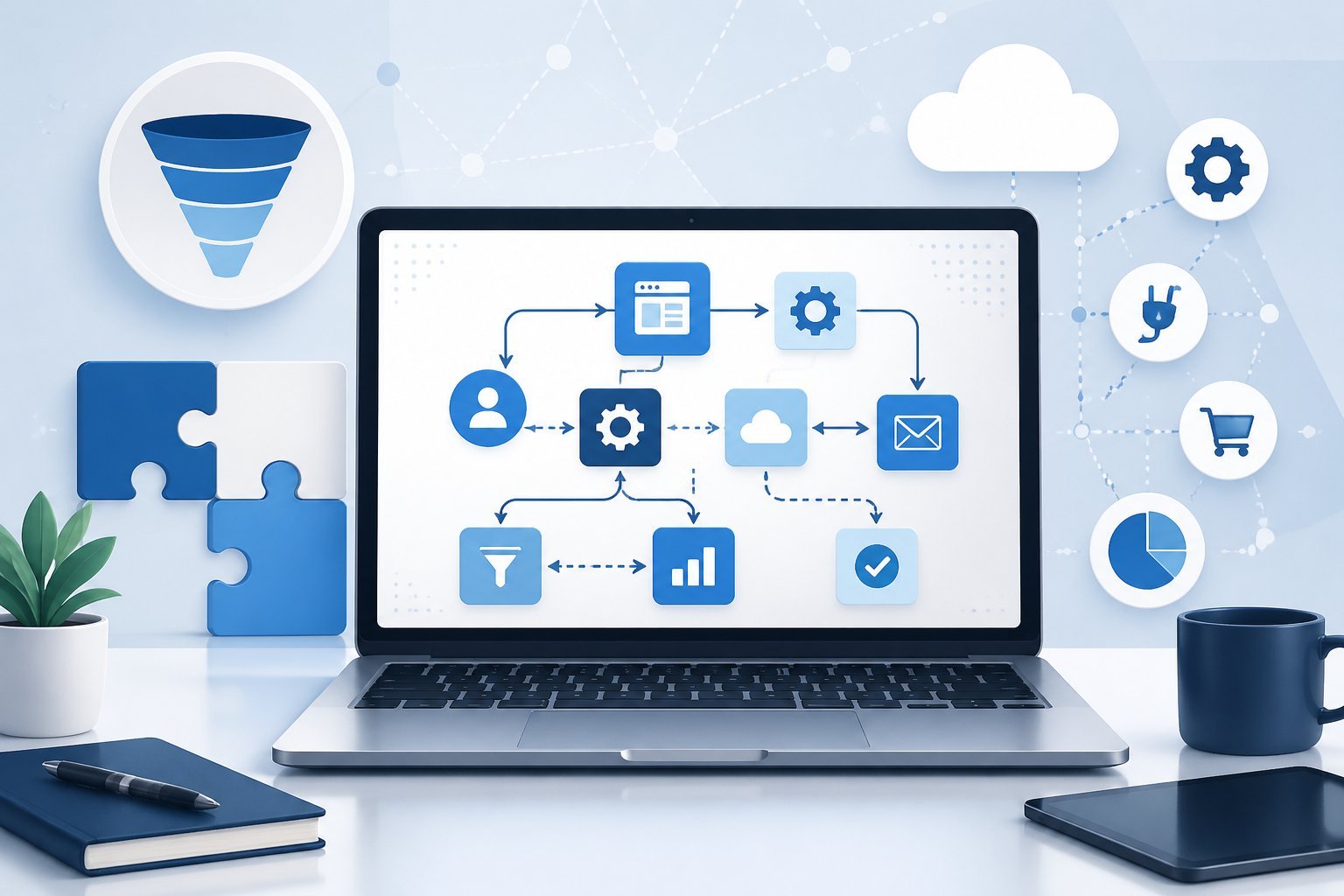
ClickFunnels connects with over 70 third-party tools to help you manage email marketing, process payments, track contacts, and automate follow-ups.
These integrations let you sync leads, trigger campaigns, and manage your entire sales process from one platform.
Connecting Email Marketing Tools
You can link ClickFunnels with popular email marketing platforms to automatically add new leads to your email lists.
When someone fills out a form on your funnel, their information instantly transfers to your email marketing tool.
Common email marketing integrations include:
- Mailchimp
- AWeber
- ActiveCampaign
- GetResponse
- ConvertKit
To set up an integration, go to your Account Settings and click on the Integrations menu.
Select your email marketing tool and enter your API key or login credentials.
Once connected, you can map form fields from your funnel to your email list fields.
This setup ensures every contact who enters your funnel gets added to the right email list.
You won’t need to manually import contacts or worry about losing leads.
Payment Gateway Integration
ClickFunnels supports direct payment gateway integration so you can accept payments inside your funnels.
The two main payment processors are Stripe and PayPal, which handle credit card transactions and process orders automatically.
Setting up a payment gateway takes just a few minutes.
Navigate to Integrations in your settings and select your preferred payment processor.
You’ll need to connect your Stripe or PayPal account by authorizing ClickFunnels to process payments on your behalf.
Once connected, you can add order forms to any funnel step.
When customers complete a purchase, the payment processes automatically and the customer information saves to your contacts.
This integration tracks conversion rates and shows you exactly how much revenue each funnel generates.
CRM and Analytics Integrations
A CRM integration helps you track every contact who enters your funnel and manage your customer relationships.
ClickFunnels works with platforms like HubSpot, Salesforce, and other CRM tools to sync lead information automatically.
When you connect a CRM, new contacts from your funnels appear in your CRM dashboard right away.
You can track where each lead came from and monitor their progress through your sales pipeline.
This data helps you understand which funnels produce the best results.
Analytics integrations let you track conversion rates, monitor split testing results, and measure campaign performance.
You can run A/B testing on different funnel pages to see which version converts better.
The analytics show you exactly where visitors drop off so you can improve your funnel performance.
Follow-Up and Marketing Automation
Marketing automation in ClickFunnels uses Workflows (previously called Follow-Up Funnels) to send emails, apply tags, and trigger actions based on customer behavior.
You can create automated sequences that run when someone reaches a specific funnel step.
To set up automation, add the Automations app to your workspace and create a new workflow.
Choose from three run types: multiple runs back-to-back, simultaneous runs, or one run per contact.
Then build your sequence using email steps, delays, and conditions.
Connect your workflow to a funnel step by clicking the lightning bolt icon next to any page.
Select which events trigger the workflow, such as form submissions or page views.
You can attach multiple workflows to the same funnel step for different events.
Common automation tasks include:
- Sending welcome email sequences
- Tagging contacts based on their actions
- Delivering digital products
- Sending abandoned cart reminders
- Notifying your team about new leads
Automation reduces manual work and ensures every lead receives timely follow-up messages.
Your contacts get the right information at the right time without you lifting a finger.
Building High-Converting Funnels Step by Step
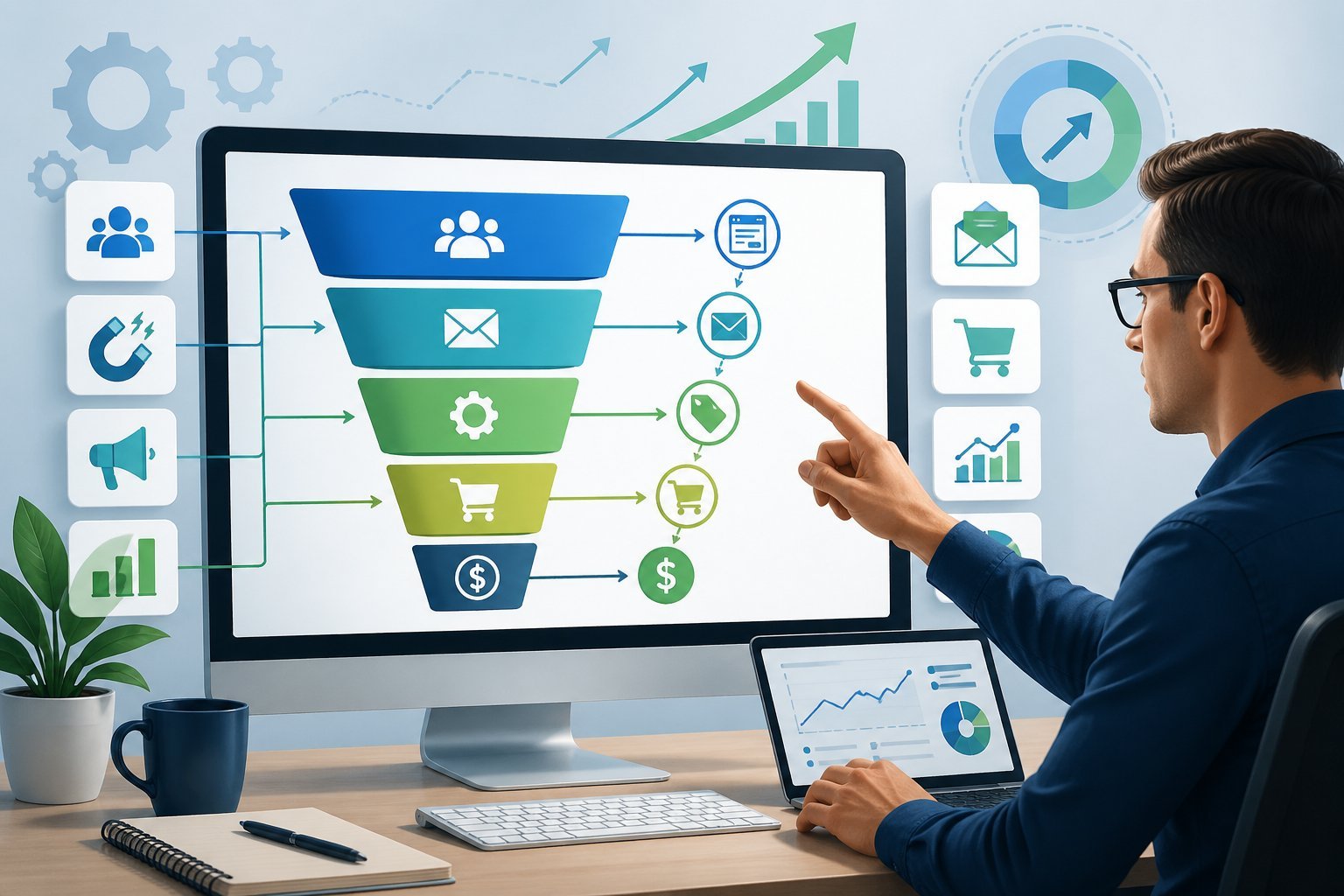
A successful funnel guides your visitors through each stage while maximizing engagement and sales.
You need to select the right funnel type, attract leads with valuable content, optimize every element for conversions, and test what works best for your audience.
Choosing the Right Funnel Type
Your funnel type depends on your specific business goal. If you want to generate leads, a lead generation funnel works best.
This type captures contact information through a simple opt-in page where visitors exchange their email for something valuable. A sales funnel focuses on selling products directly.
You’ll guide visitors from a landing page to a product page and then to checkout. Book funnels help authors sell books and upsell related products.
Webinar funnels register attendees and convert them into customers after the presentation. Summit funnels gather multiple speakers to attract large audiences.
Cart funnels handle product purchases with upsells and order bumps to increase your average order value. Each template in ClickFunnels is designed for a specific purpose, so pick the one that matches what you want to achieve.
Lead Magnets and Lead Generation
Lead magnets are free resources you offer in exchange for contact information. Your lead magnet must solve a specific problem your audience faces.
Common lead magnets include ebooks, checklists, templates, video tutorials, discount codes, or free trials. The best lead magnets deliver quick wins.
A 50-page ebook might overwhelm visitors, but a one-page checklist they can use immediately works better. Your lead magnet should relate directly to what you sell so you attract the right people.
Your lead generation funnel needs a clear call-to-action (CTA) that tells visitors exactly what to do. Use action words like “Download Now” or “Get Your Free Guide” instead of generic phrases.
Place your CTA prominently on the page where visitors can’t miss it. Your opt-in form should only ask for essential information.
Email address alone often works best. Adding more fields increases friction and reduces how many people sign up.
Optimizing for Conversion
Every element on your pages affects whether visitors convert. Your headline is the first thing people see, so make it clear and benefit-focused.
Tell visitors what they’ll get, not just what you offer. Use images and videos that show your product or demonstrate results.
People connect with faces, so include photos of real customers or team members when possible. Your copy should focus on benefits rather than features.
Instead of “10 modules,” say “learn to build sales funnels in 10 easy steps.” Remove distractions from your landing pages.
Each page should have one clear goal. Multiple CTAs or navigation menus pull attention away from your main conversion goal.
Make your CTA buttons stand out with contrasting colors. Page speed matters for conversions.
Slow-loading pages cause visitors to leave before they see your offer. Your click-through rate improves when pages load quickly and display properly on mobile devices.
Using A/B and Split Testing
A/B testing compares two versions of a page to see which performs better. You change one element at a time, like your headline, CTA button color, or form length.
Half your visitors see version A and half see version B. Split testing helps you increase conversions based on real data instead of guesses.
Test your headlines first since they have the biggest impact. Try different value propositions to see what resonates with your audience.
Test your CTA button text and placement. Sometimes “Start Free Trial” converts better than “Sign Up Now.”
Button colors can affect click-through rates, but the difference varies by audience. Run tests long enough to gather meaningful data.
You need at least 100 conversions per variation before making decisions. Keep testing even after you find a winner because visitor preferences change over time.
Memberships, Courses, and Online Events
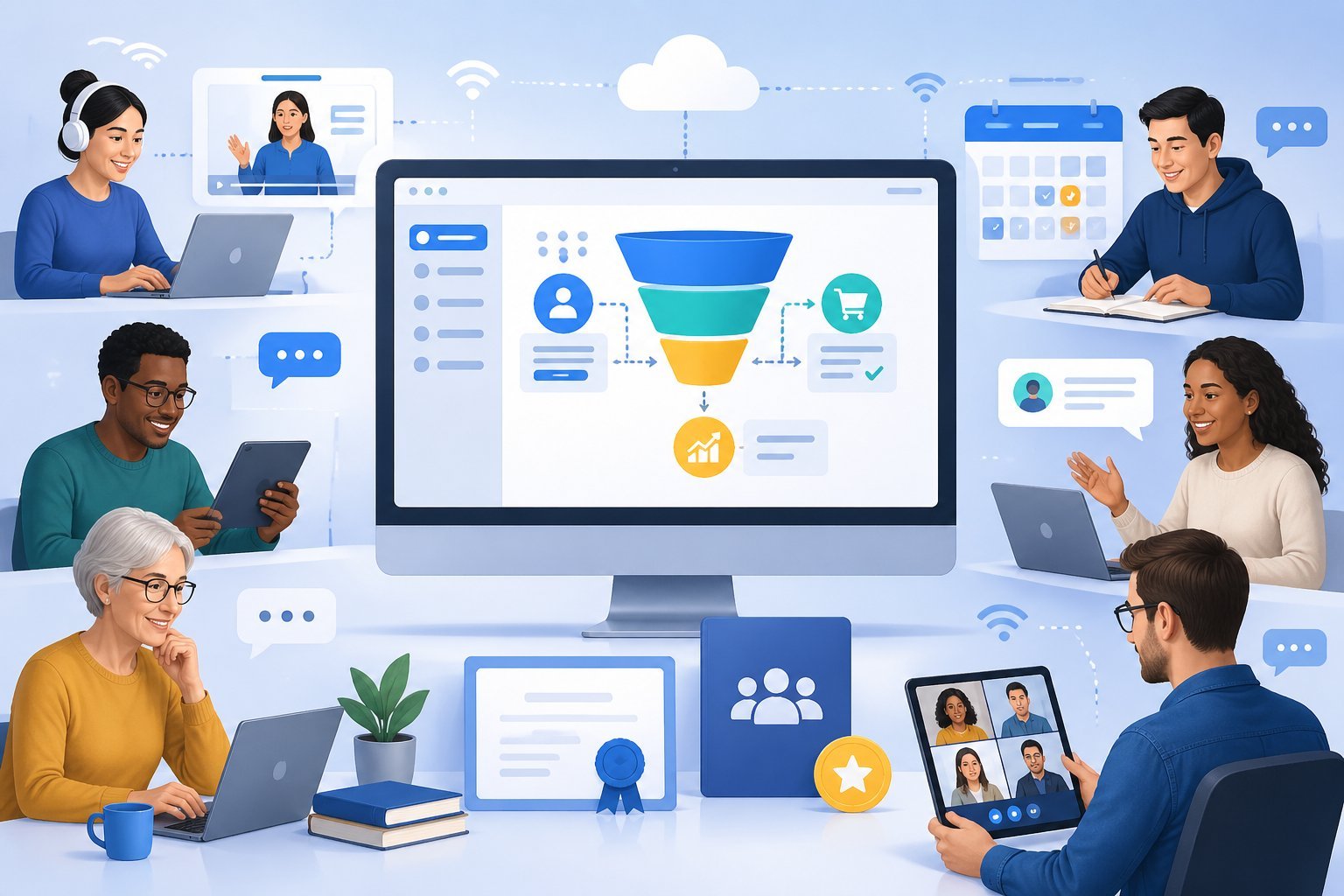
ClickFunnels gives you tools to build membership sites, sell online courses, and run webinars all in one place. You can set up payment systems, deliver content to members, and automate your event marketing without needing extra software.
Setting Up Membership Sites
A membership site lets you charge people ongoing fees to access your exclusive content. You create a login area where members can view videos, download files, or join training programs after they subscribe.
ClickFunnels provides templates to help you launch your membership site quickly. You don’t need coding skills to set one up.
The drag-and-drop editor lets you customize your site’s look and feel. You control how members get your content.
You can give instant access to everything or drip content out over weeks or months. This keeps members engaged and coming back.
The membership funnel handles payments and gives access automatically. When someone pays, they get login details right away.
You can also track who’s active and offer special deals to keep people subscribed longer.
Launching Online Courses
Online courses are digital products you can sell through ClickFunnels. You package your knowledge into lessons that students buy and complete at their own pace.
The course creator tools let you upload videos, PDFs, quizzes, and other materials. You organize everything into modules and lessons.
Students see their progress as they move through your course. ClickFunnels handles the entire sales process.
Your course funnel takes people from a landing page to checkout to instant course access. You can add upsells to sell related courses or coaching.
You keep all the money from course sales. ClickFunnels doesn’t take a cut of what you earn.
This makes it good for selling ebooks, templates, and any digital product.
Automating Webinar Funnels and Events
A webinar funnel promotes your online events and gets people to register. You create a registration page, send reminder emails, and deliver the webinar room link automatically.
ClickFunnels works well for live webinars and pre-recorded events. You can run the same webinar on a schedule or make it look live when it’s actually automated.
This lets you sell without being there in person. Your webinar funnel can include countdown timers to create urgency.
When the event ends, people see a deadline to buy your offer. This pushes them to take action instead of waiting.
You track who registers, who shows up, and who buys. This data helps you improve your webinar funnels and online events over time.
Affiliate Marketing and Community
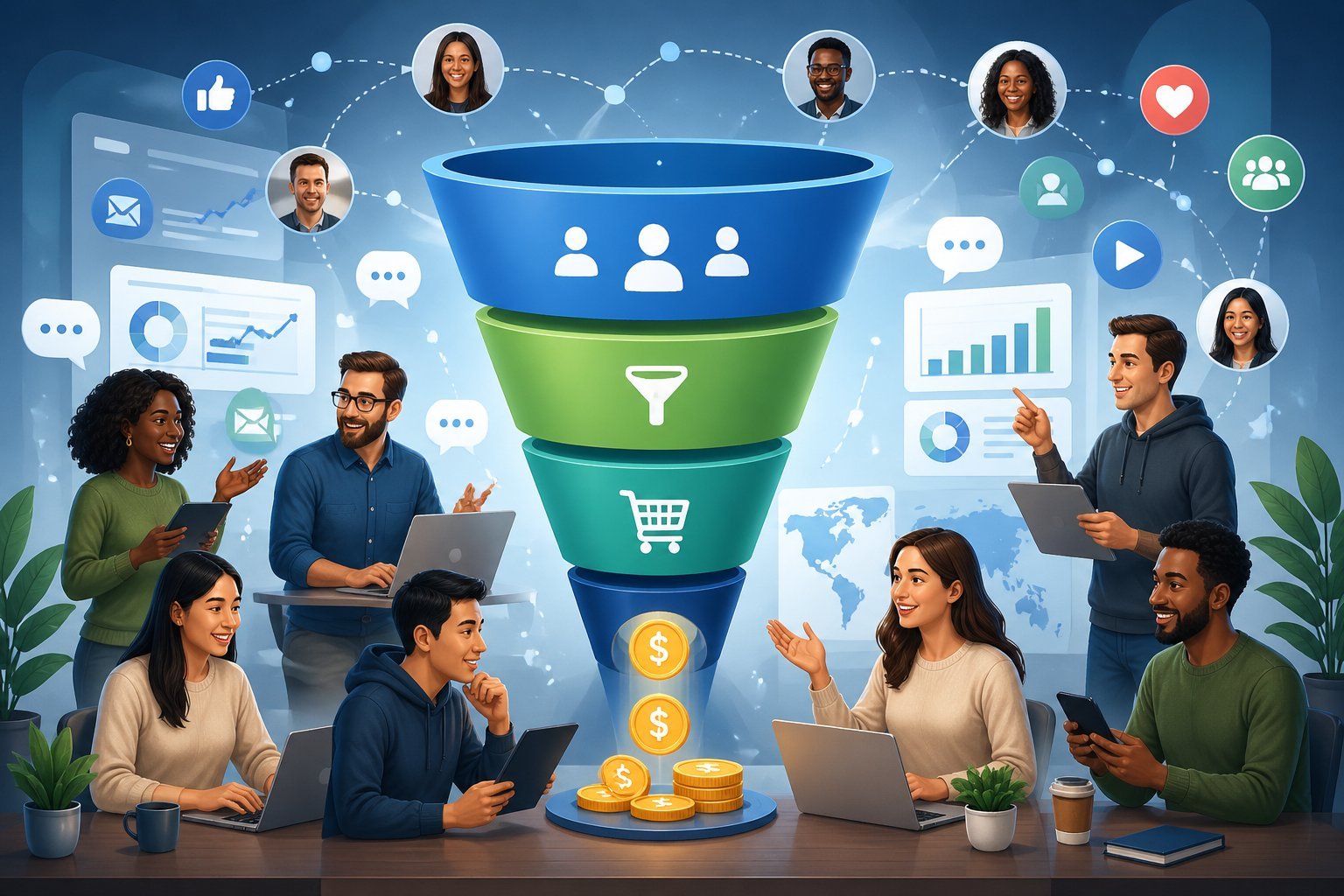
ClickFunnels offers ways to earn money through affiliate marketing and connects you with a community of users. You can promote ClickFunnels products, learn from successful marketers, and access training resources to grow your skills.
Getting Started with the ClickFunnels Affiliate Program
The ClickFunnels affiliate program pays you 30% recurring commission for every person who signs up through your unique affiliate link. This means you earn money every month as long as your referral stays a customer.
Here’s what you earn per plan:
| Plan | Monthly Price | Your Commission (30%) |
|---|---|---|
| Basic | $147 | $44.10 |
| Pro | $197 | $59.10 |
| Funnel Hacker | $297 | $89.10 |
You don’t need to be a ClickFunnels member to join the affiliate program. Just fill out an application with your name, email, and phone number.
A real person reviews each application within 2-3 business days. If you get 100 or more active members, ClickFunnels will buy you your dream car.
They pay $500 per month for 100+ users or $1,000 per month for 200+ users. You get paid twice a month on the 1st and 15th through Tipalti, which connects to PayPal or your bank account.
Funnel Hacking and the Two Comma Club
Funnel hacking means studying successful sales funnels and using what works for your own business. The ClickFunnels community shares this approach at events like Funnel Hacking Live.
The Two Comma Club recognizes entrepreneurs who have made over $1,000,000 using ClickFunnels. This community shows you what’s possible when you build effective funnels.
You can learn from their strategies and apply them to your own affiliate marketing or business. 181 affiliates have won dream cars by reaching revenue milestones.
These success stories show how the ClickFunnels affiliate program can create real income when you promote the platform consistently.
Learning Resources and FunnelFlix
FunnelFlix gives you access to training courses and resources as a ClickFunnels member. You can learn from books like DotCom Secrets, Expert Secrets, and Traffic Secrets.
The One Funnel Away Challenge is a free training program that teaches you how to build your first funnel. As an affiliate, you can promote this challenge and earn up to $89.10 per month for each person who completes the trial and keeps their account active.
Affiliate Bootcamp walks you through building an affiliate marketing business step by step. These resources help you understand how to build email lists, run ads, and create funnels that convert visitors into customers.
Pricing, Plans, and Free Trials
ClickFunnels offers four main pricing tiers with monthly and annual billing options, plus a 14-day free trial to test the platform. Annual plans save you money compared to monthly billing.
Overview of ClickFunnels Pricing
ClickFunnels has four pricing plans: Launch, Scale, Optimize, and Dominate. The Launch plan costs $97 per month or $81 per month when billed annually.
The Scale plan runs $197 monthly or $164 annually. The Optimize plan is $297 per month or $248 annually.
The Dominate plan is different because it’s only available as an annual plan at $5,997 per year. Each plan includes unlimited funnels, but other features vary by tier.
Your plan determines how many contacts, email sends, courses, and team members you get. For example, the Launch plan includes 10,000 contacts and 50,000 emails per month.
The Scale plan bumps this up to 75,000 contacts and 300,000 emails monthly. Higher tiers give you more workspaces, team members, and AI word limits.
Basic vs. Platinum (and 2.0) Plans
The current ClickFunnels 2.0 pricing structure replaced the old Basic and Platinum plans. The Launch plan is similar to the old Basic plan but with better features like unlimited funnels.
The Scale and Optimize plans offer what the Platinum plan used to provide, plus more advanced tools. All plans now include access to the ClickFunnels 2.0 editor and core features like landing pages, courses, and email marketing.
The main differences between plans are the limits on contacts, emails, and team access. Higher-tier plans add priority support, custom code editing, and API access.
The Scale plan is the most popular choice because it balances features and cost for growing businesses.
How to Start with the ClickFunnels Free Trial
You can try ClickFunnels free for 14 days on any pricing plan. The free trial gives you full access to all features included in your chosen plan.
You don’t need to enter payment information to start your trial. During the trial, you can build funnels, set up email campaigns, and test all the tools.
This lets you see if ClickFunnels works for your business before you pay. After 14 days, you’ll need to choose a paid plan to keep using the platform.
Pick the plan that matches your business size when starting your trial. You can always upgrade or downgrade later based on your needs.
Tips for Getting the Most Out of ClickFunnels
ClickFunnels works better when you adjust it to fit your needs and watch how it performs. Making small changes to your account settings, checking your numbers regularly, and testing new ideas can help you get more sales from the same amount of traffic.
Personalizing Your Funnel Builder Experience
Your account settings let you customize how ClickFunnels works for your business. Start by setting up your domain and email integrations so everything runs smoothly.
You can also organize your workspace by creating folders for different funnel types or projects. The platform gives you customizable templates you can change to match your brand.
Pick colors that fit your business and add your logo to every page. This makes people trust you more when they see your pages.
Save time by creating your own template library. When you build a page that works well, save it as a template.
You can use it again for future funnels without starting from scratch each time. Set up user permissions if you work with a team.
You can control who sees what and who can edit your funnels. This keeps your account organized and protects your work.
Tracking Success with Analytics
Your analytics show you exactly what happens in your funnels. Check your conversion rates at least once a week to see which pages work and which ones need help.
The dashboard shows you how many people visit each page and how many take action. Look at where people leave your funnel.
If lots of visitors drop off at one page, that page needs work. Pay attention to your opt-in rates and purchase rates separately.
Track these key numbers:
- Traffic to each funnel page
- Opt-in conversion rate (emails collected)
- Sales conversion rate (purchases made)
- Average order value
- Revenue per visitor
Compare your numbers over time to spot trends. A small drop might be normal, but a big change means something needs attention.
Improving Conversion Rates Continuously
Test different versions of your pages to increase conversions. Change one thing at a time so you know what makes a difference.
Try new headlines, button colors, or the placement of videos on your pages. Add social proof to build trust with visitors.
Show testimonials from happy customers or display how many people bought your product. Real photos and videos work better than text alone.
Keep your forms short. Only ask for information you really need.
Long forms scare people away and hurt your conversion rates. Speed matters too.
Remove extra images or videos that slow down your pages. People leave if pages take too long to load.
Test your funnels on phones and tablets. Many visitors use mobile devices, so your pages need to look good on small screens.
ClickFunnels templates work on mobile, but always check them yourself.